
Setting Up Acuity Integration
This guide explains how to pair Acuity Scheduling with Achieve so that all bookings made or update via Acuity automatically appear in Achieve under the Appointments section.
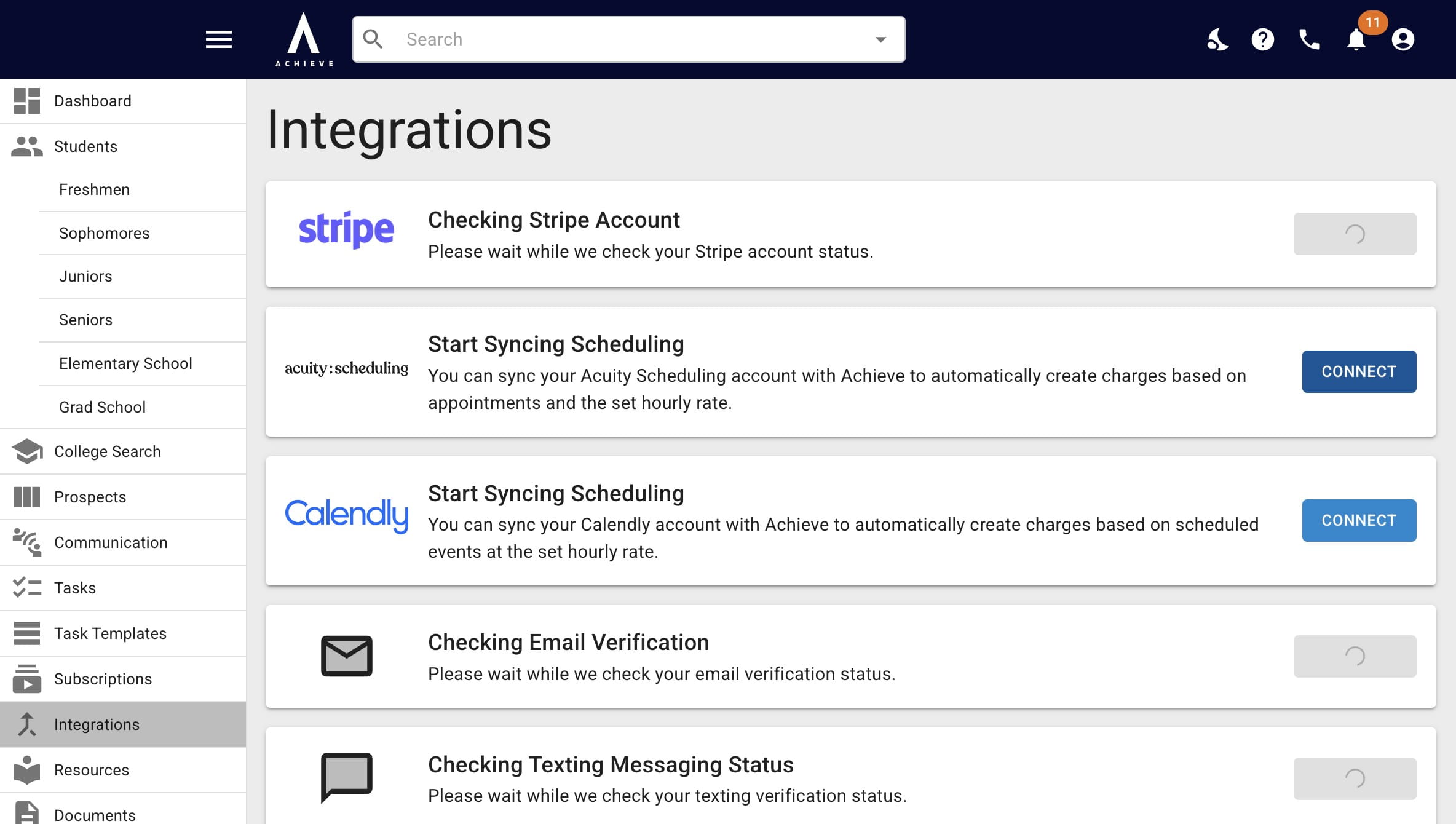
Navigate to https://app.achieveiec.com/integrations
Click on Connect to the right of Acuity.
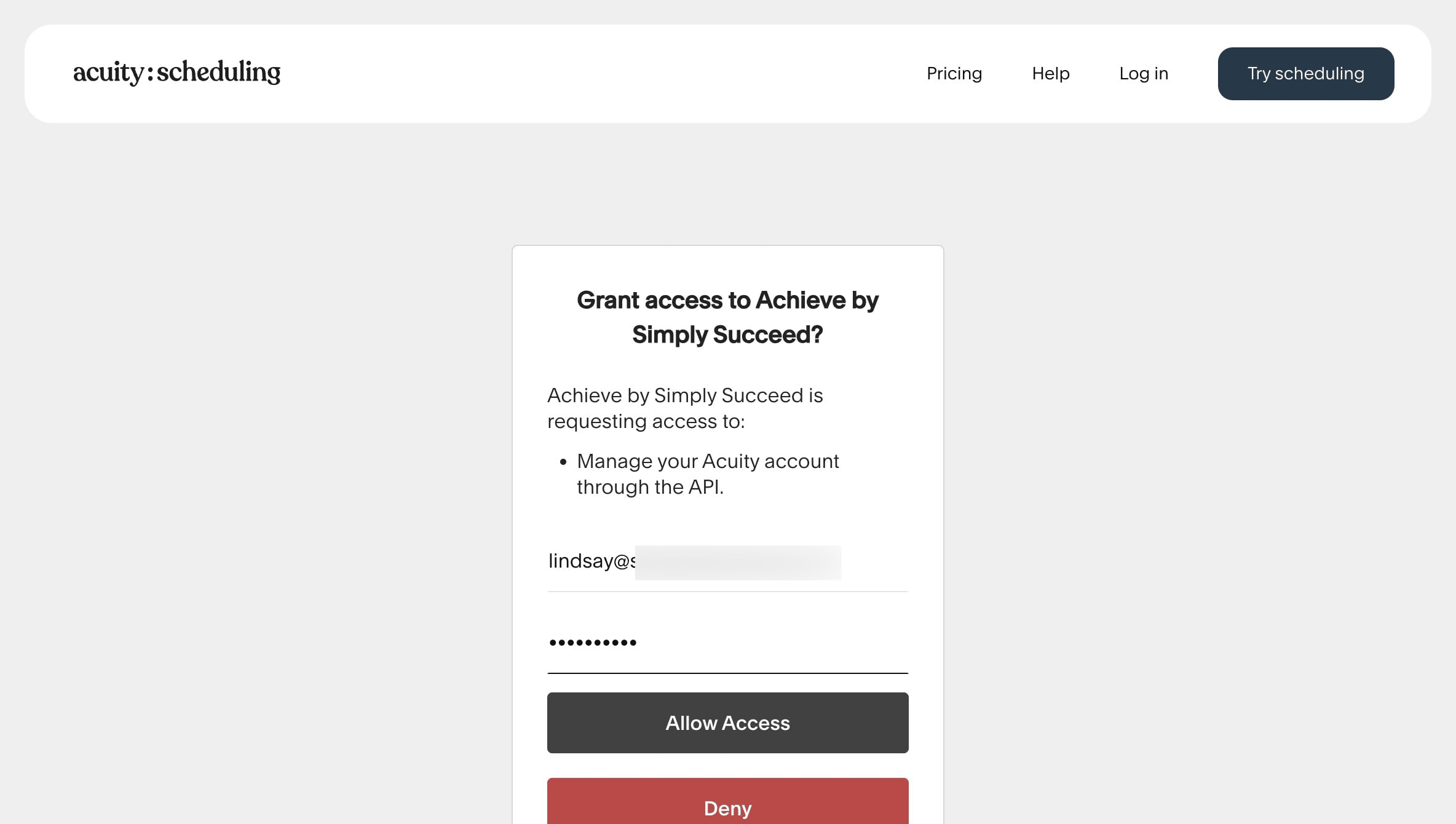
Put in the email address & password attached to your Acuity account. It does not have to be the same email attached to your Achieve account. Then press Allow Access.
Once the integration is complete, you & your student will automatically begin seeing all appointments made via Acuity in the Appointments section of Achieve.
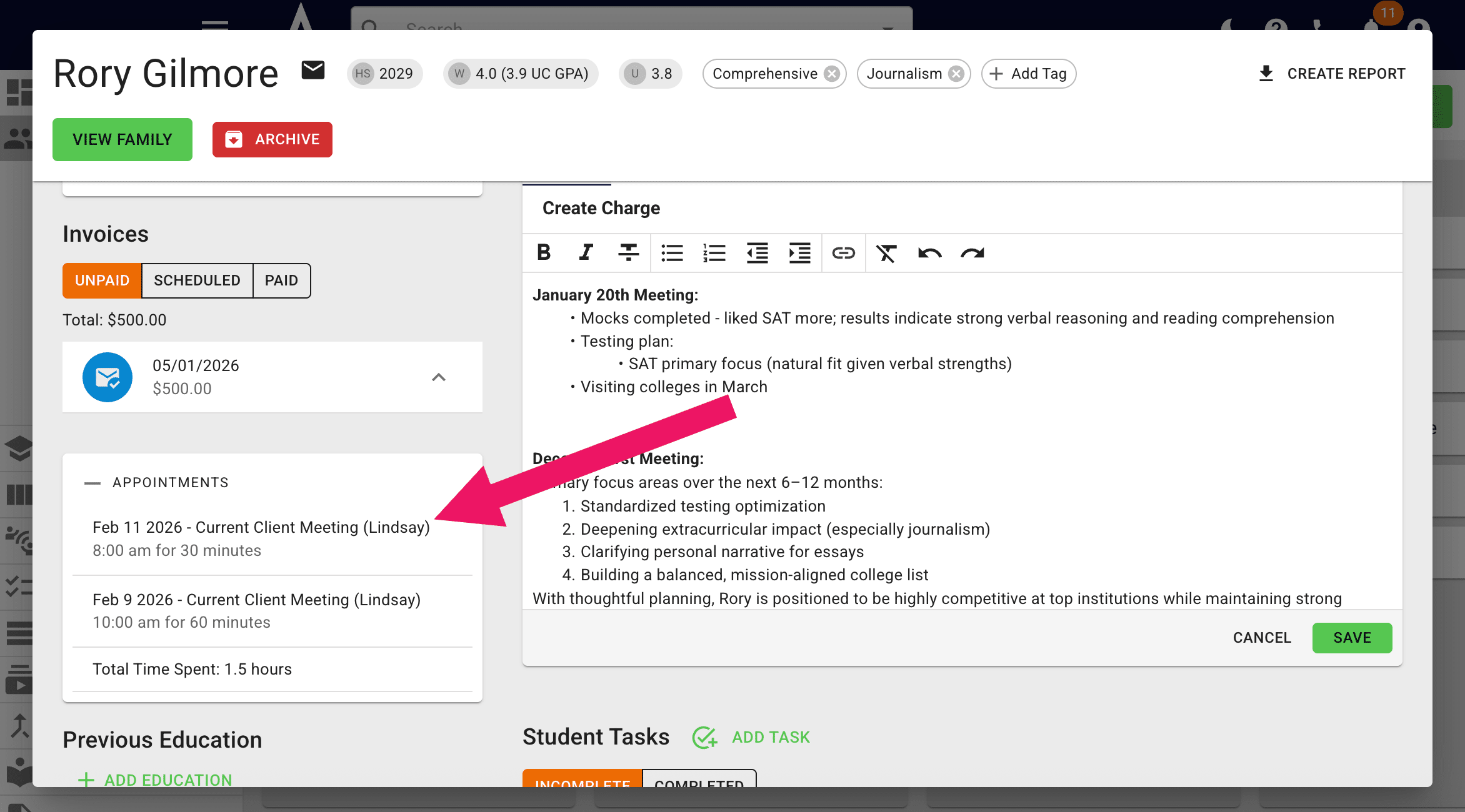
Meetings sync between Achieve & Acuity by name. If a meeting isn't showing up in Achieve, make sure the student used the name attached to their Achieve account when booking the meeting!
Done 🚀