
Achieve College Profiles
Explore a college profile in Achieve with a full suite of resources: deadlines and application types, detailed Peterson's data, a Fiske Guide-esque college overview, advisor-only crowdsourced notes, key statistics, score comparisons against admitted averages, and a curated set of external resources to support college planning.
Navigate to https://app.achieveiec.com/
Click on a college in a student's college list or type the college into the Achieve search bar
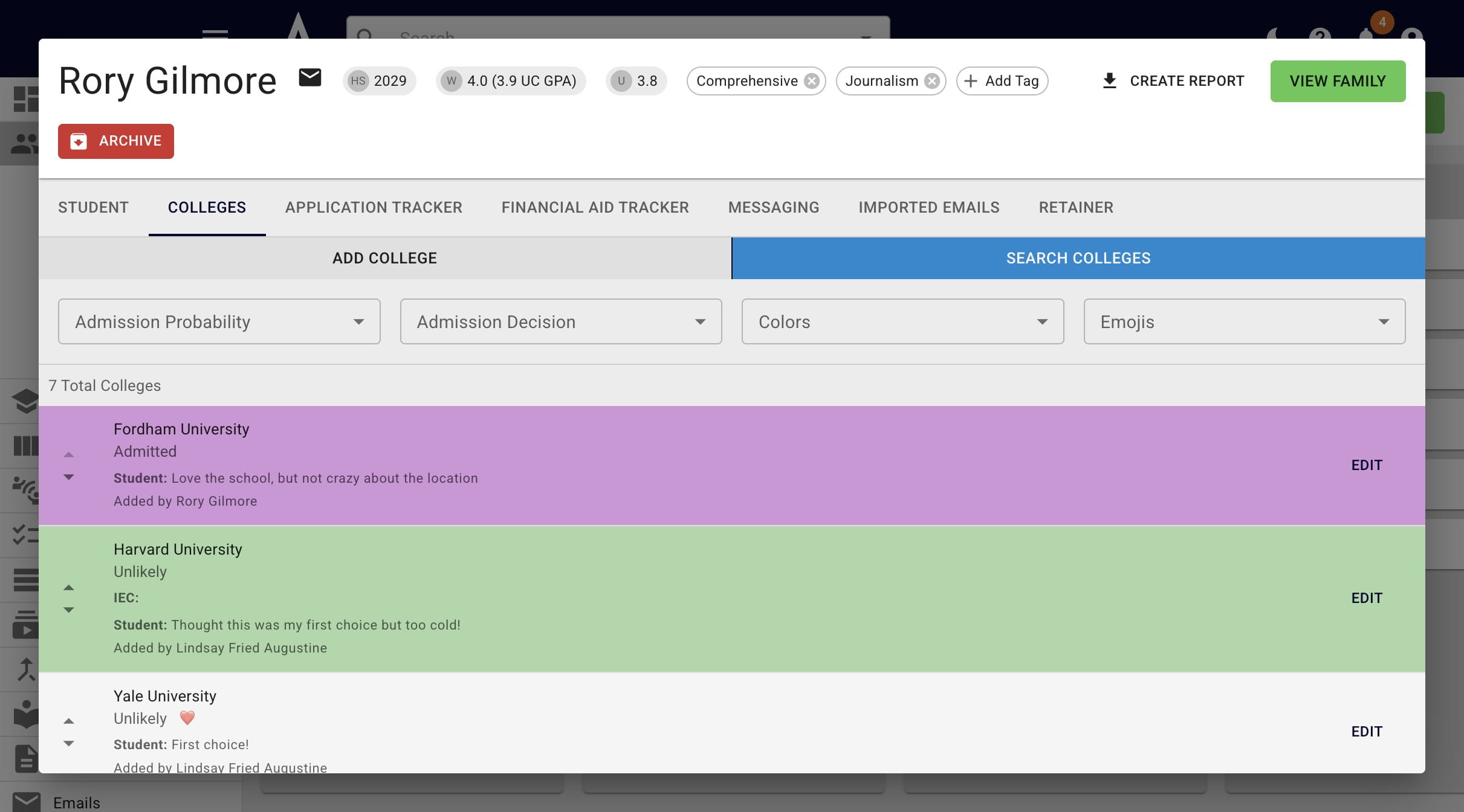
Click on Application Deadlines and the applicable application types, deadlines, and requirements will appear.
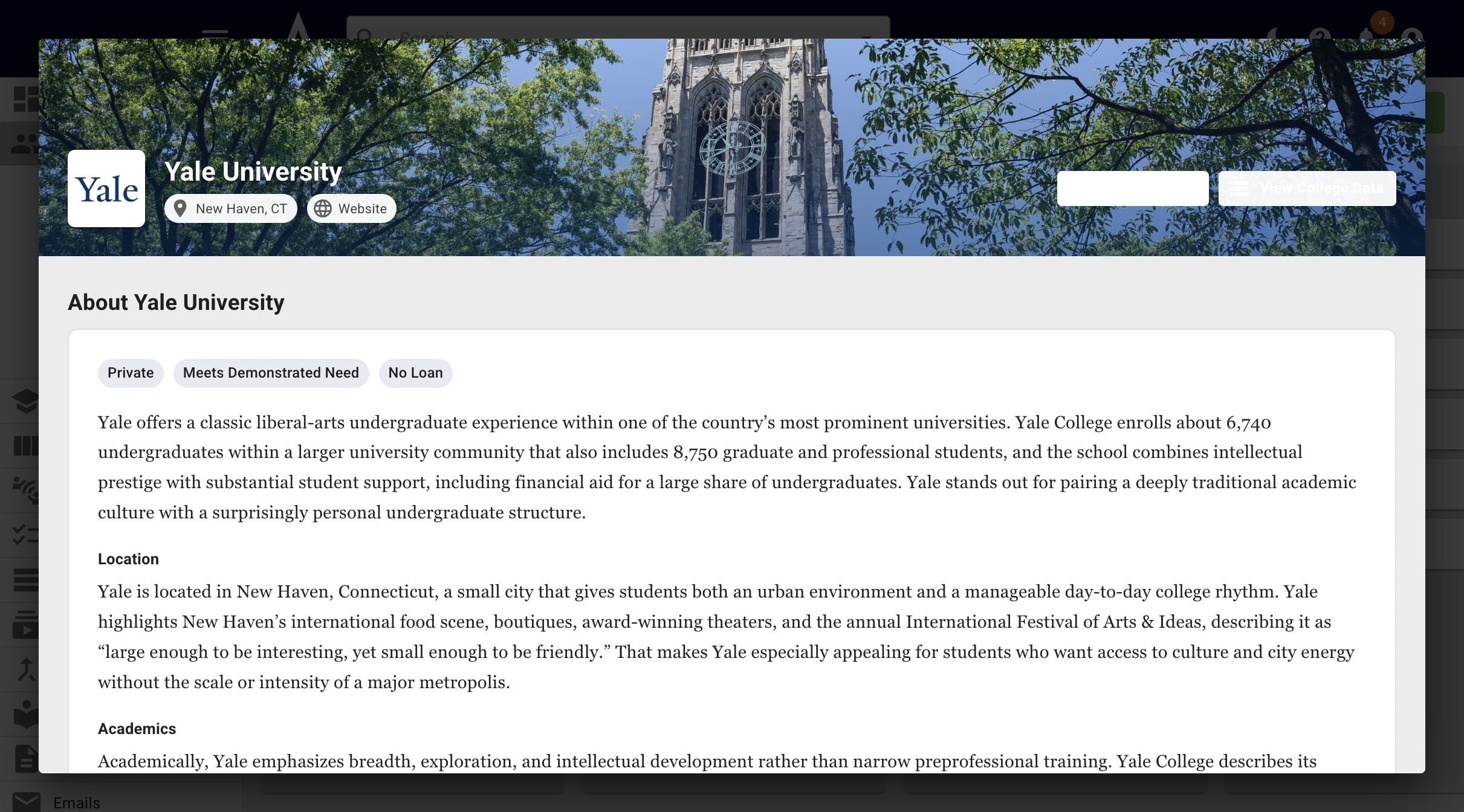
Click the College Data button and the entire Peterson's Data record will appear.
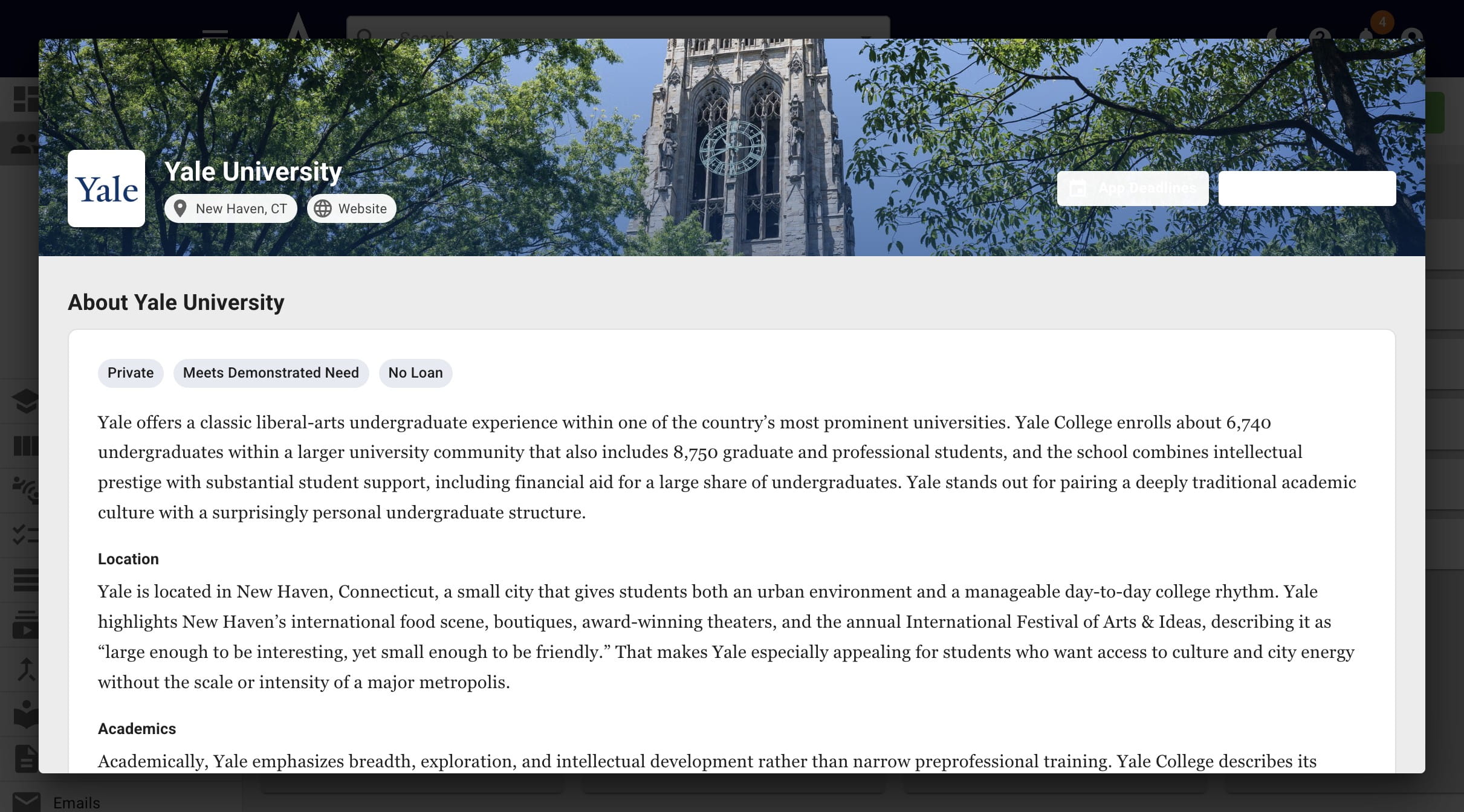
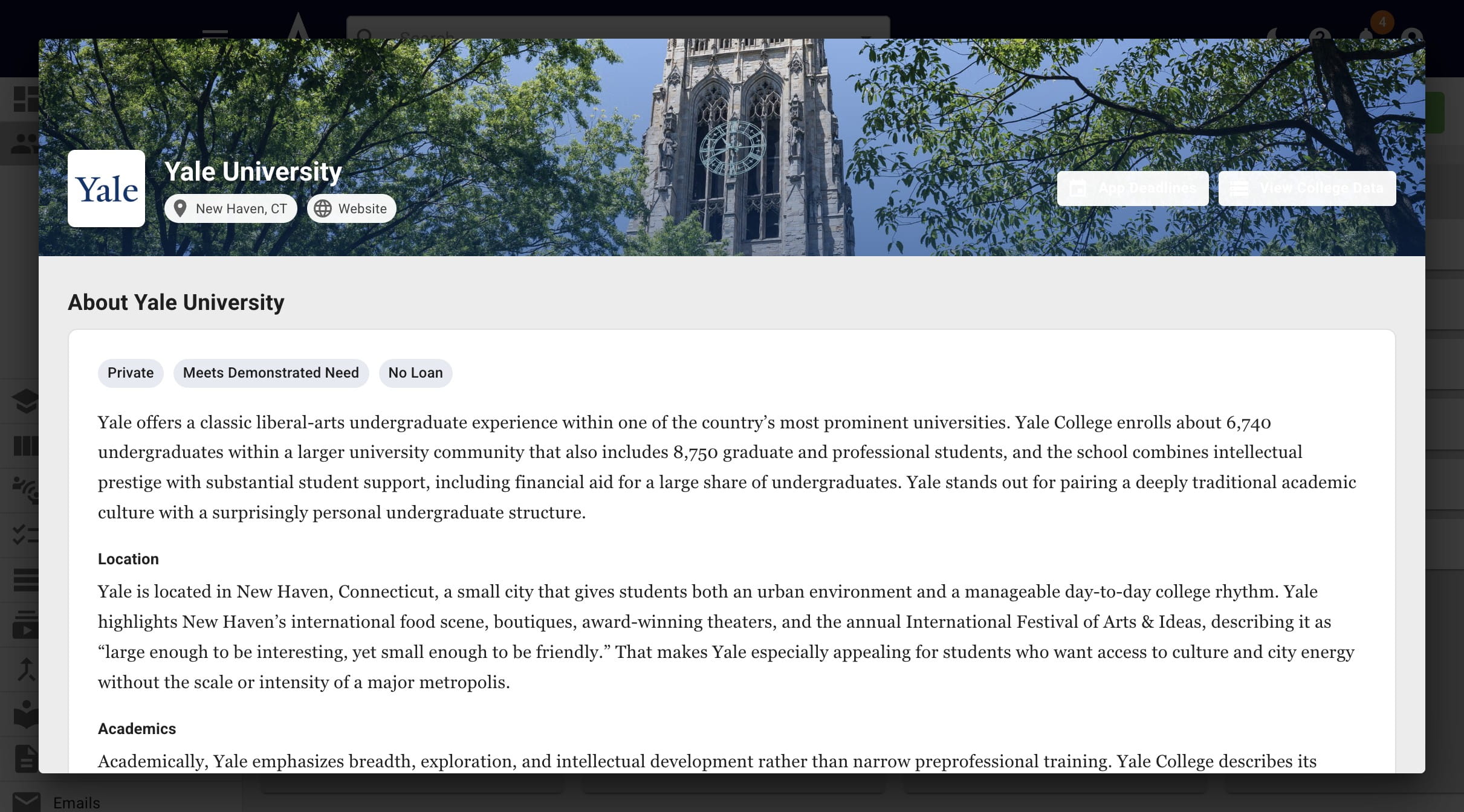
Below those buttons, you'll see headings related to the college and a Fiske Guide-esque overview of the college
Below that, if applicable, you'll see college notes crowdsourced by our users (and vetted by us). This section is only viewable for advisors; students cannot view this.
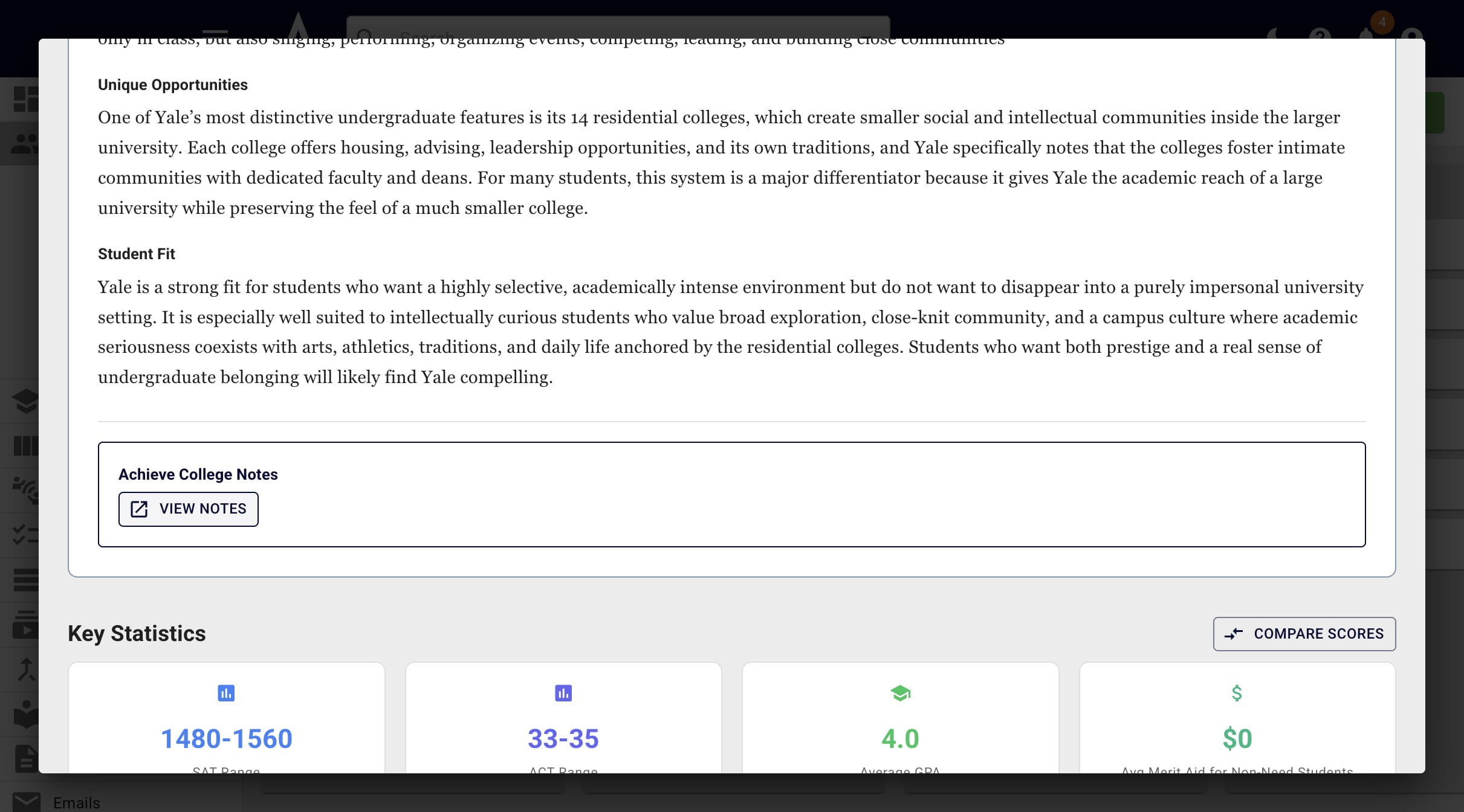
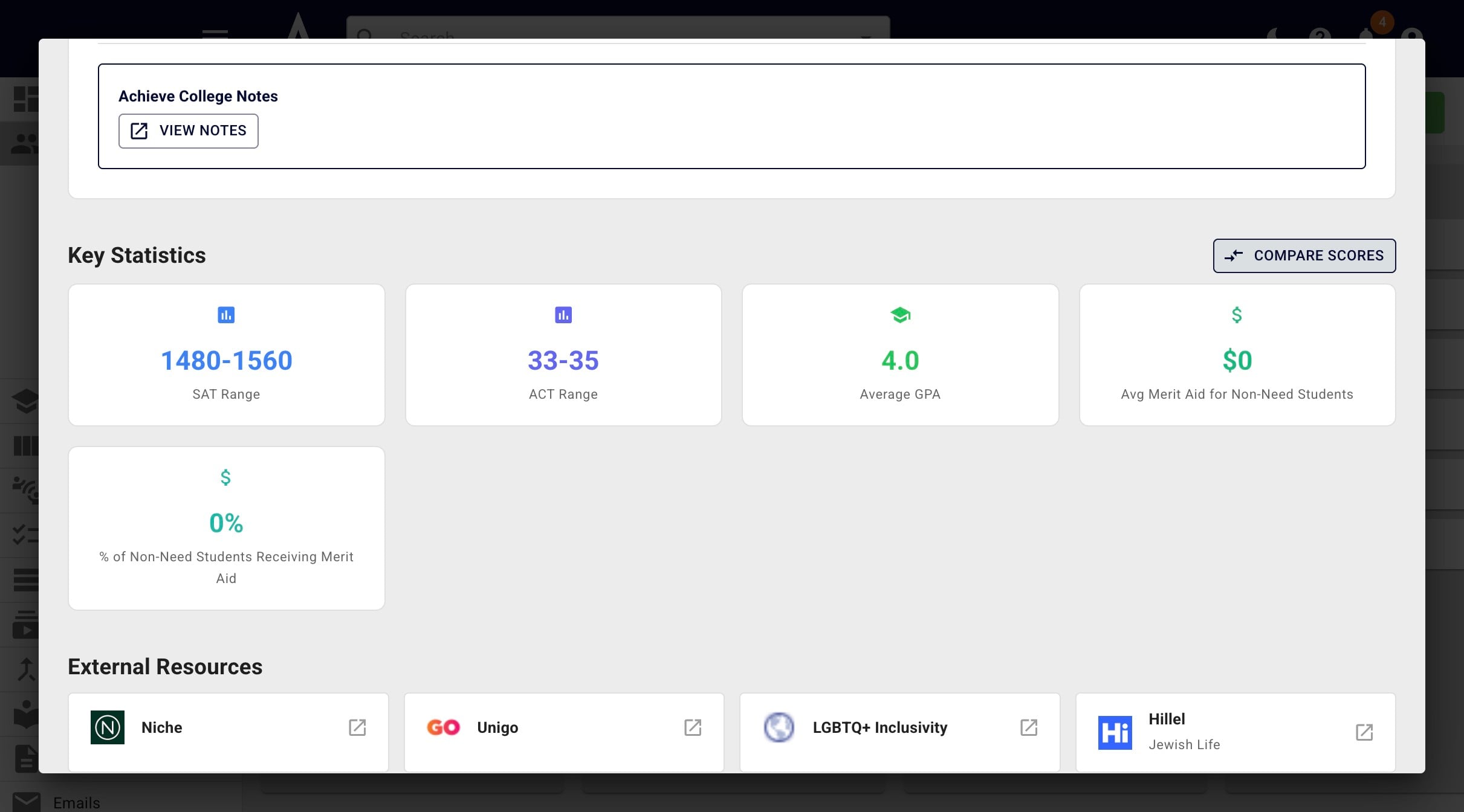
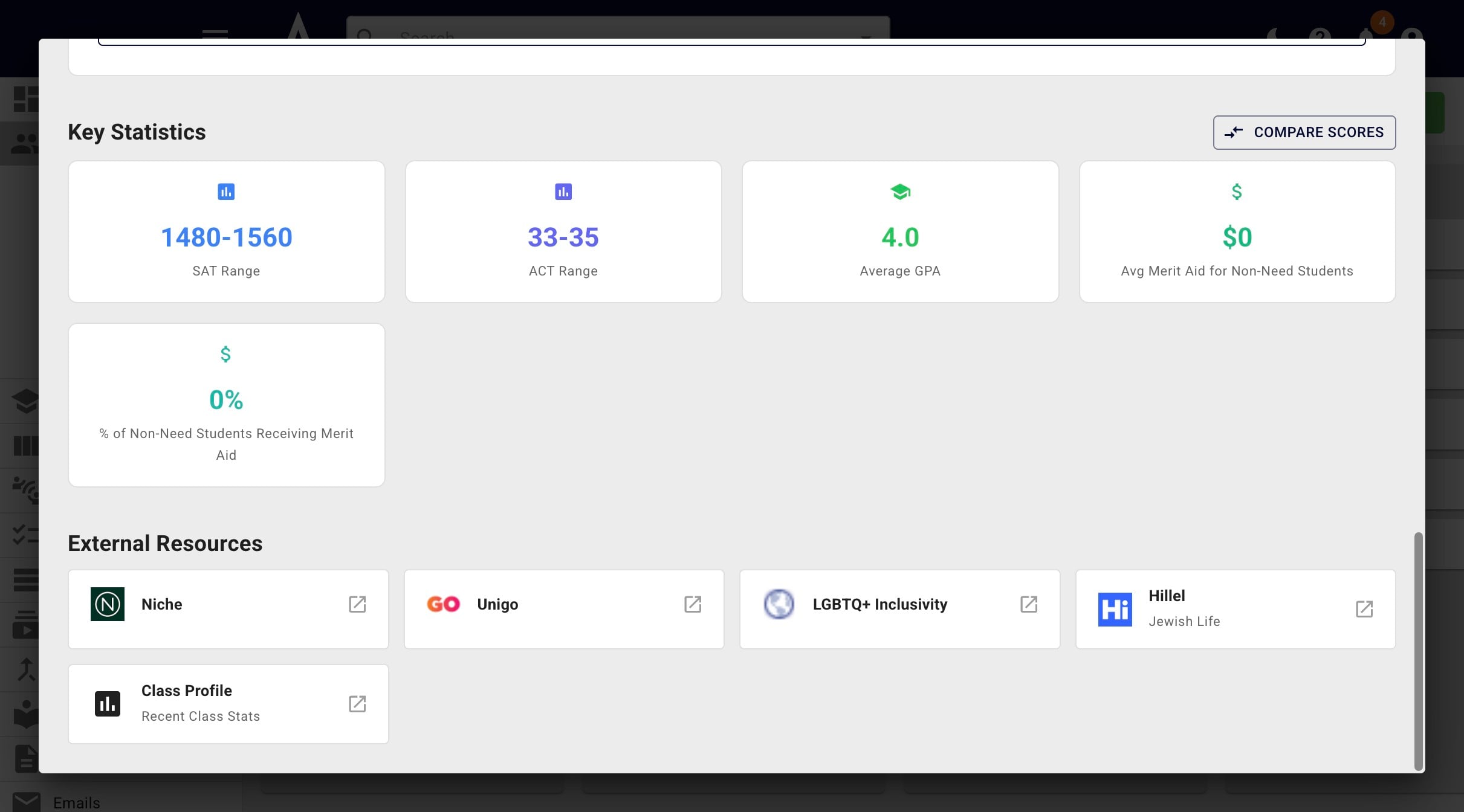
Next, you'll see key statics related to the college and the ability to Compare Scores
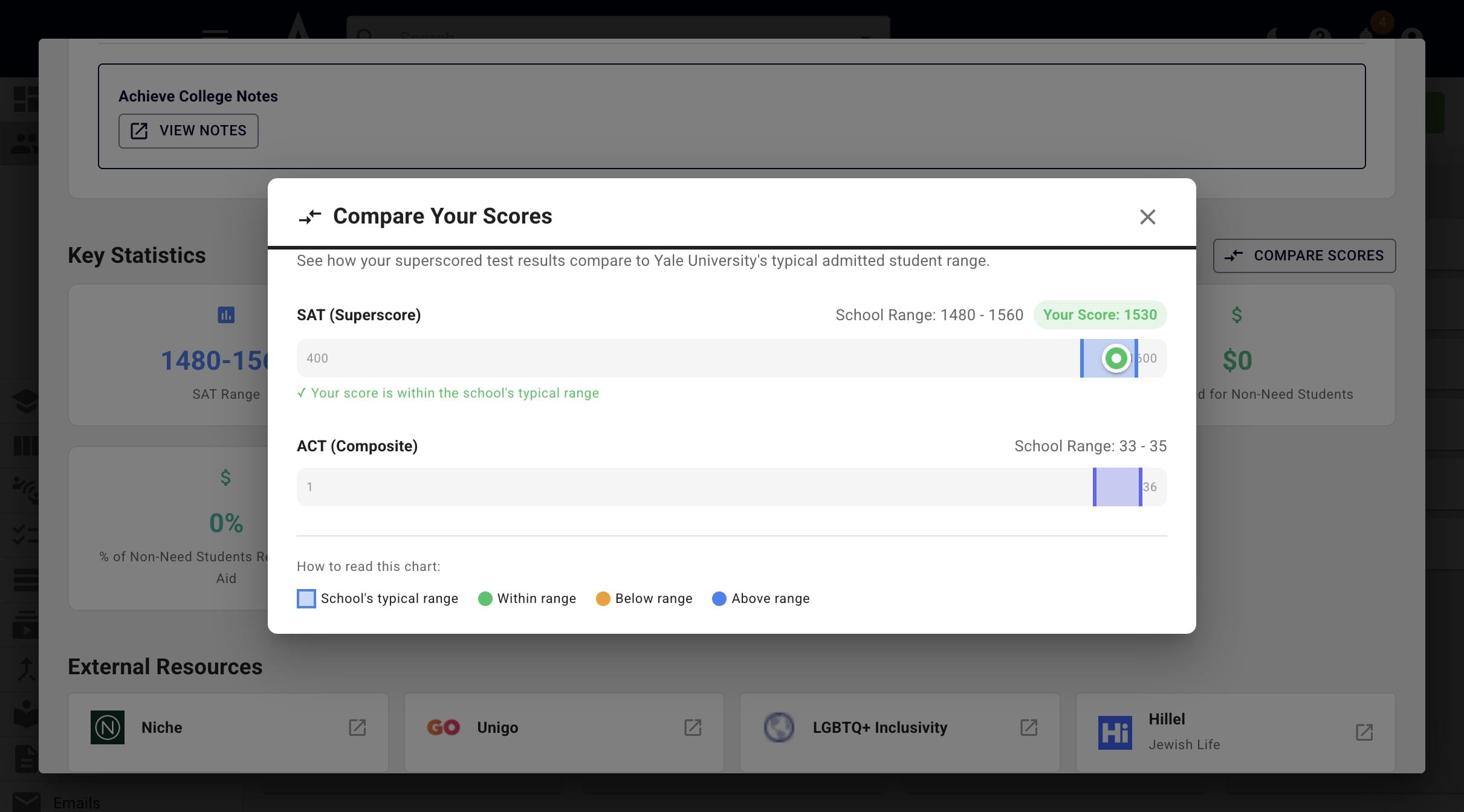
Once the Compare Scores button is clicked, it will compare the student's scores with the average scores for admitted students
Last, but not least, you'll see all applicable external resources
Done 🚀