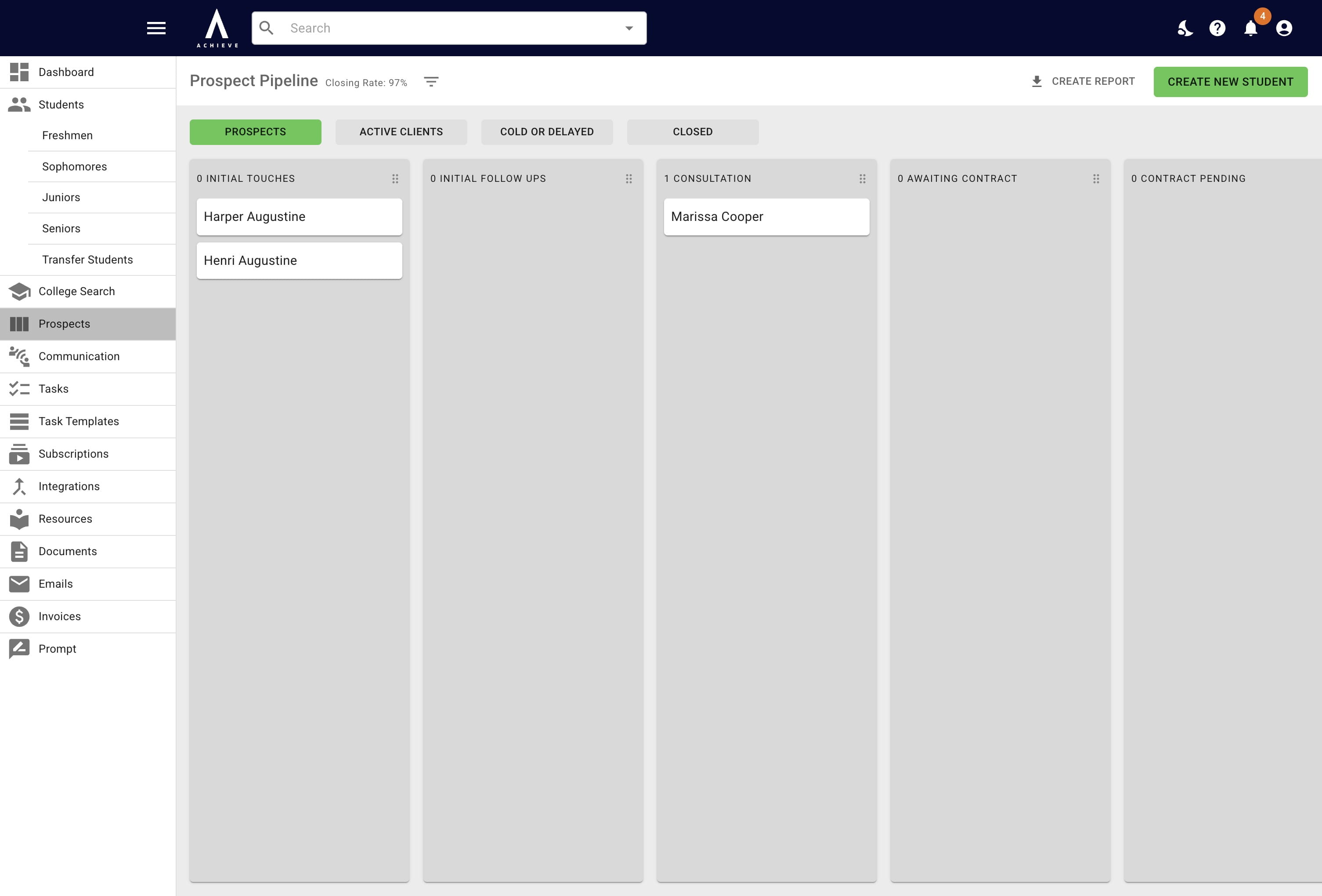
Adding a New Prospect to Achieve
Create a new student prospect by entering essential personal details.
May 05, 2026●
2
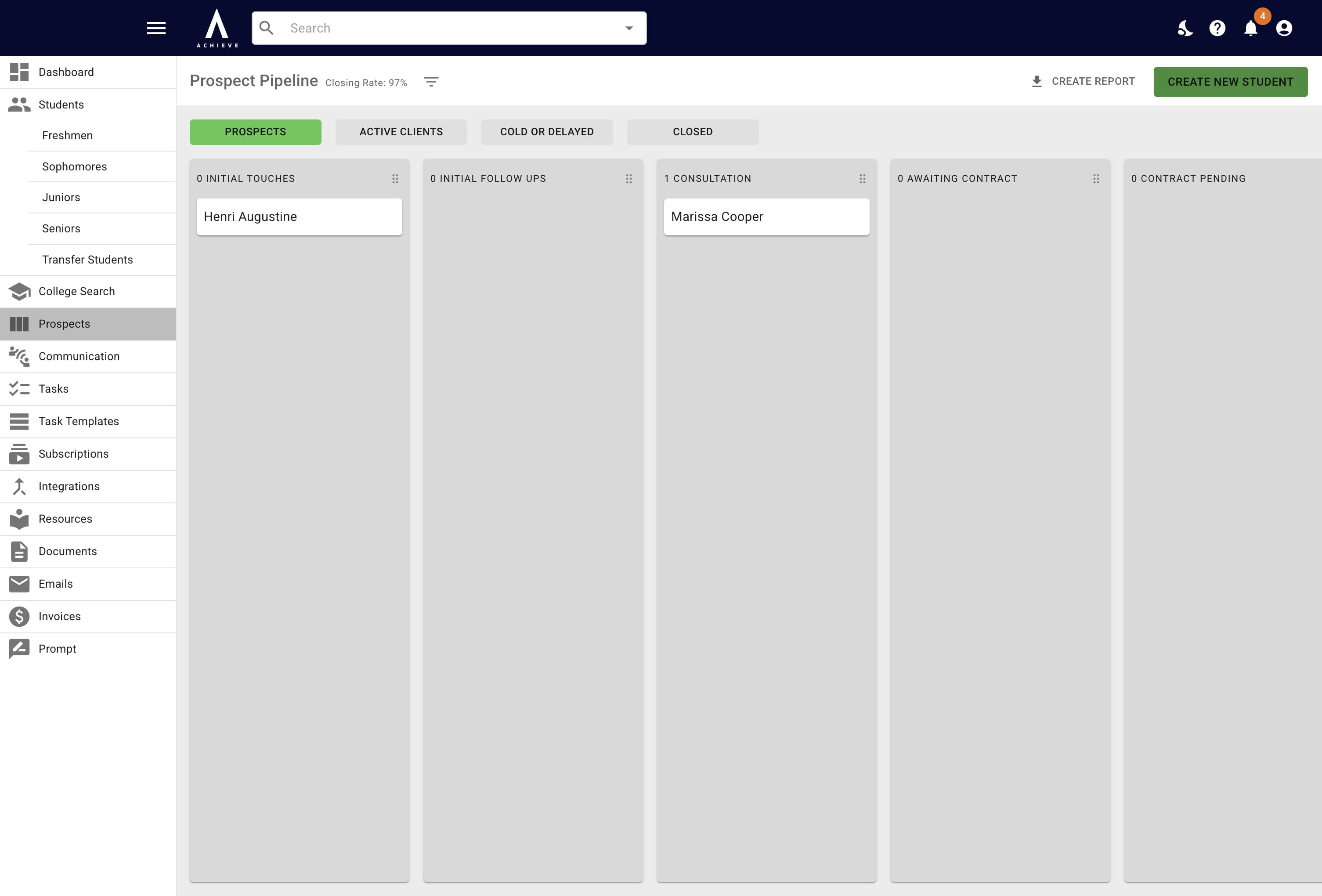
Click on Create New Student
3
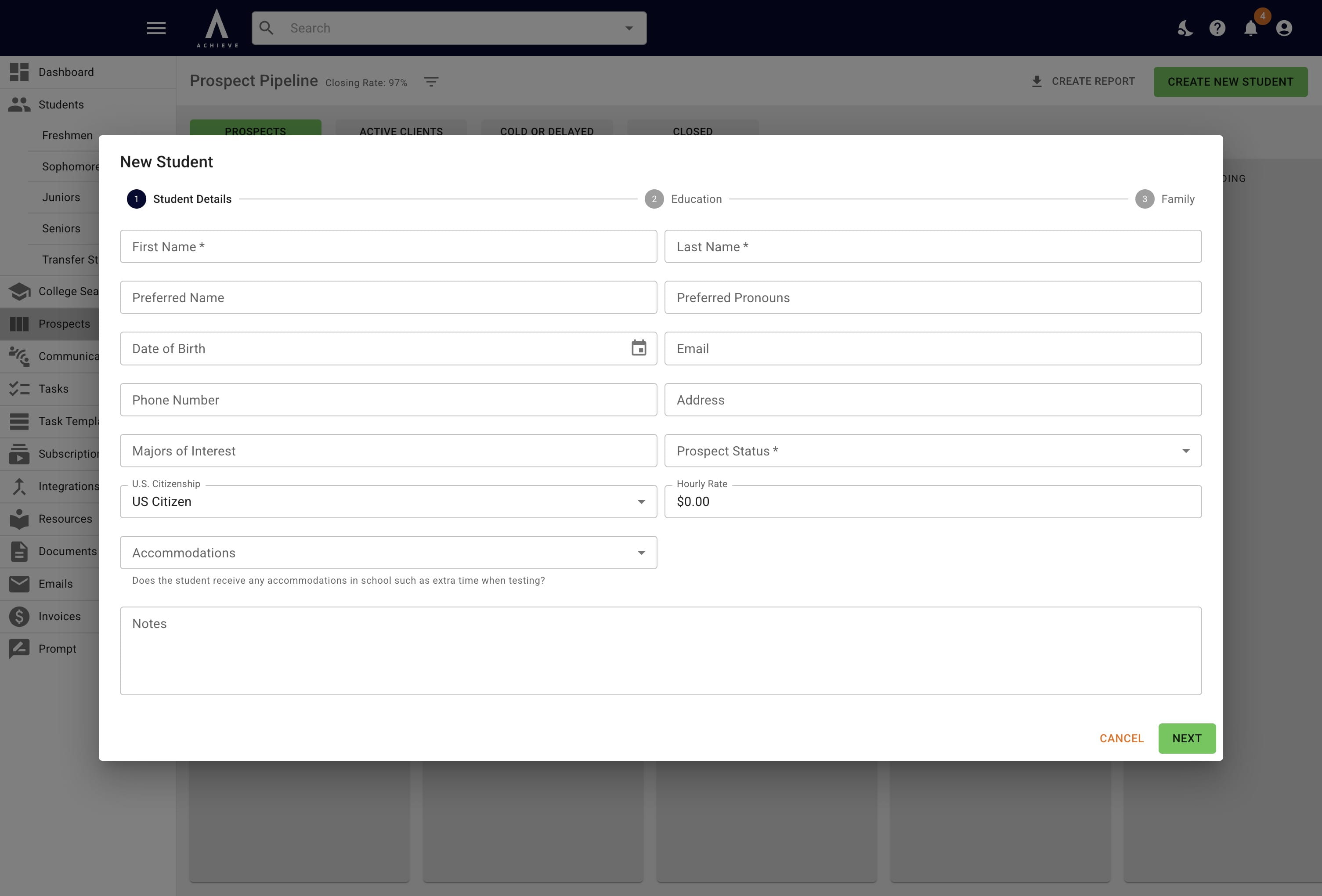
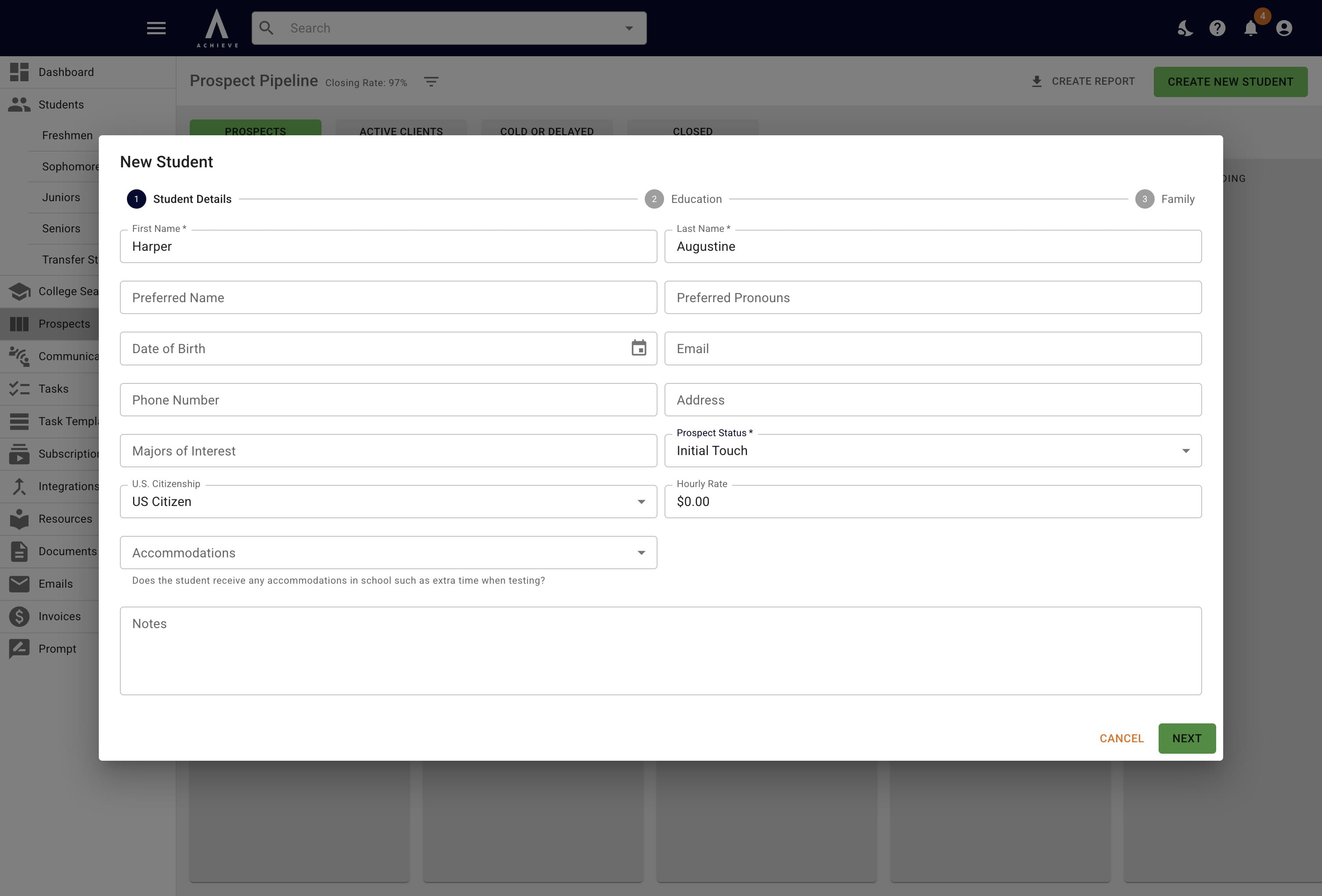
Put in the student's information. The only required fields for prospects are First Name, Last Name, and Prospect Status.
4
Click on Next
5
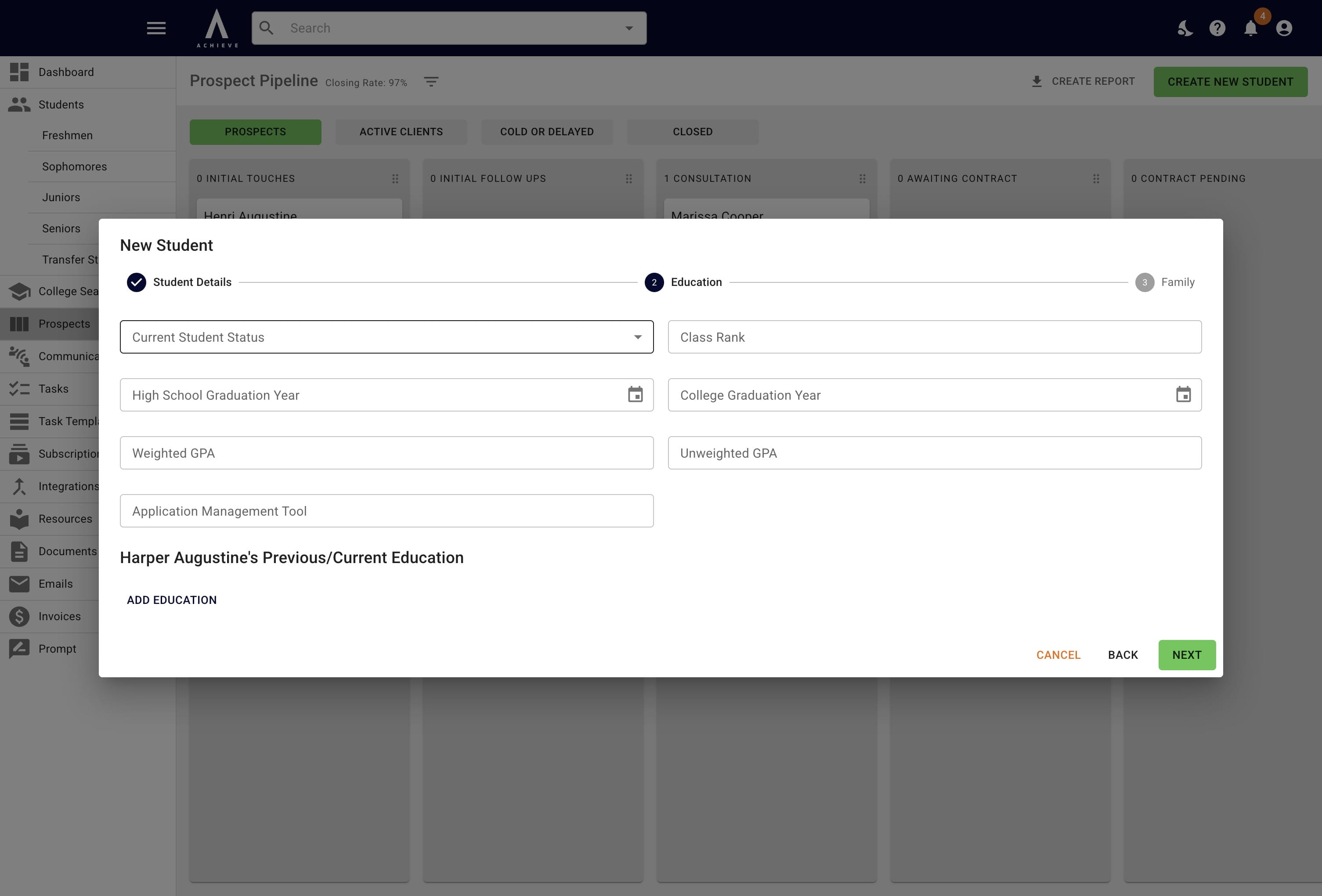
Fill in any applicable information on this screen. If you have the student's high school name, choose High School for Current Student Status and the High School Name field will appear.
6
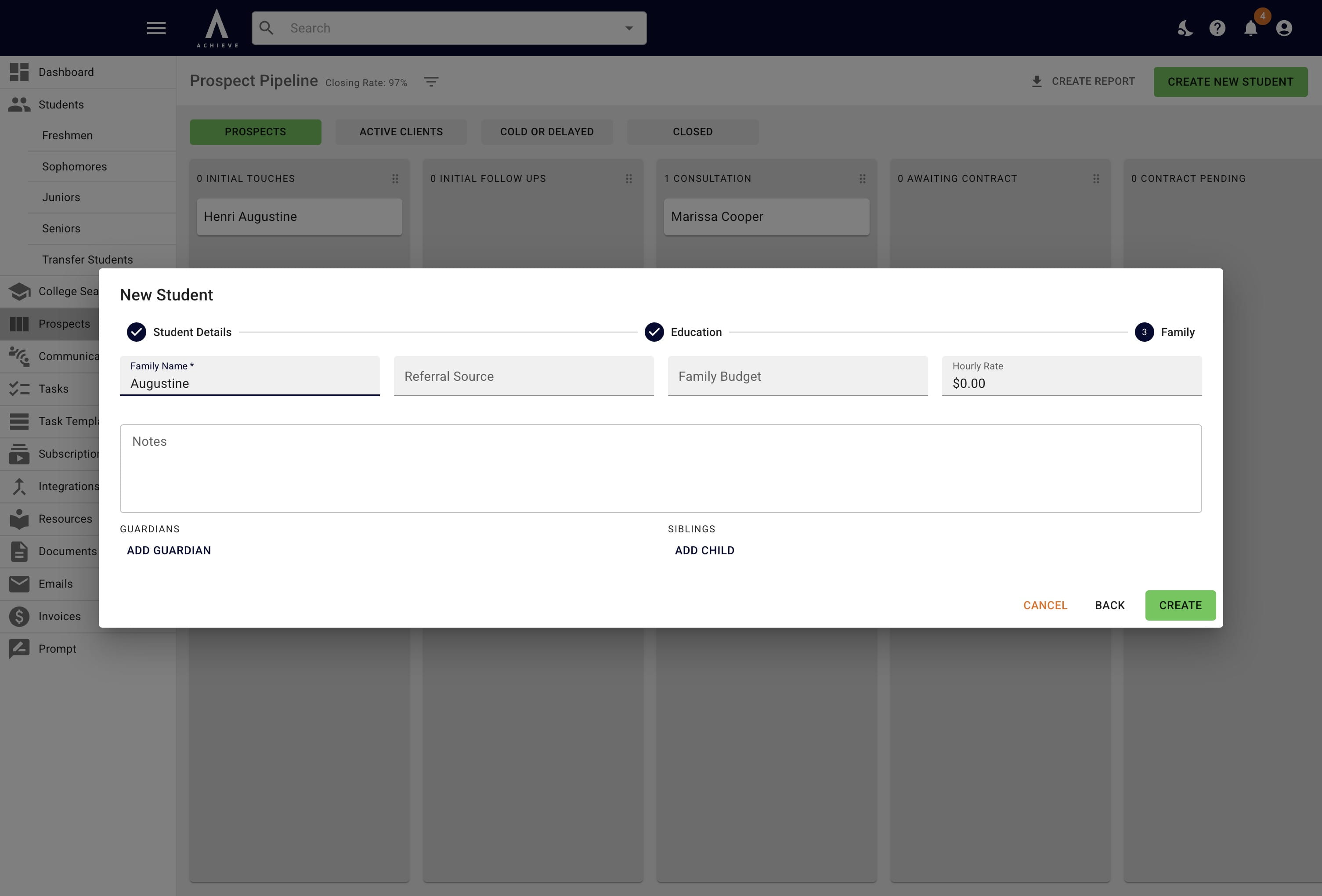
On this screen, you'll add any parent/guardian and/or sibling information.
7
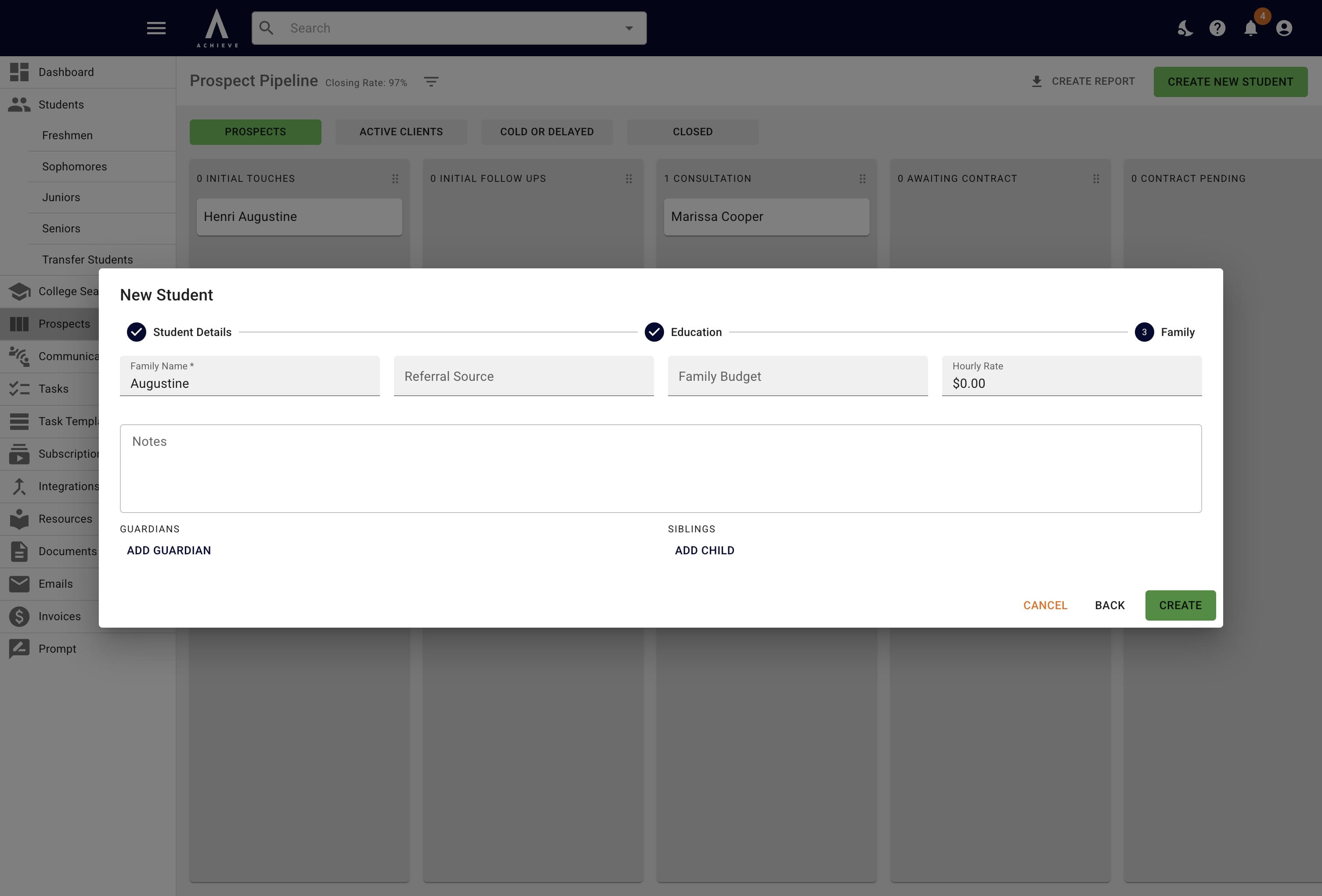
Click on Create
8
Done 🚀