Adding Default College Notes
A guide to add notes for selected university and saving notes within Achieve
Apr 14, 2026●
1
Navigate to https://app.achieveiec.com/settings
2
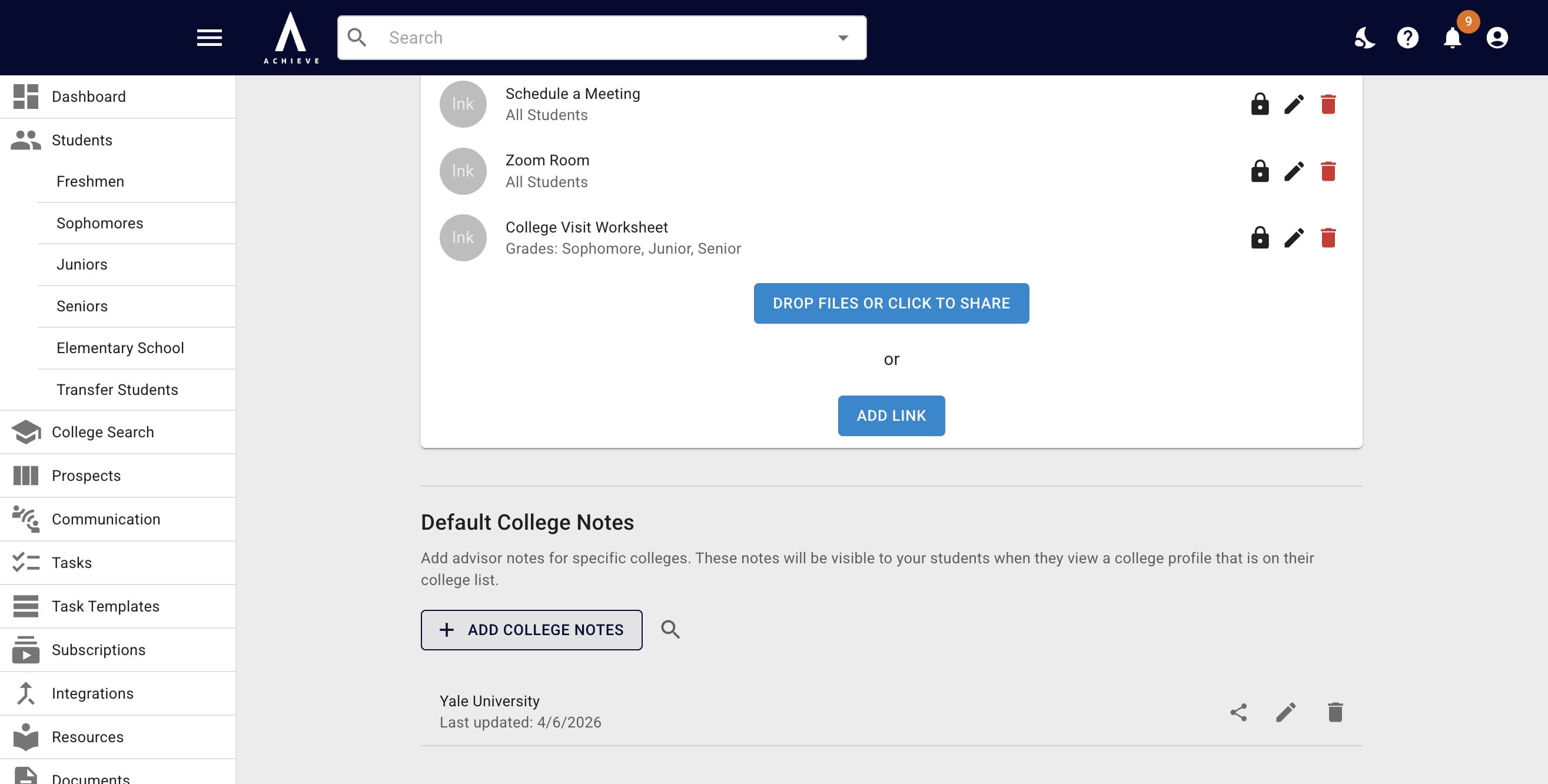
Click Add College Notes
3
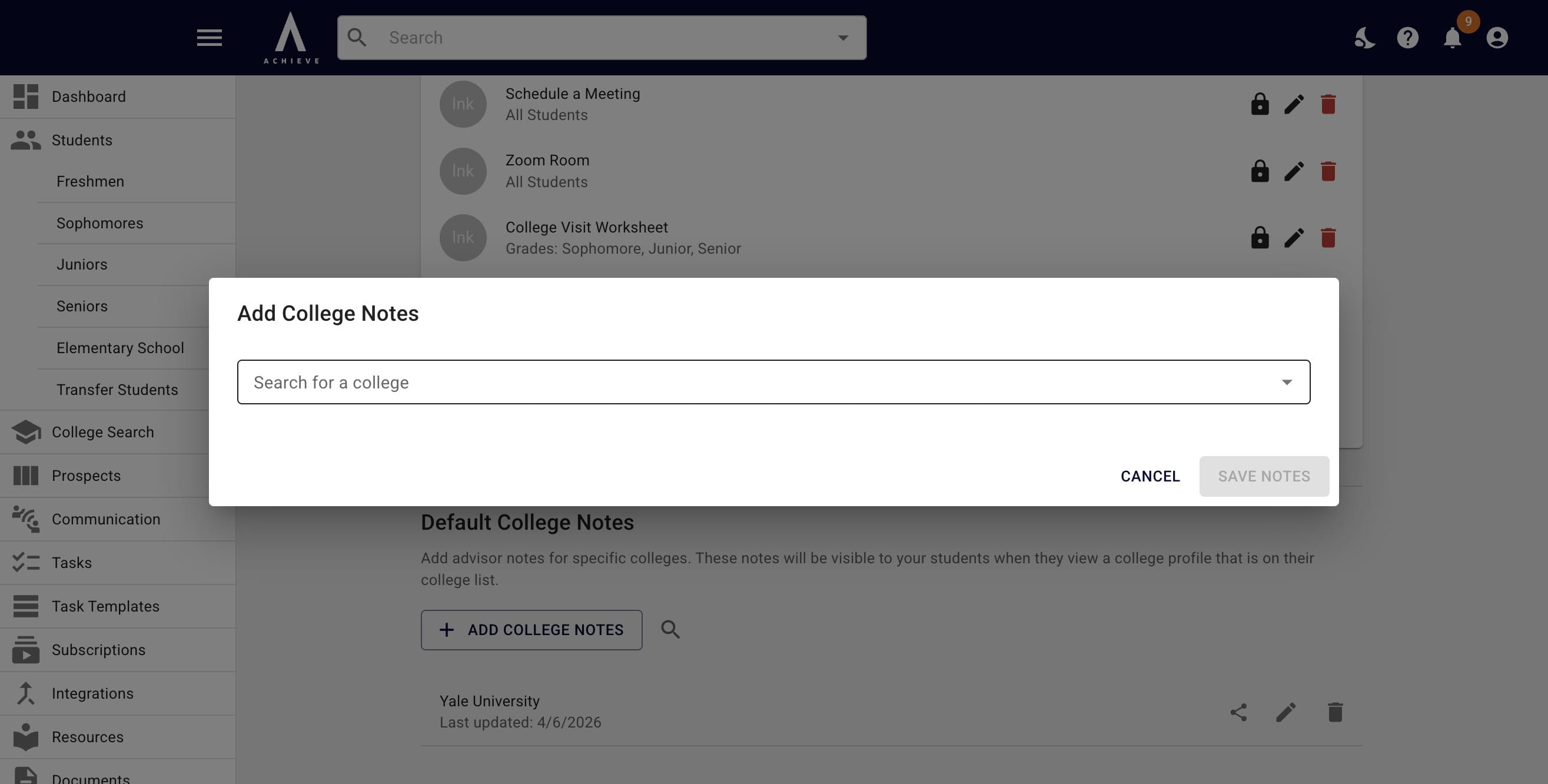
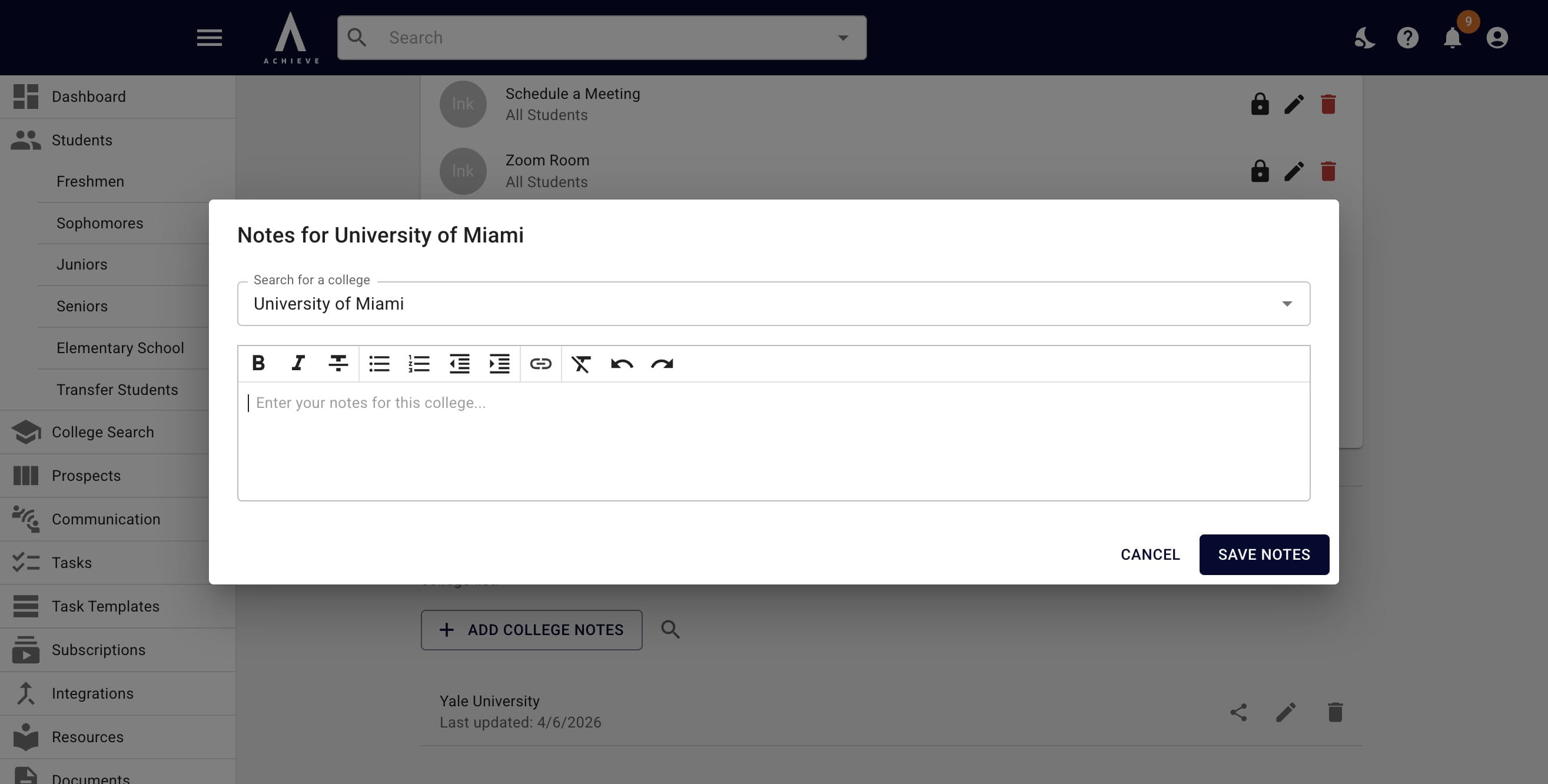
Click Search for a college and begin typing in the college's name you want to add notes for
4
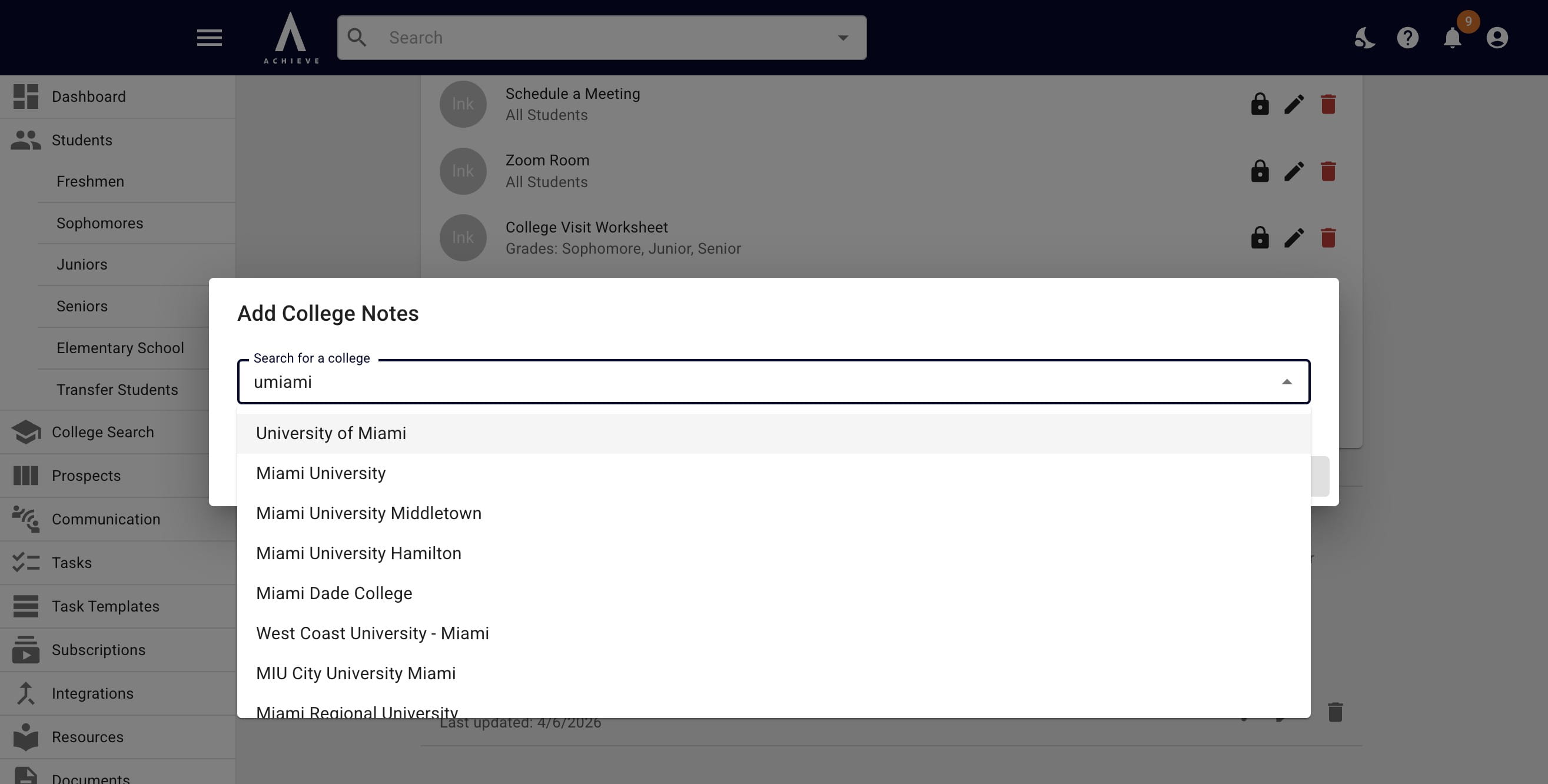
Click on the college's name when it appears
5
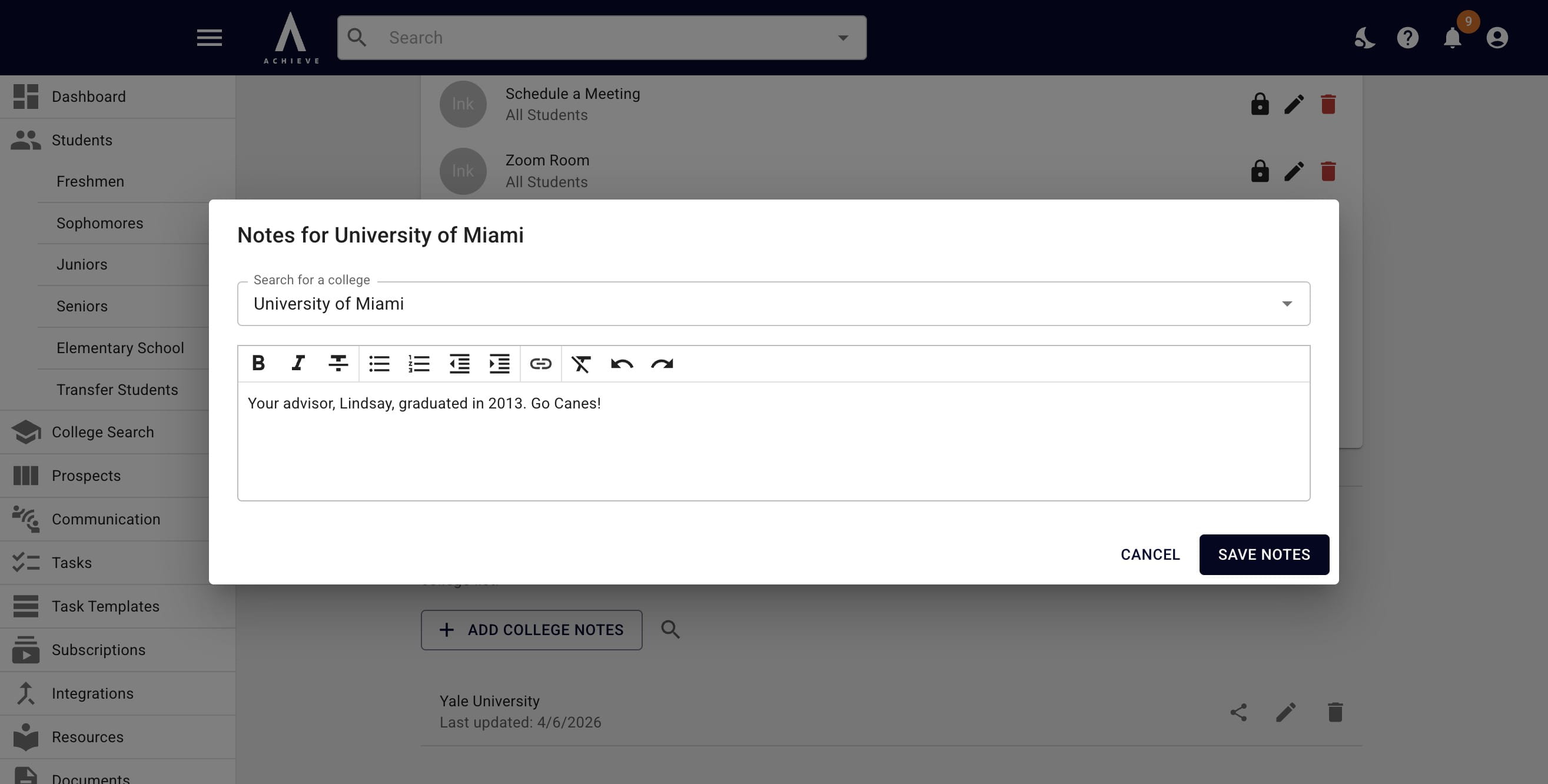
Type your notes into the notes field
6
Click on Save Notes
7
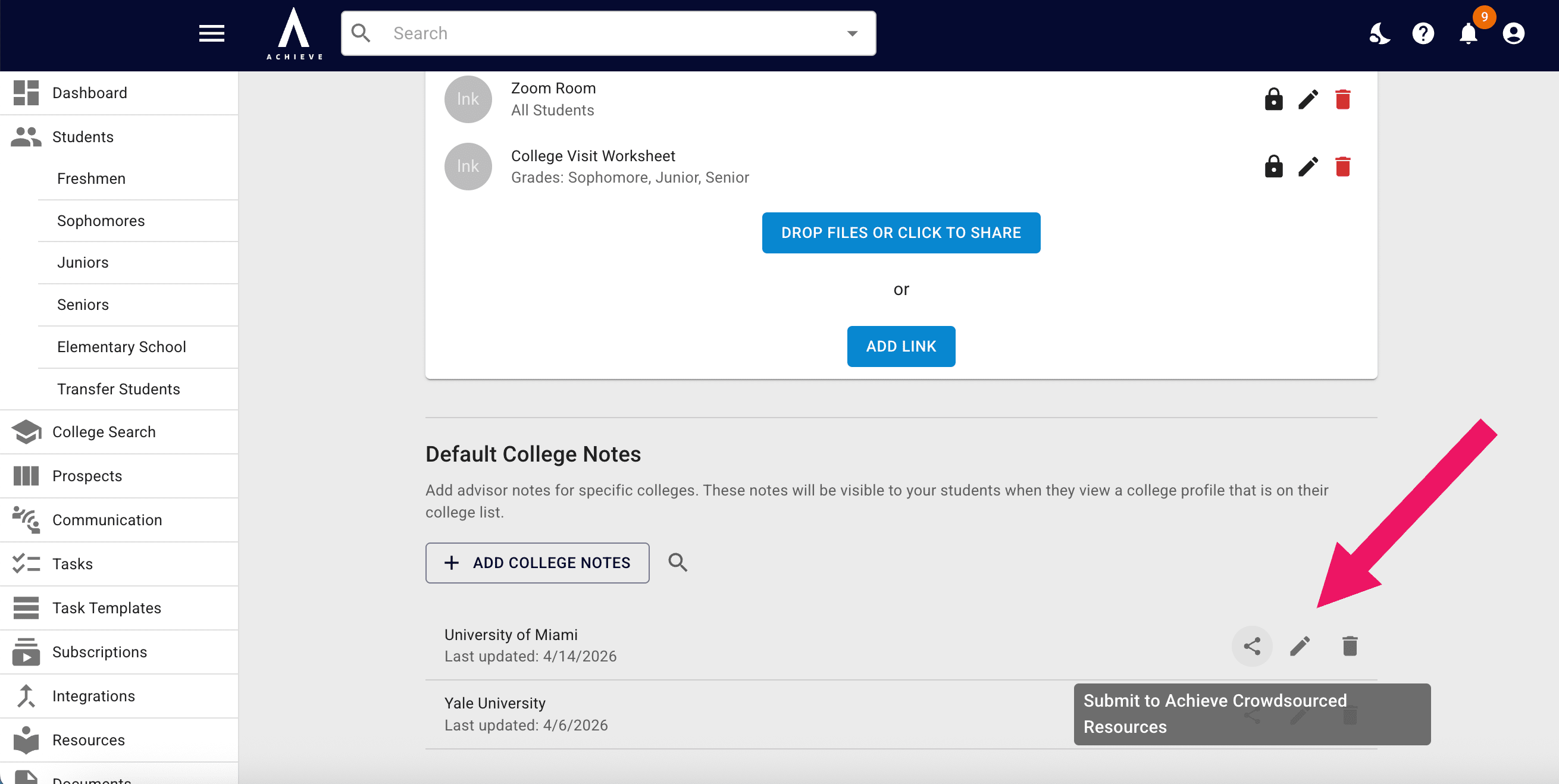
Click on the Share icon to submit your notes to our crowdsources resources, the pencil icon to edit your notes, and the trash can icon to delete your notes
8
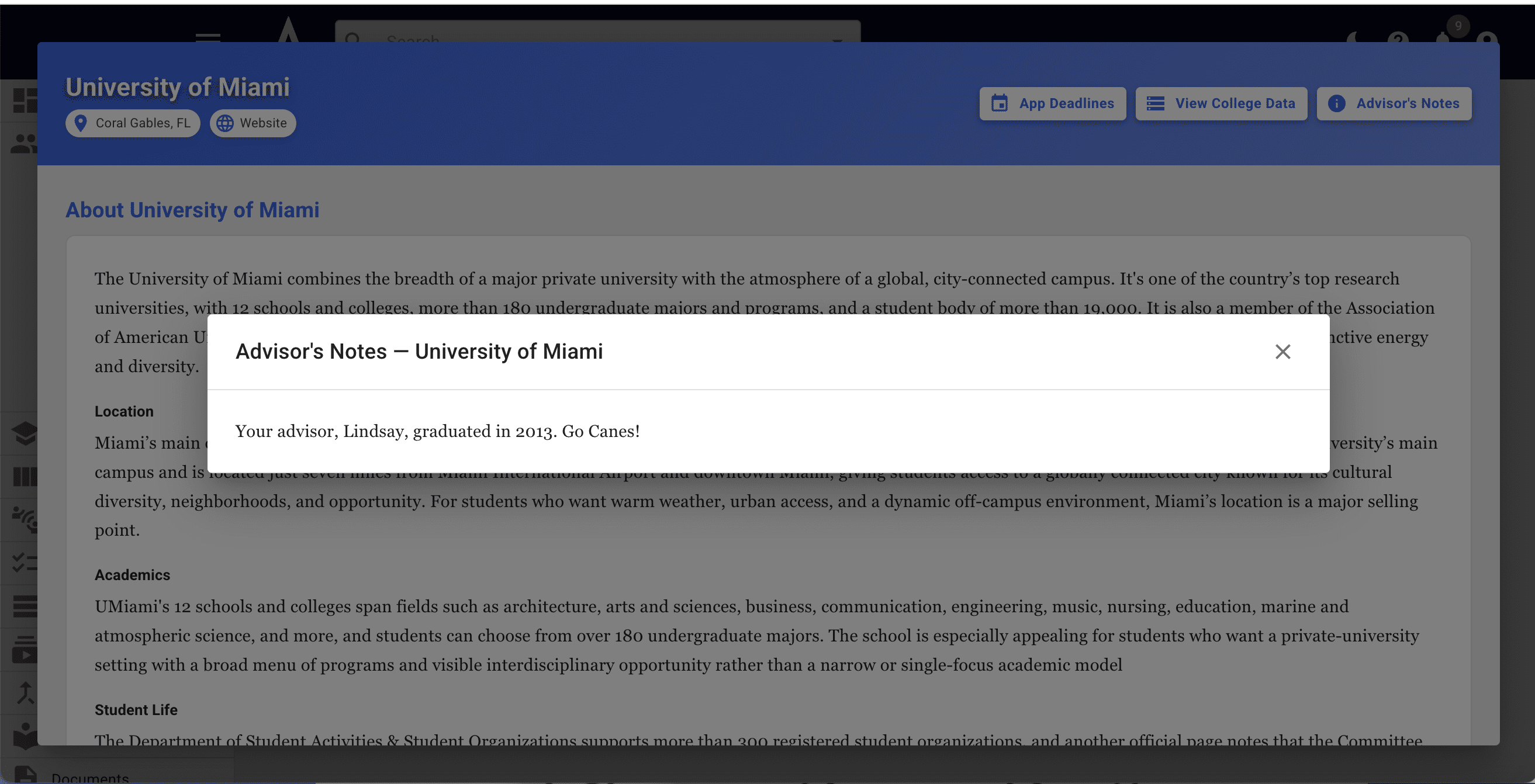
You and your students will now be able to view those notes by pressing the Advisor's Notes button the college's profile

9
Done 🚀