
Bulk Assigning Student Tasks
Learn how to efficiently assign tasks to multiple students in Achieve.
Navigate to https://app.achieveiec.com/tasks
Click on Create Task.
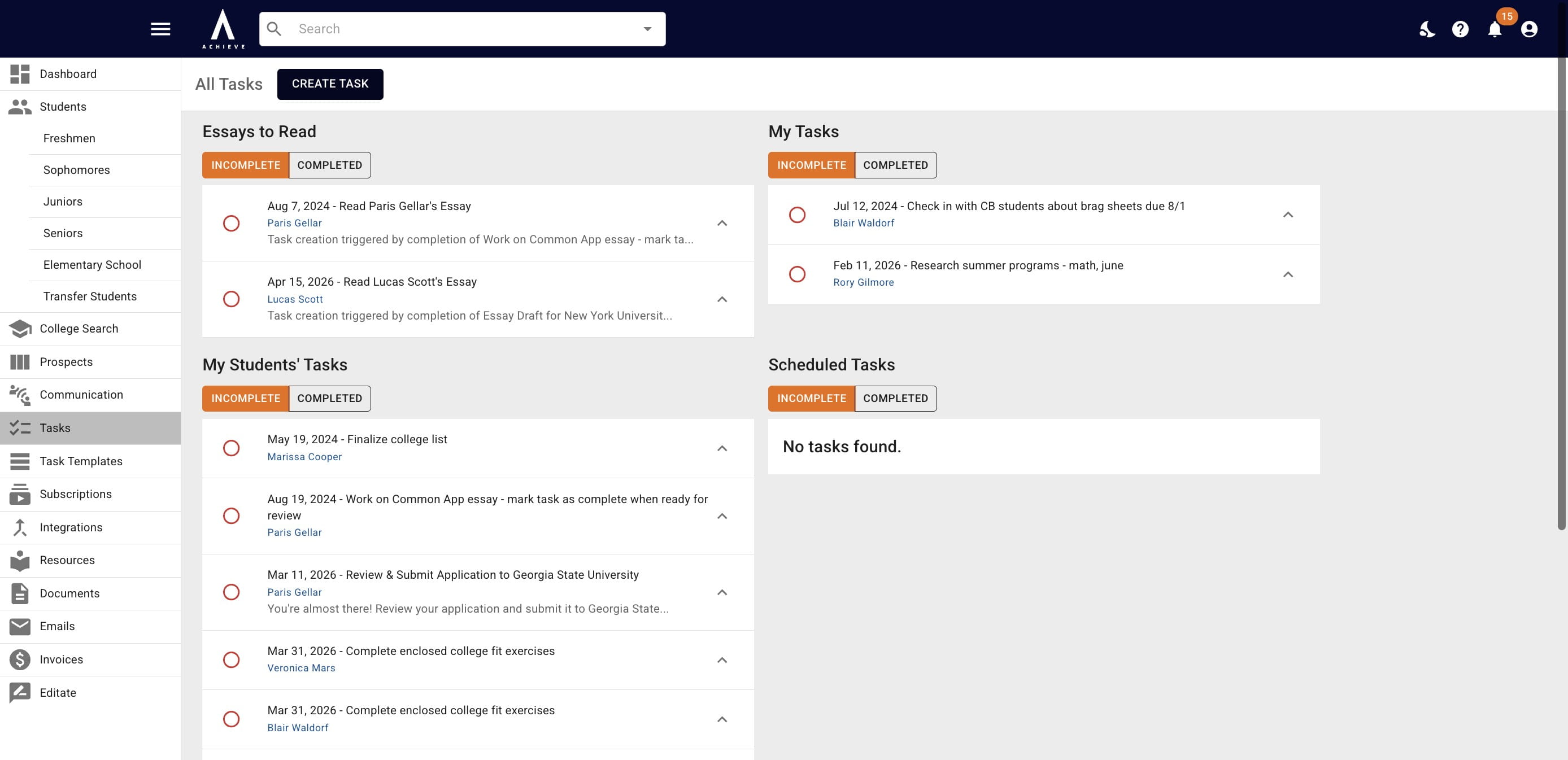
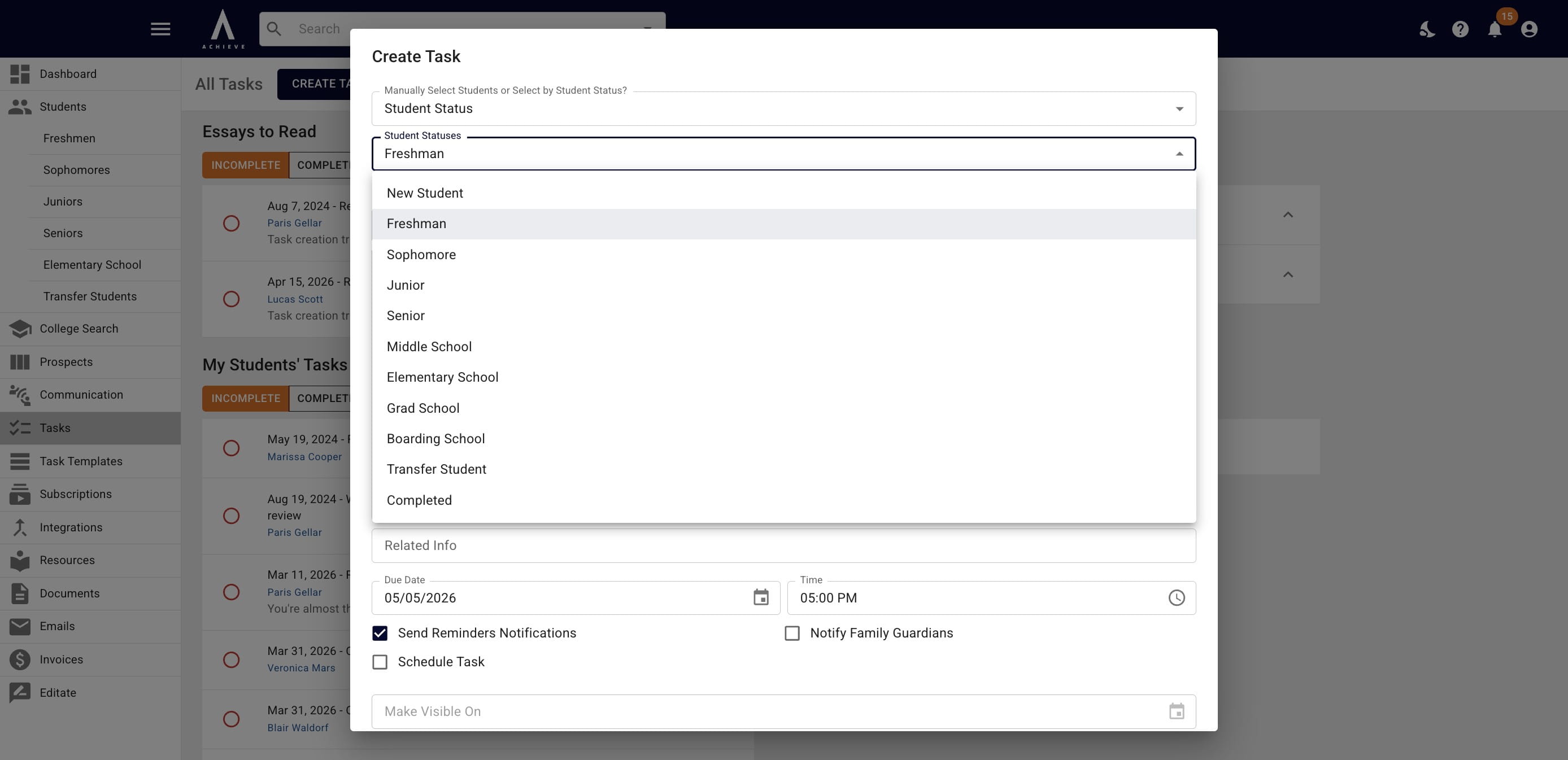
Choose whether you want to manually select which student(s) you're assigning a task to or assign a task by specific status(es).
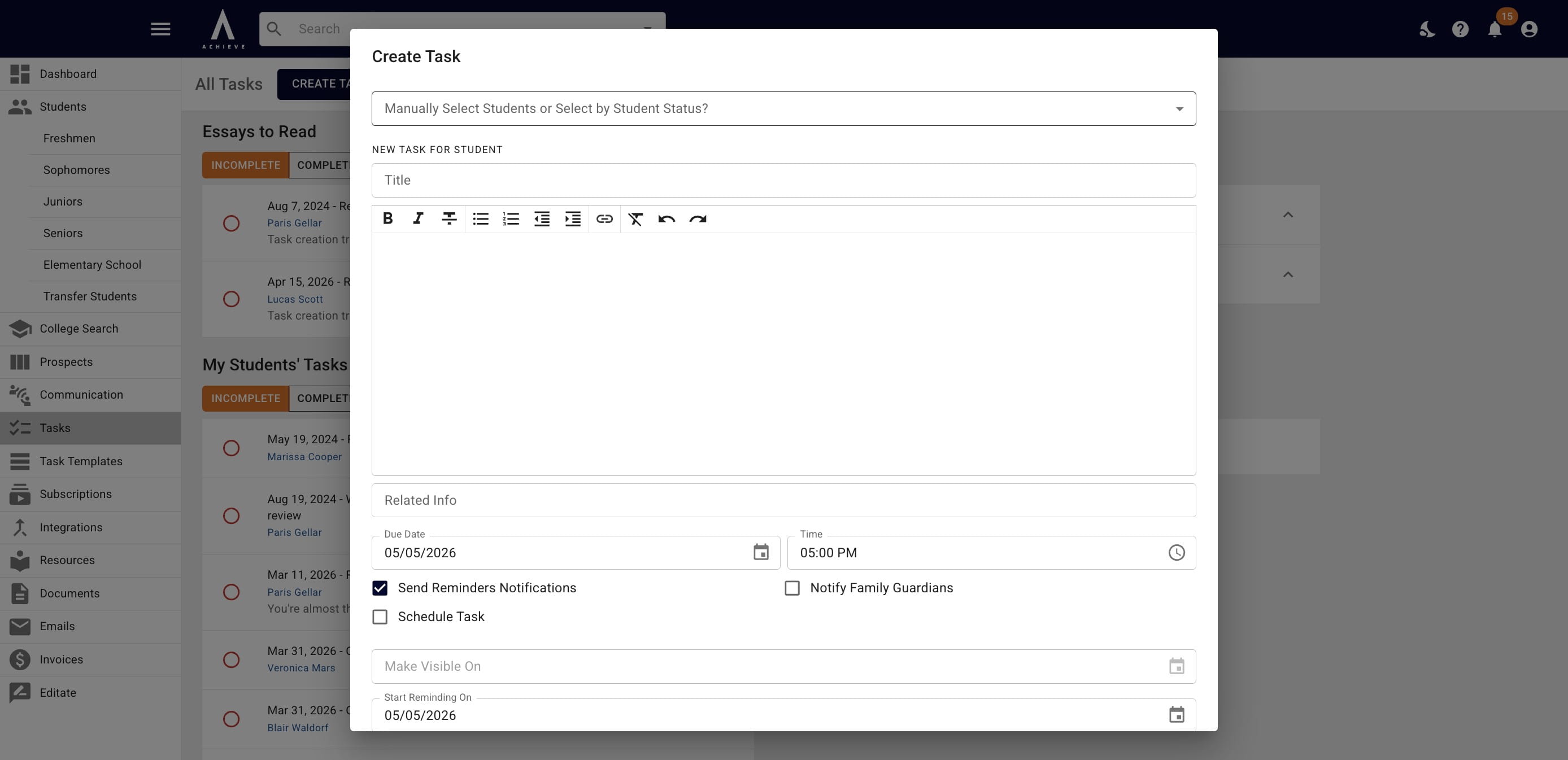
If you choose Specific Students, you'll then be able to choose those specific students by typing in their names or selecting them from the drop down menu.
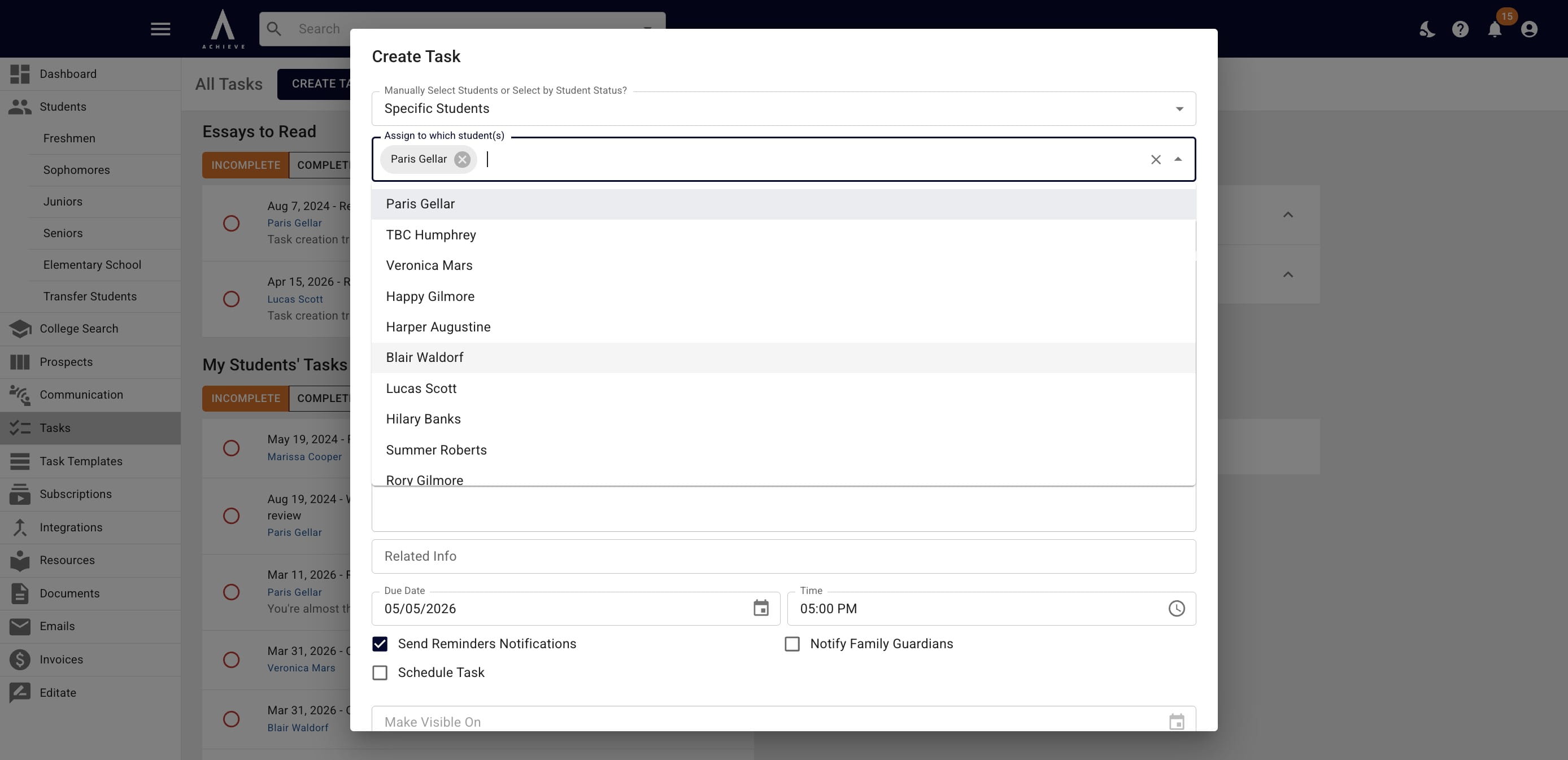
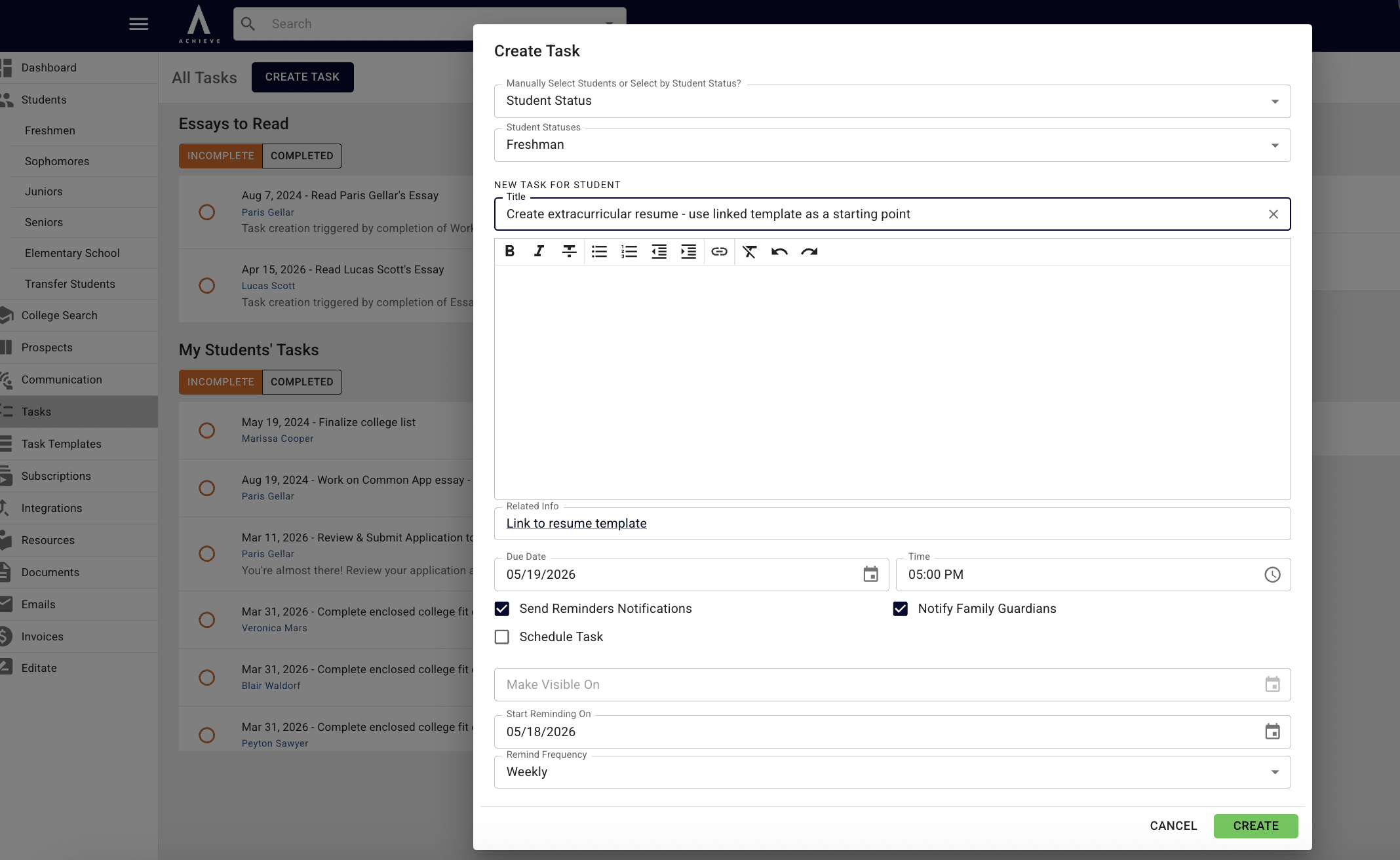
Click in the Title field to choose a task template from your task bank or write in a one-off task.
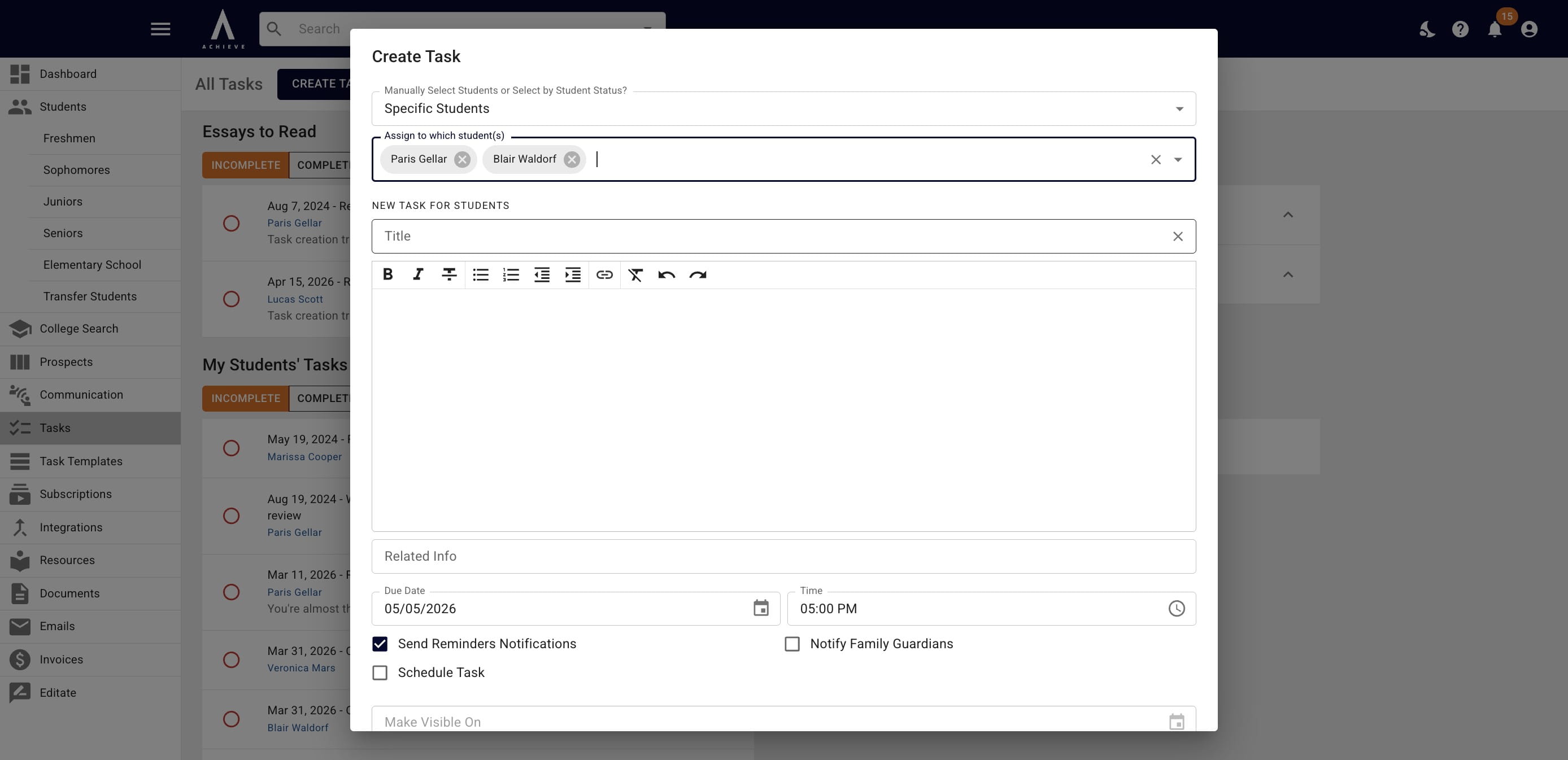
If you're assigning the task by Student Status, choose the applicable status(es) from the drop down.
Once you choose your recipients, task, and settings, click on the Create button to assign it to your students
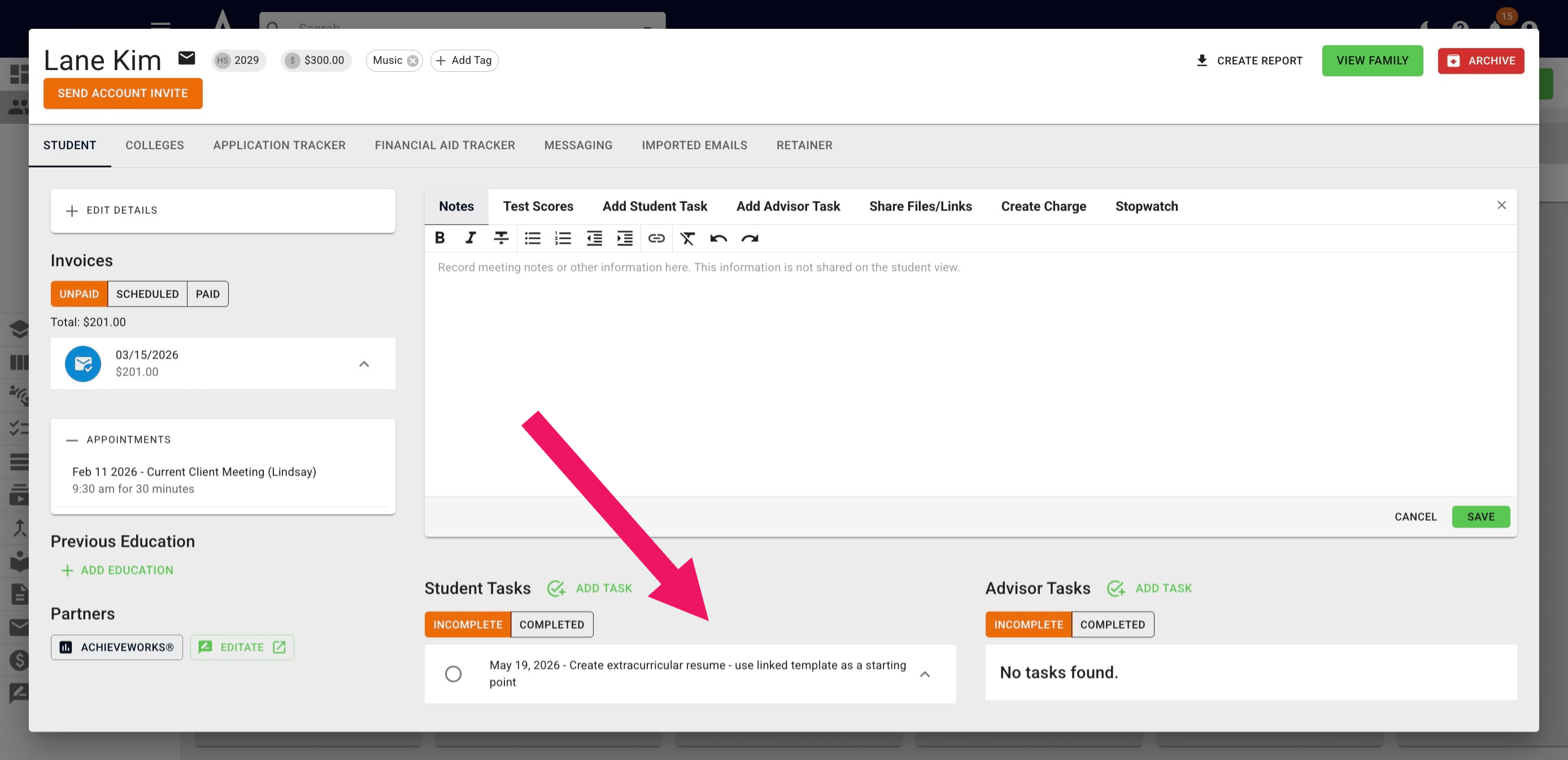
You will then see the applicable task on any of the students' profiles.
Done 🚀