
Advisor Resources
This guide explains how to access and utilize the Advisor Resources in Achieve.
Navigate to https://app.achieveiec.com/resources
At the top, you'll see the Achieve Community section. This is where you'll find instruction manuals to help you fully utilize Achieve, more information about our partners, and various ways to connect with our team and other Achieve users.
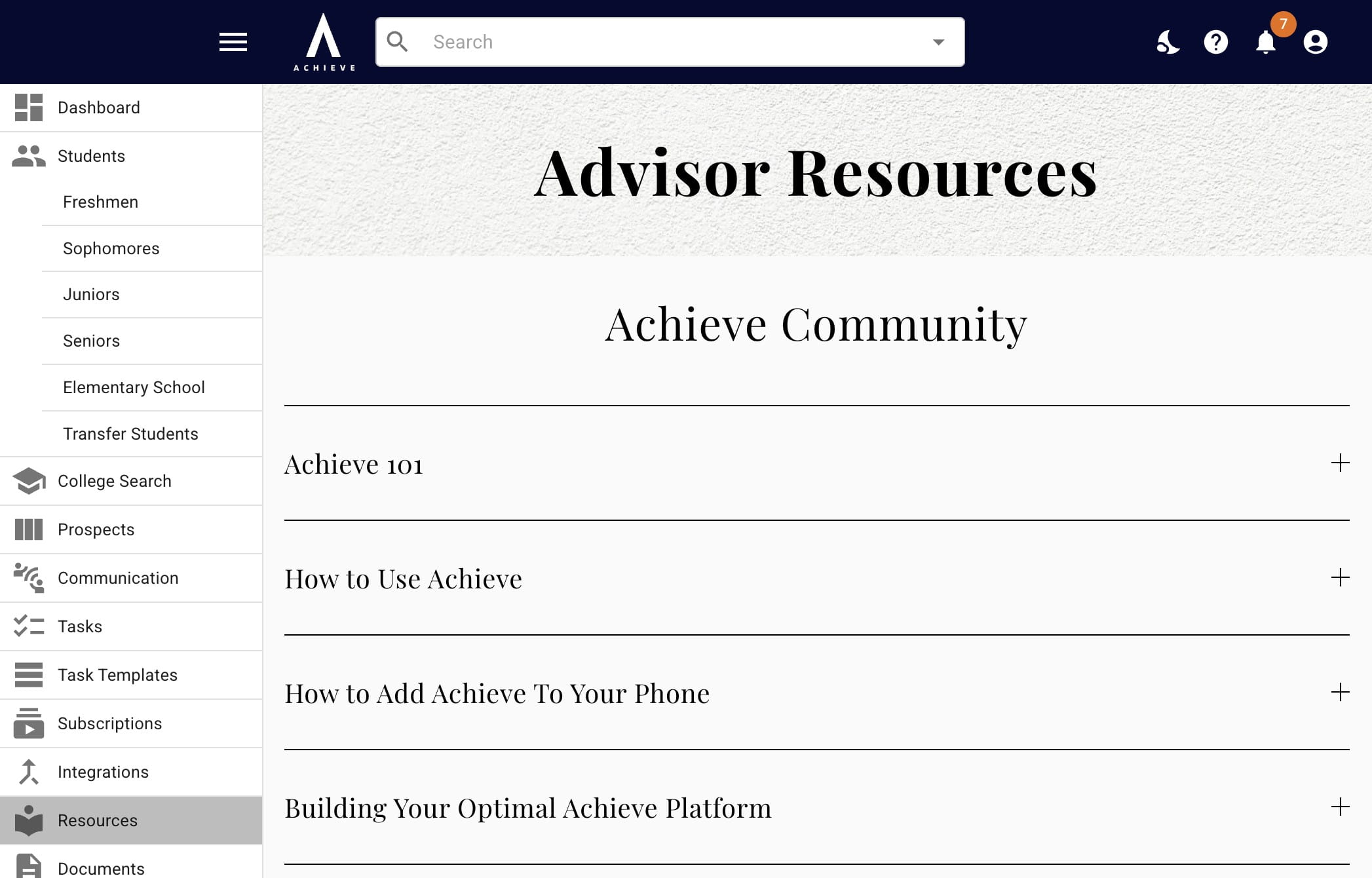
When you click on a title, it will expand to explain what the resource is. To access the resource itself, press where it says Click here.
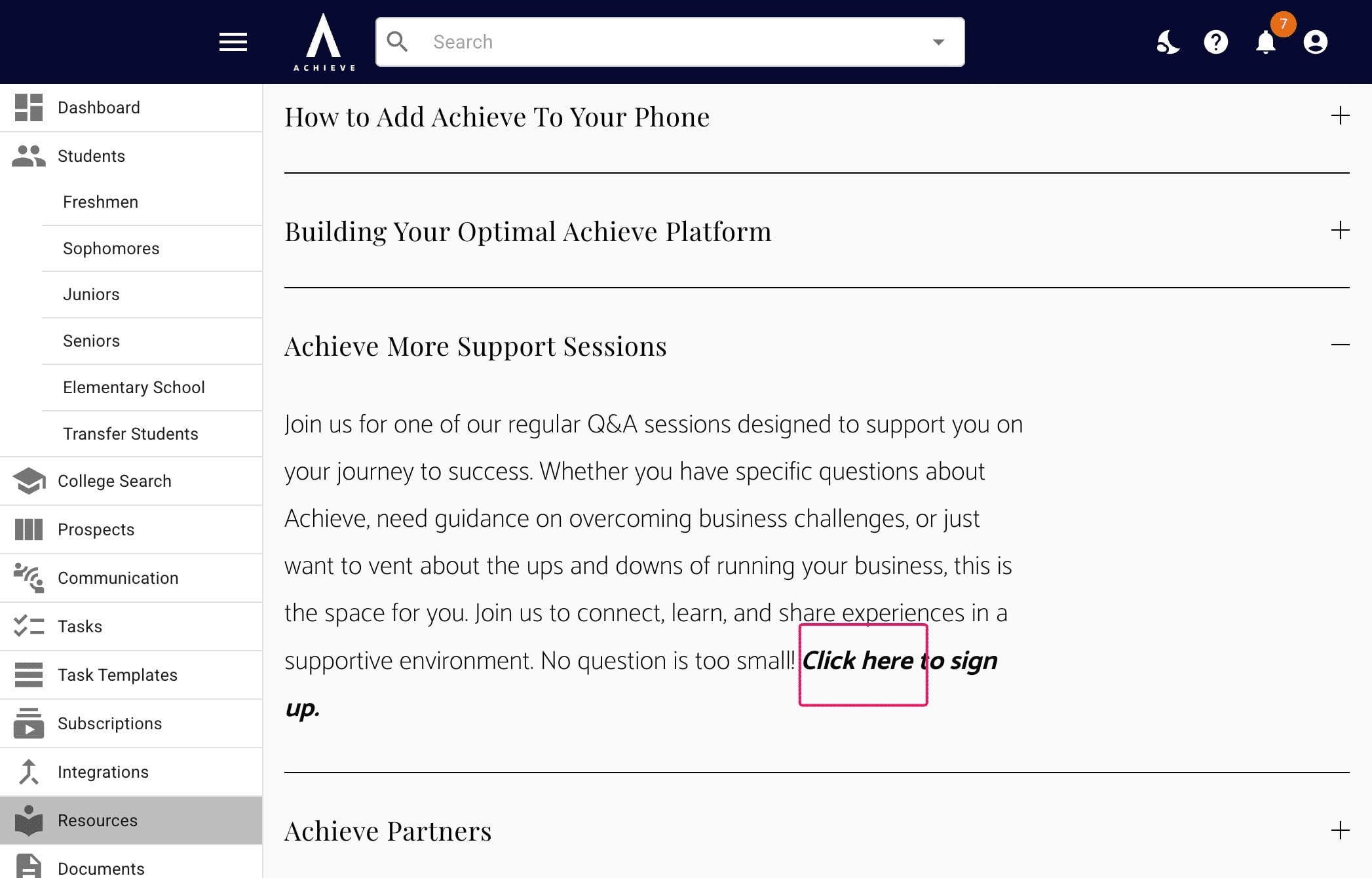
The next section is Crowdsourced Resources. These are notes, directories, and other data that have been submitted by your fellow Achieve users (and then vetted by the Achieve team).
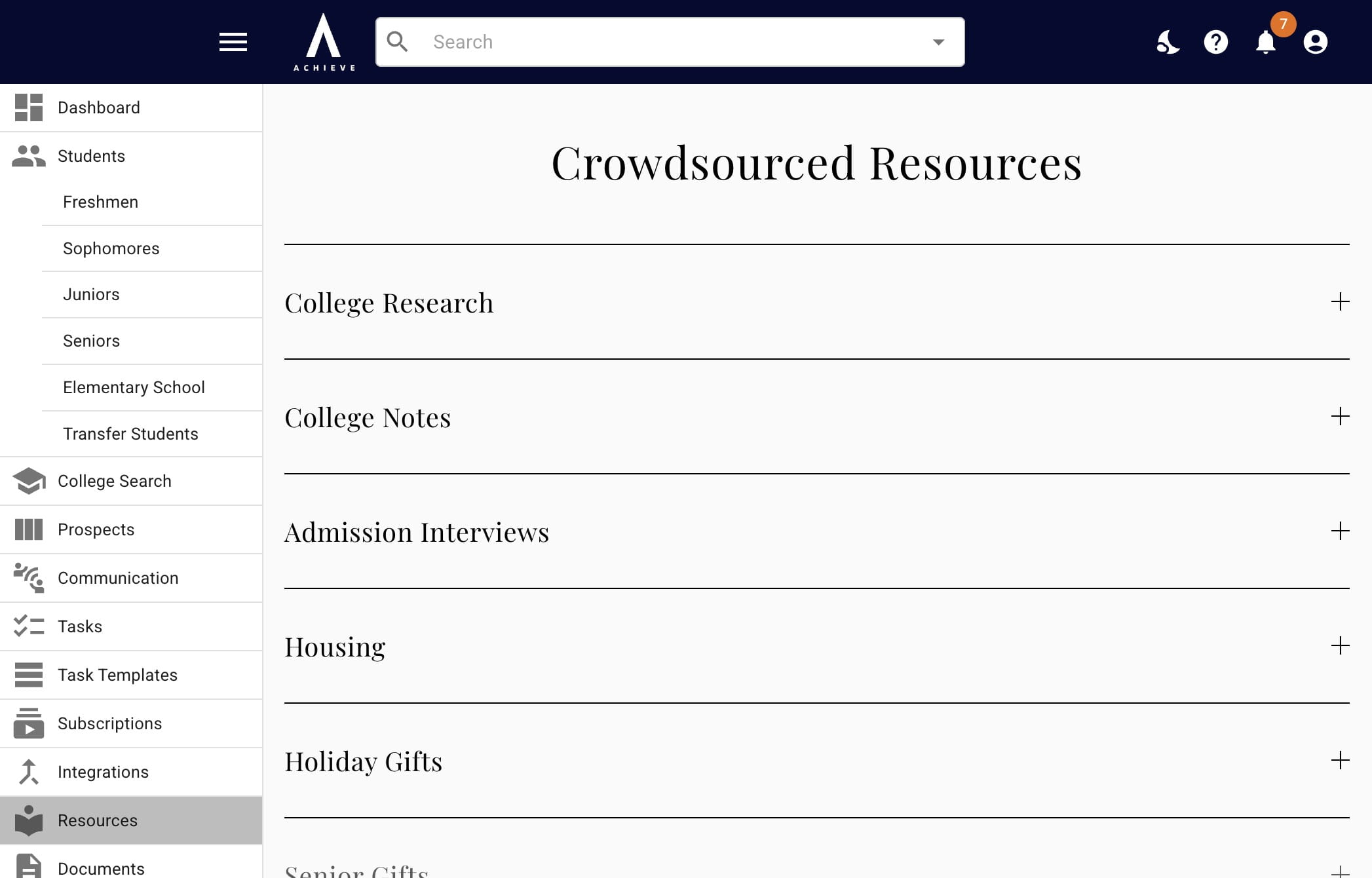
This is an example of one of our crowdsourced resources, Admission & Scholarship Interviews. Here, you can utilize the listed questions for 50+ colleges/scholarships. You can also submit your own.
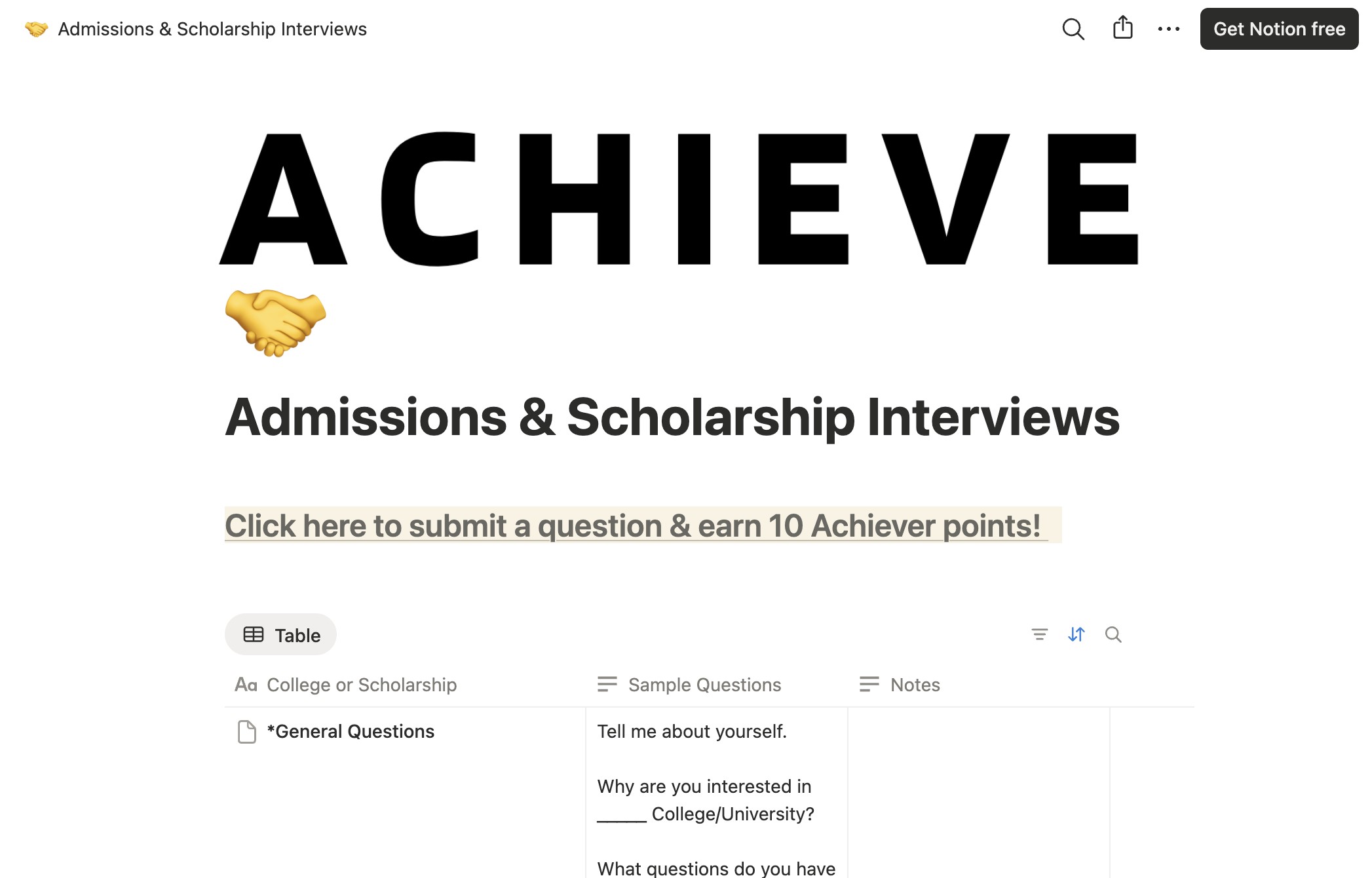
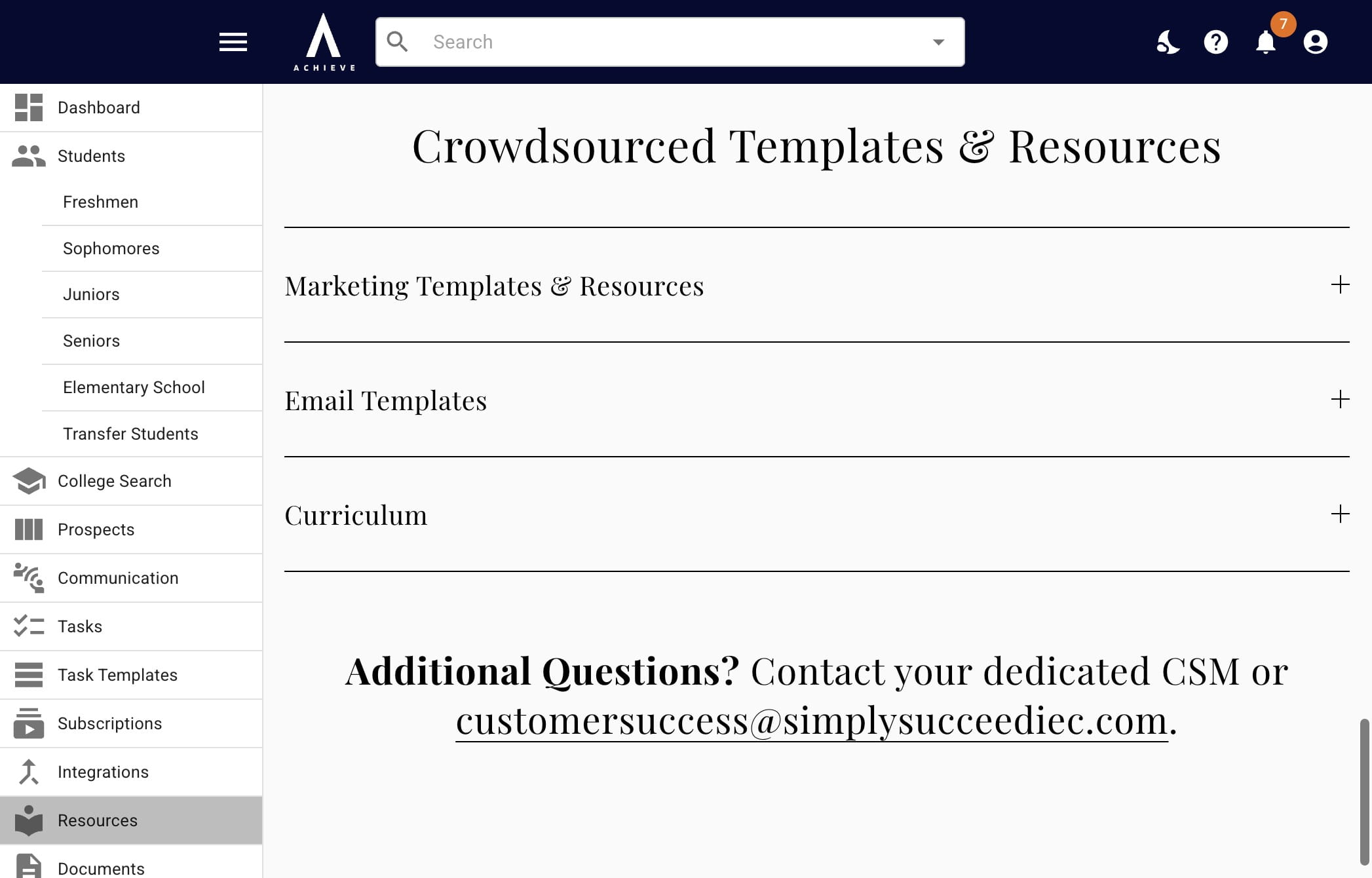
The last section is Crowdsourced Templates & Resources. These are templates that you can use as is or customize to better fit your needs.
This is an example of a template under Curriculum; the New Client Onboarding Form. You can utilize all of these forms as is; you'll automatically receive the responses as long as your email is added to the What is your advisor's email address? field.
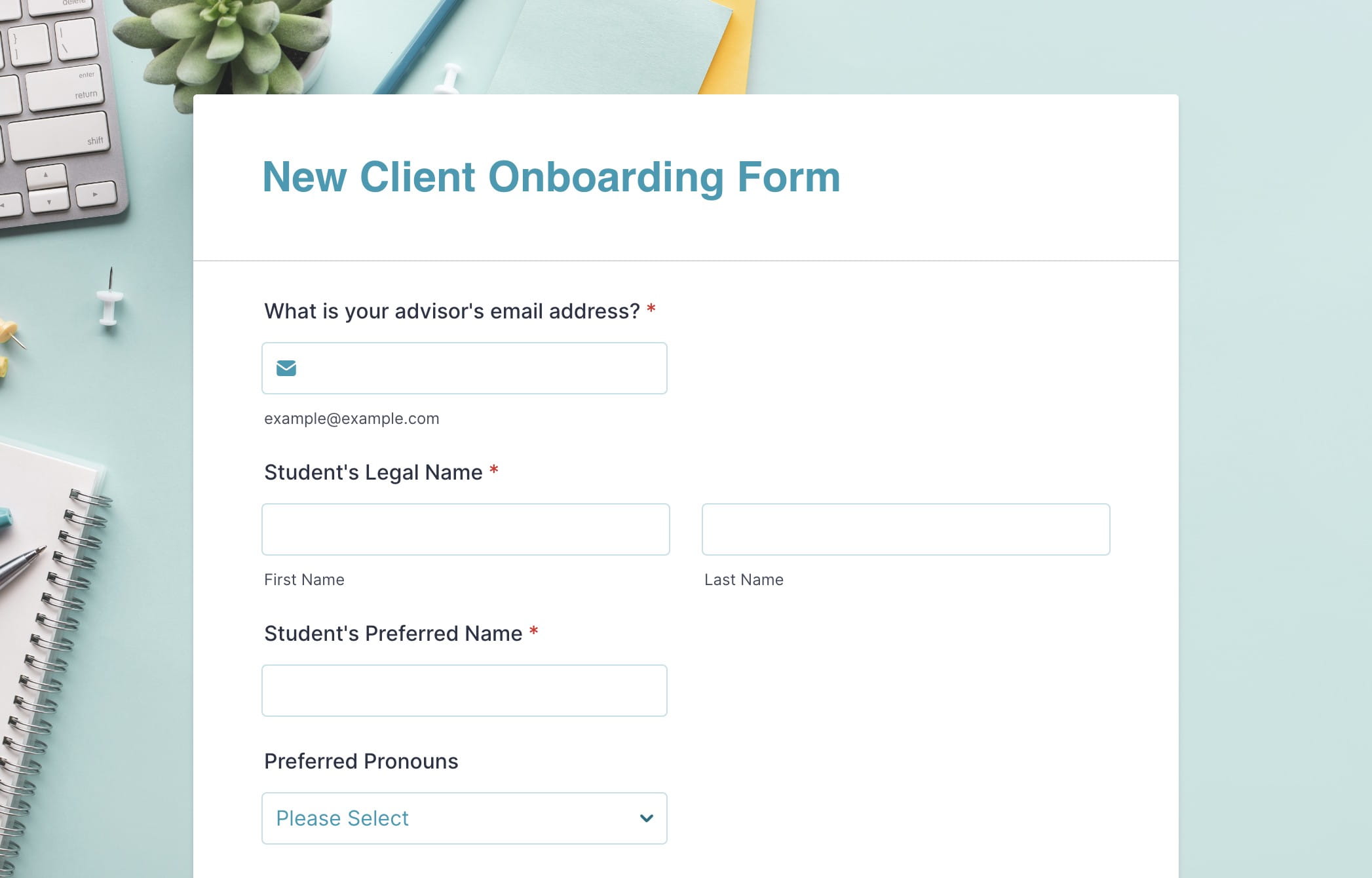
We can also customize these forms for you! Ask your dedicated CSM for more information.
Done 🚀