
Archiving a Student
This guide explains how to archive a student profile, which is the same thing as deleting a student in Achieve.
May 05, 2026●
1
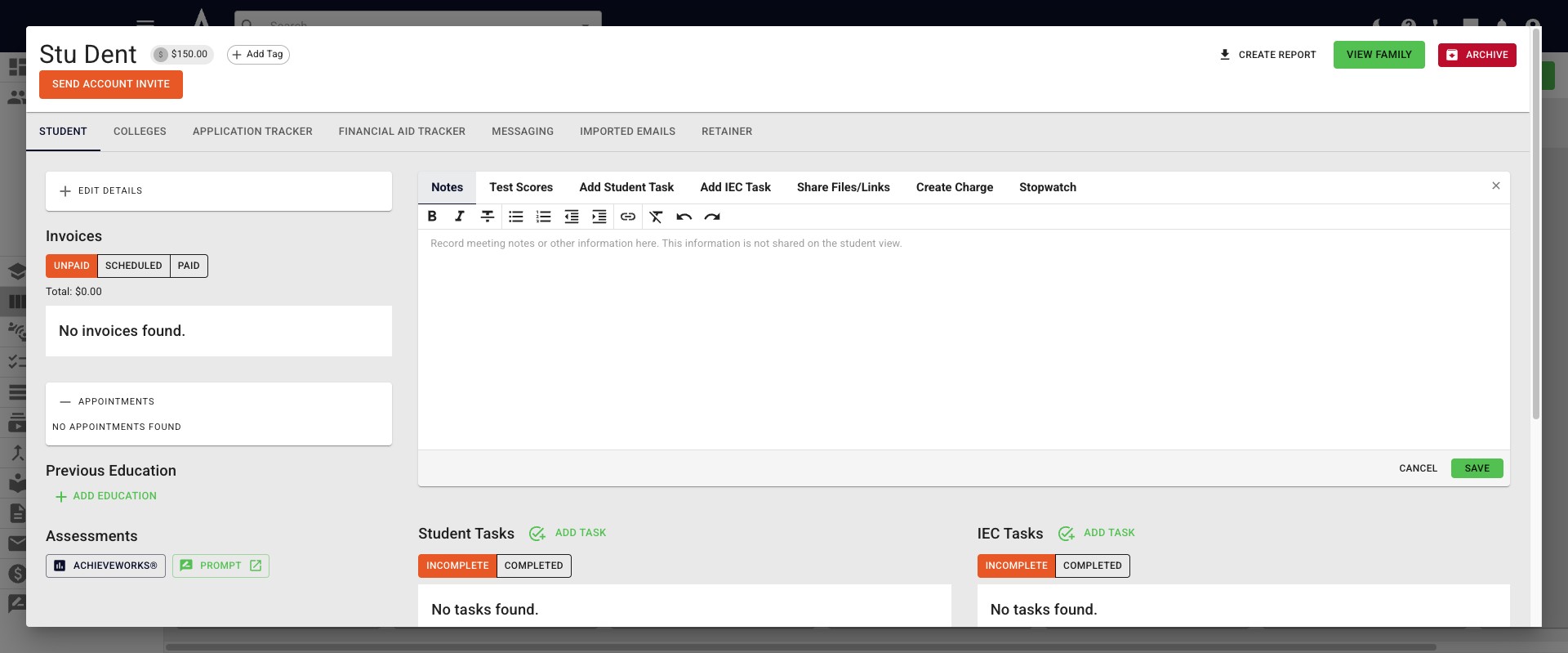
Open the profile for the student you want to archive. Click on the red Archive button the the top right-hand side of your screen.
2
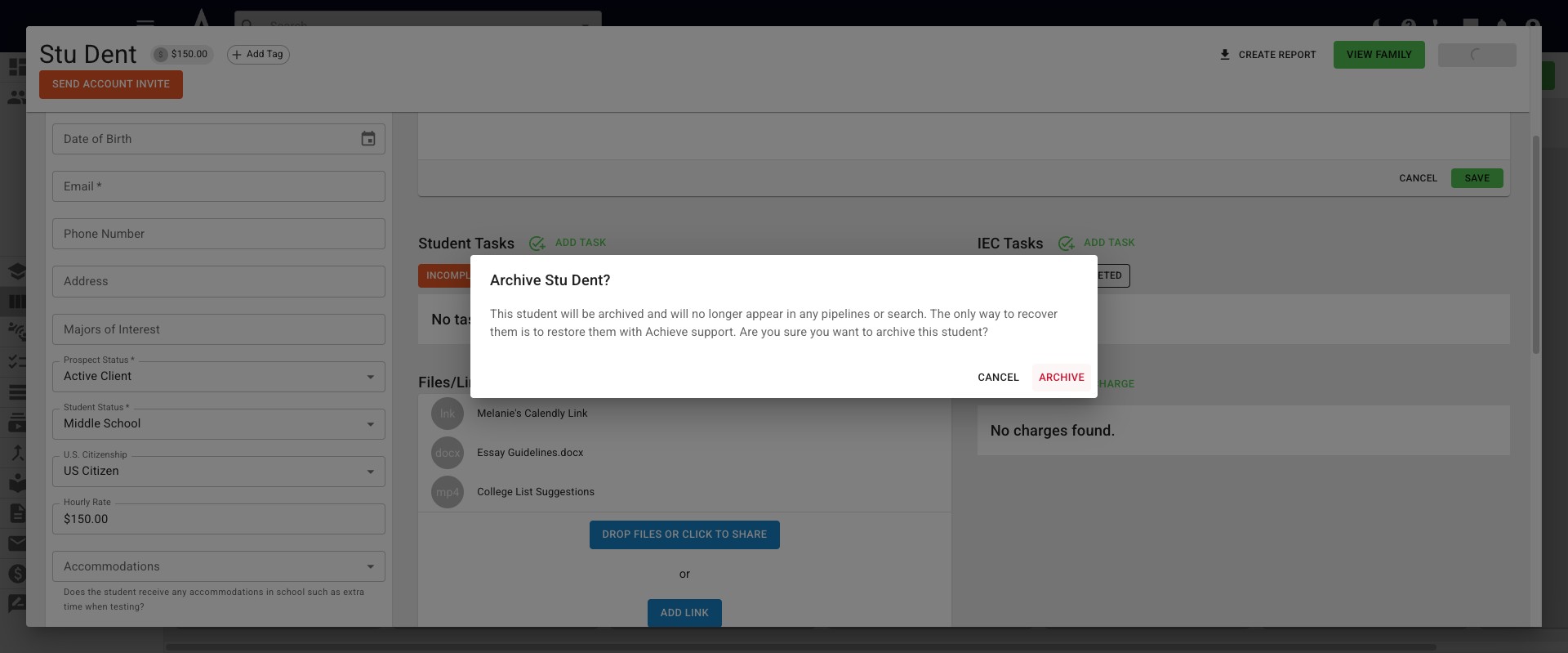
Click on the red Archive button in the pop up button to confirm your intention.
3
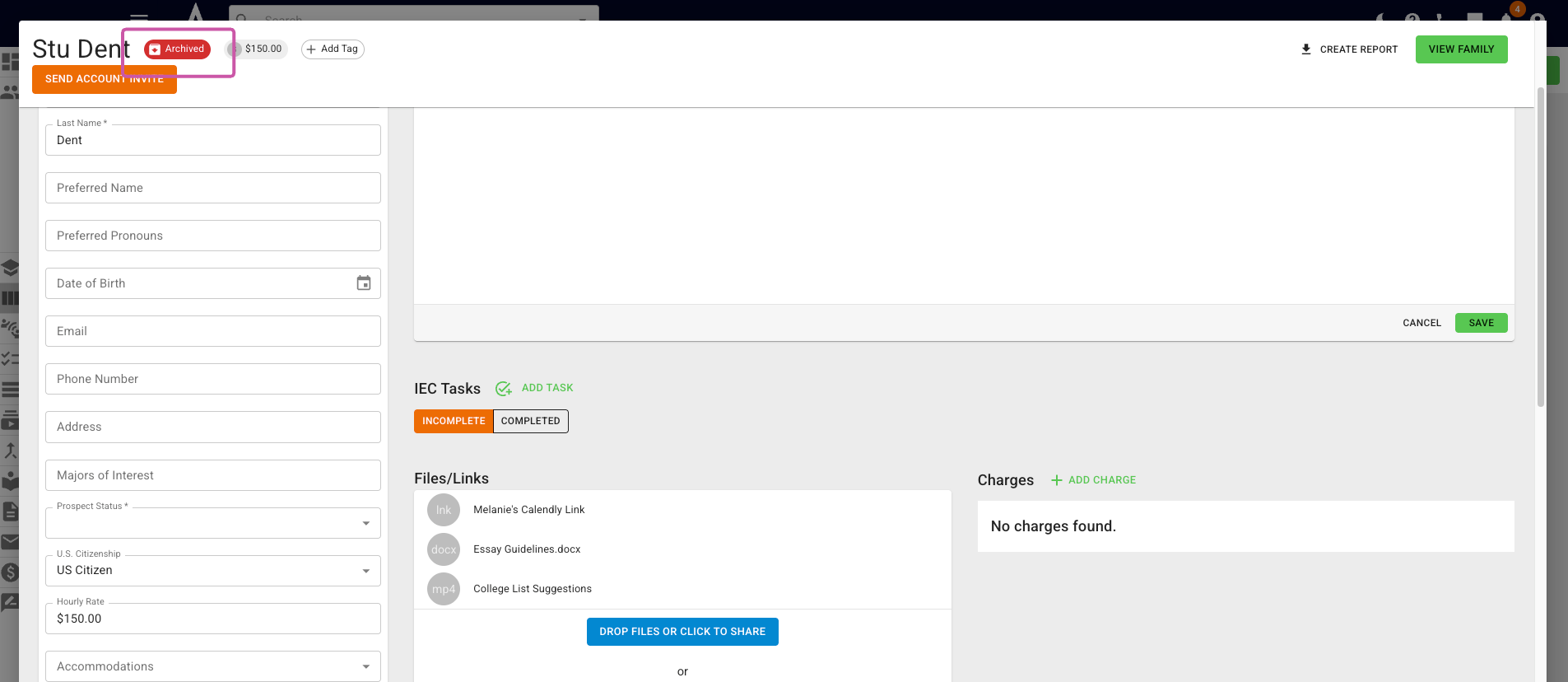
You will now see the word Archived with a red background, next to the student's name.
4
Done 🚀
Frequently asked questions
- Why don't I see the archive button?
Only active student profiles show the Archive button. To change a student's status, press Edit Details on the student's profile and change the Prospect Status and Student Status fields from Complete or Closed, respectively. You can also drag and drop the student from the Completed column on the student tracker to an active column.