
Auto-Notifications for Retainer Renewals
This guide explains how to enable automatic parent notifications for hourly retainers and tailor when alerts are sent based on remaining hours.
May 09, 2026●
1
Navigate to https://app.achieveiec.com/settings
2
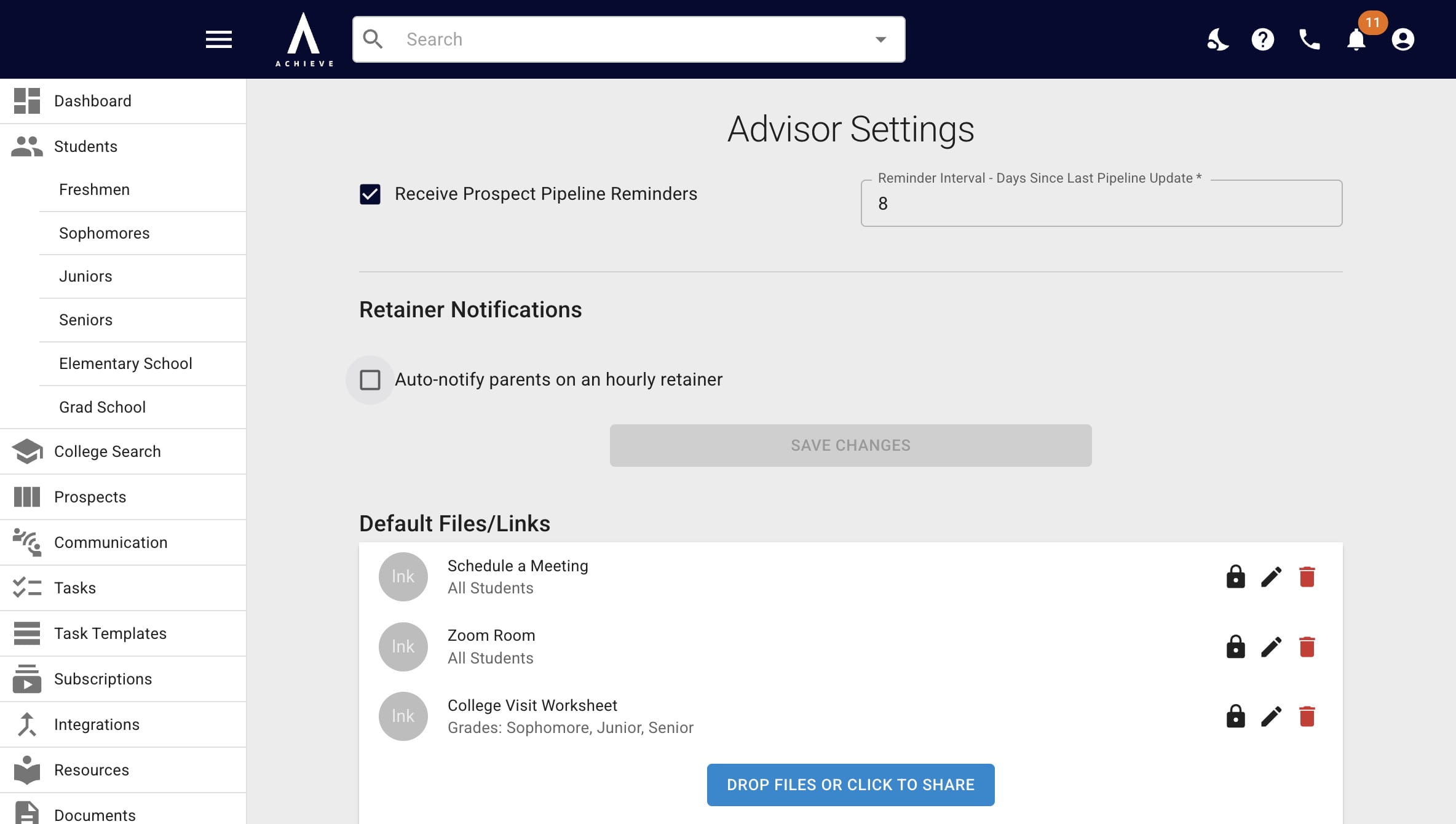
Check the Auto-notify parents on an hourly retainer box.
3
Choose when parents should be notified (i.e. how many hours of the retainer should be remaining?) and add in an applicable payment link.
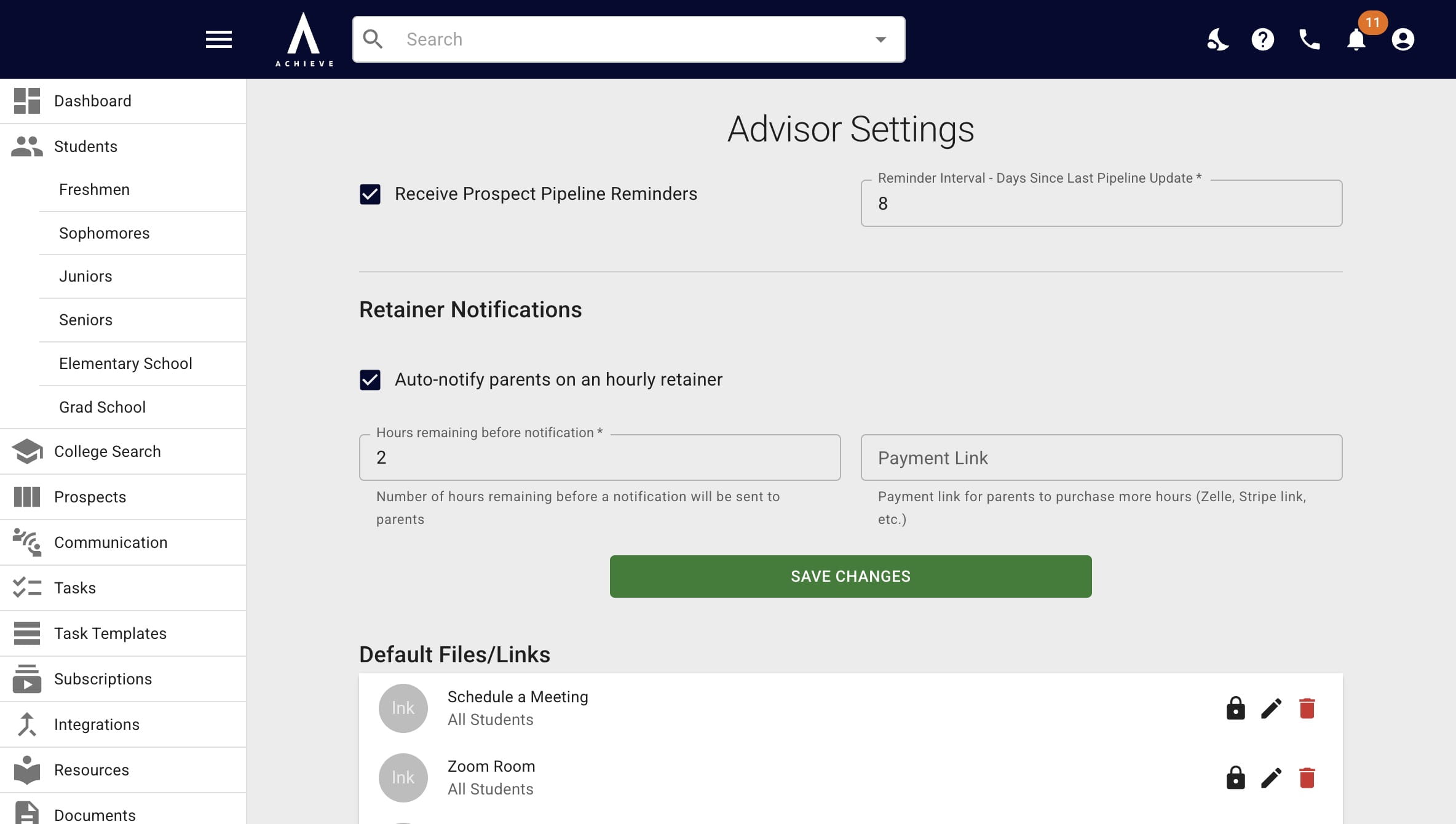
Not sure what type of payment link you should be adding for this? Ask your CSM!
4
When you're done, press Save Changes.
5
Done 🚀