Custom Fields | Achieve by Simply Succeed
Configure and manage custom fields for families and students in Achieve.
Sep 25, 2026●
1
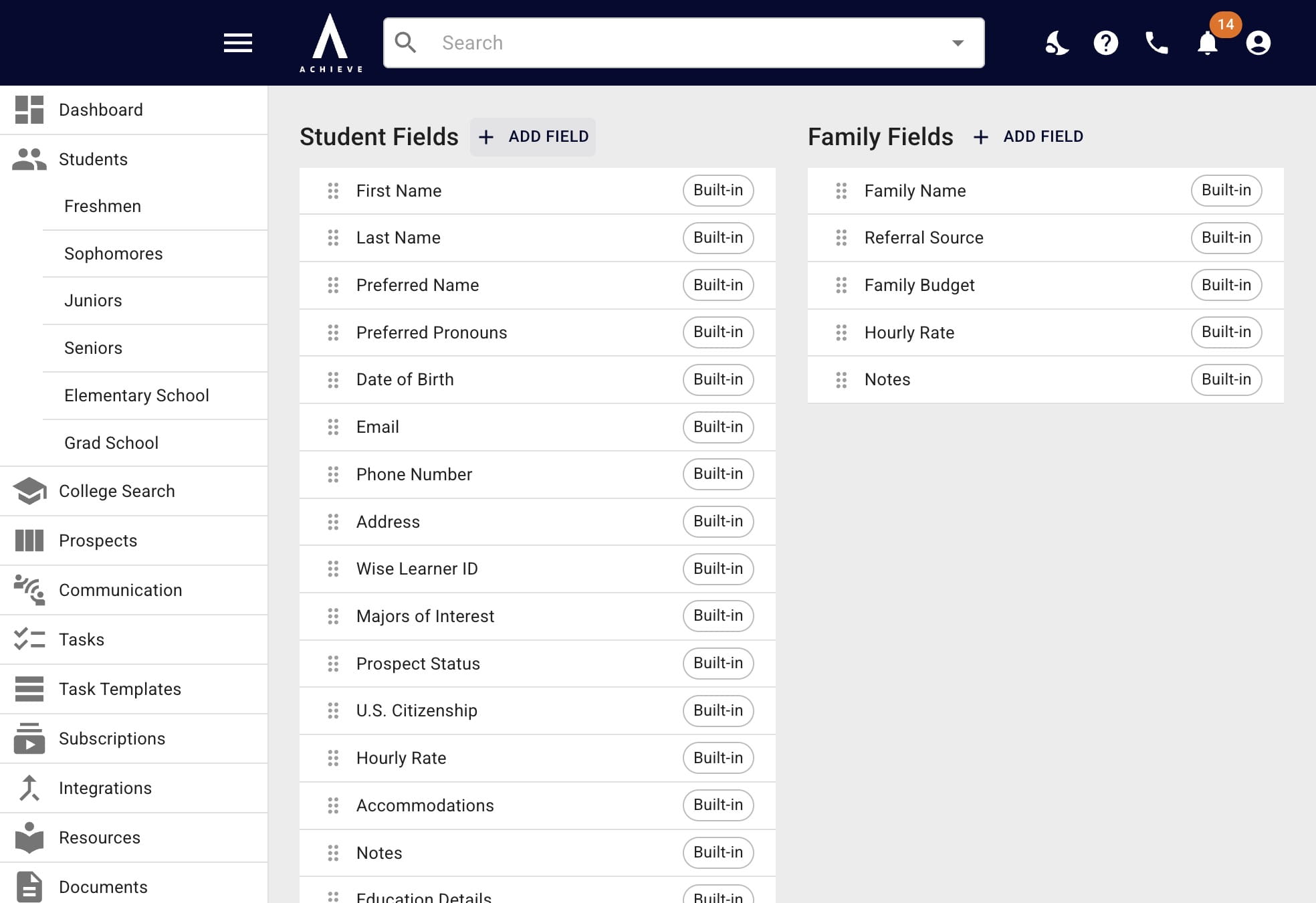
Navigate to https://app.achieveiec.com/custom-fields
2
Click Add Field above the applicable category
3
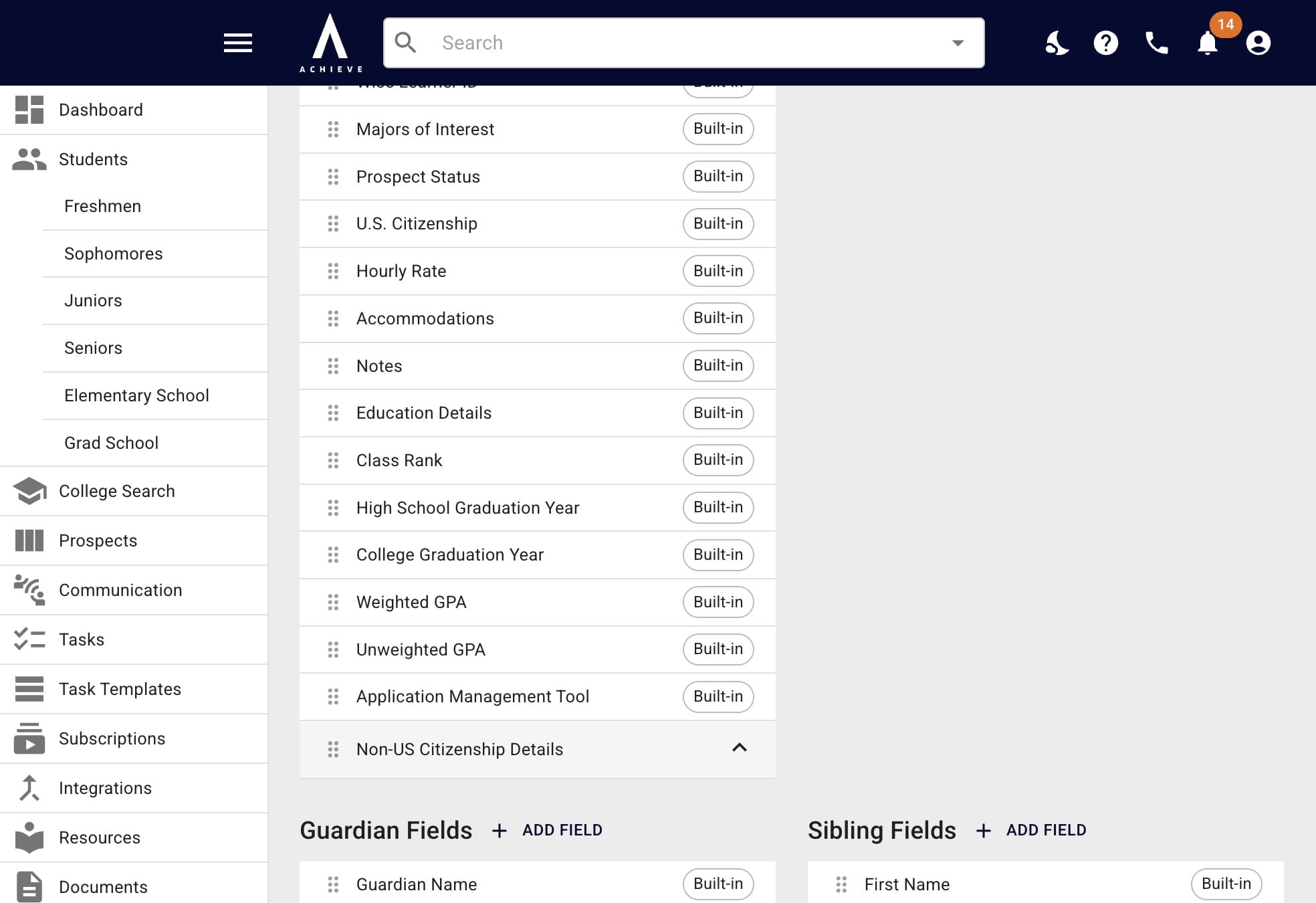
Click the left-hand side of the field to move the field order as needed
4
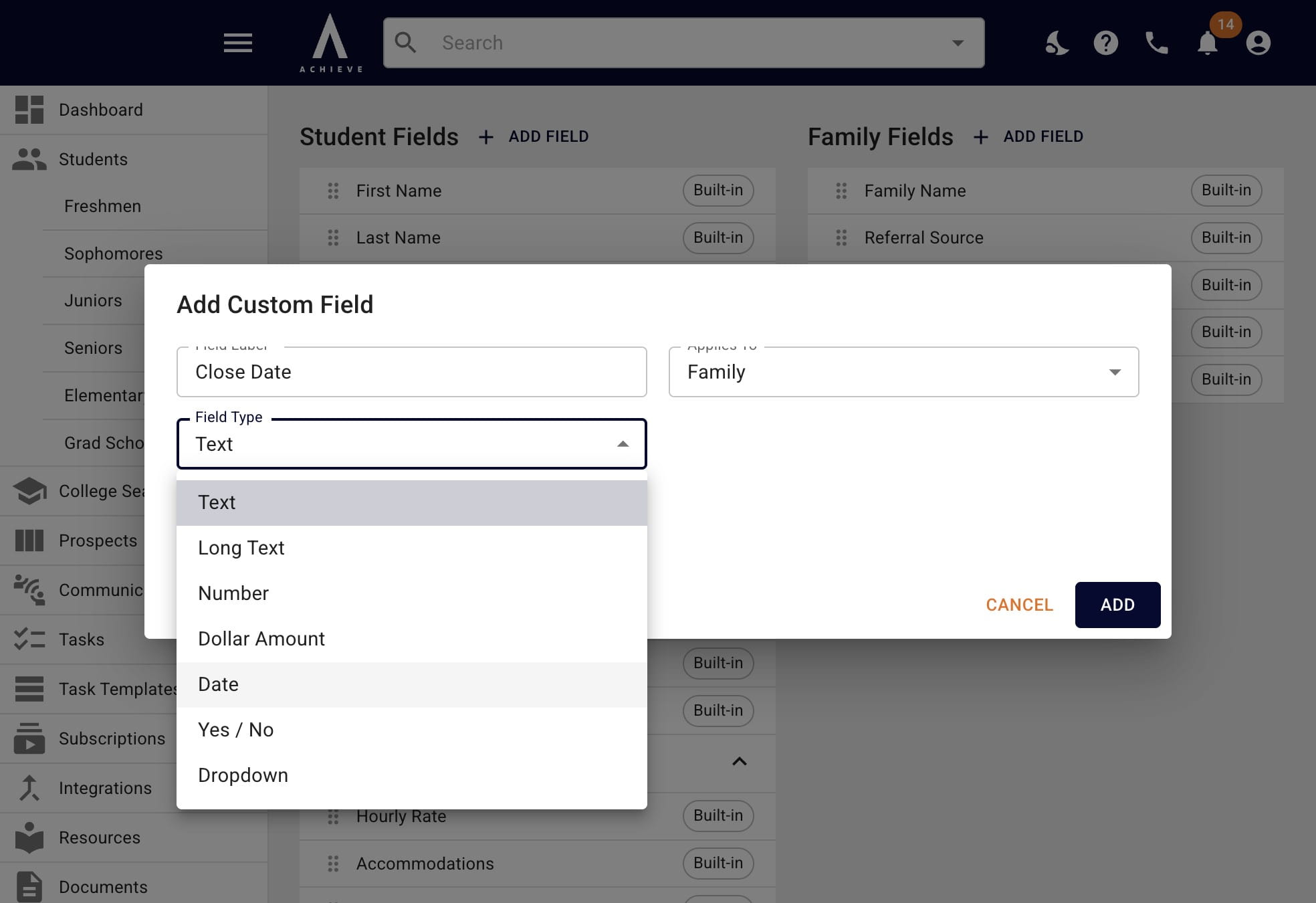
If you want the field to have a different format than text, open the Field Type drop down
5
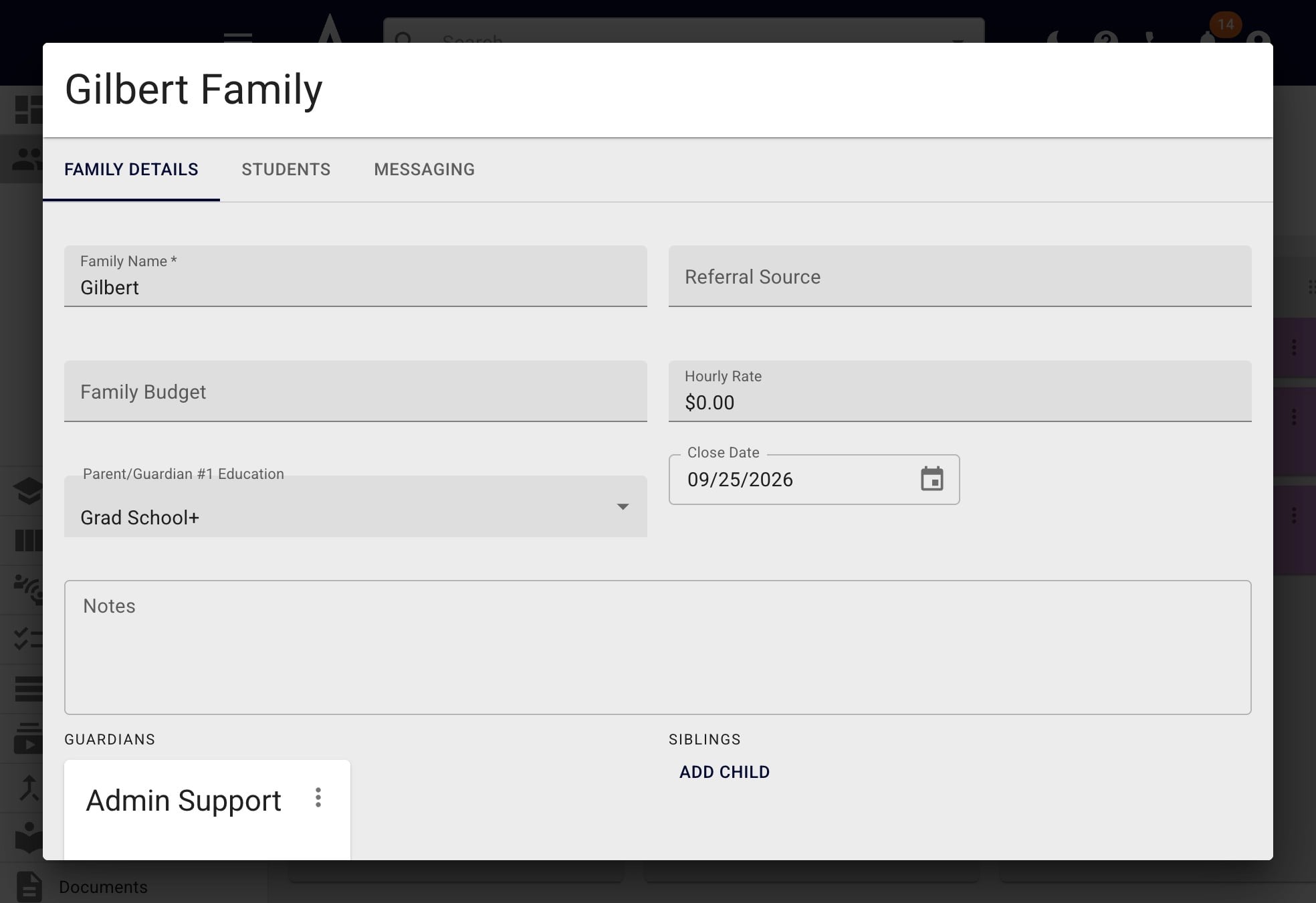
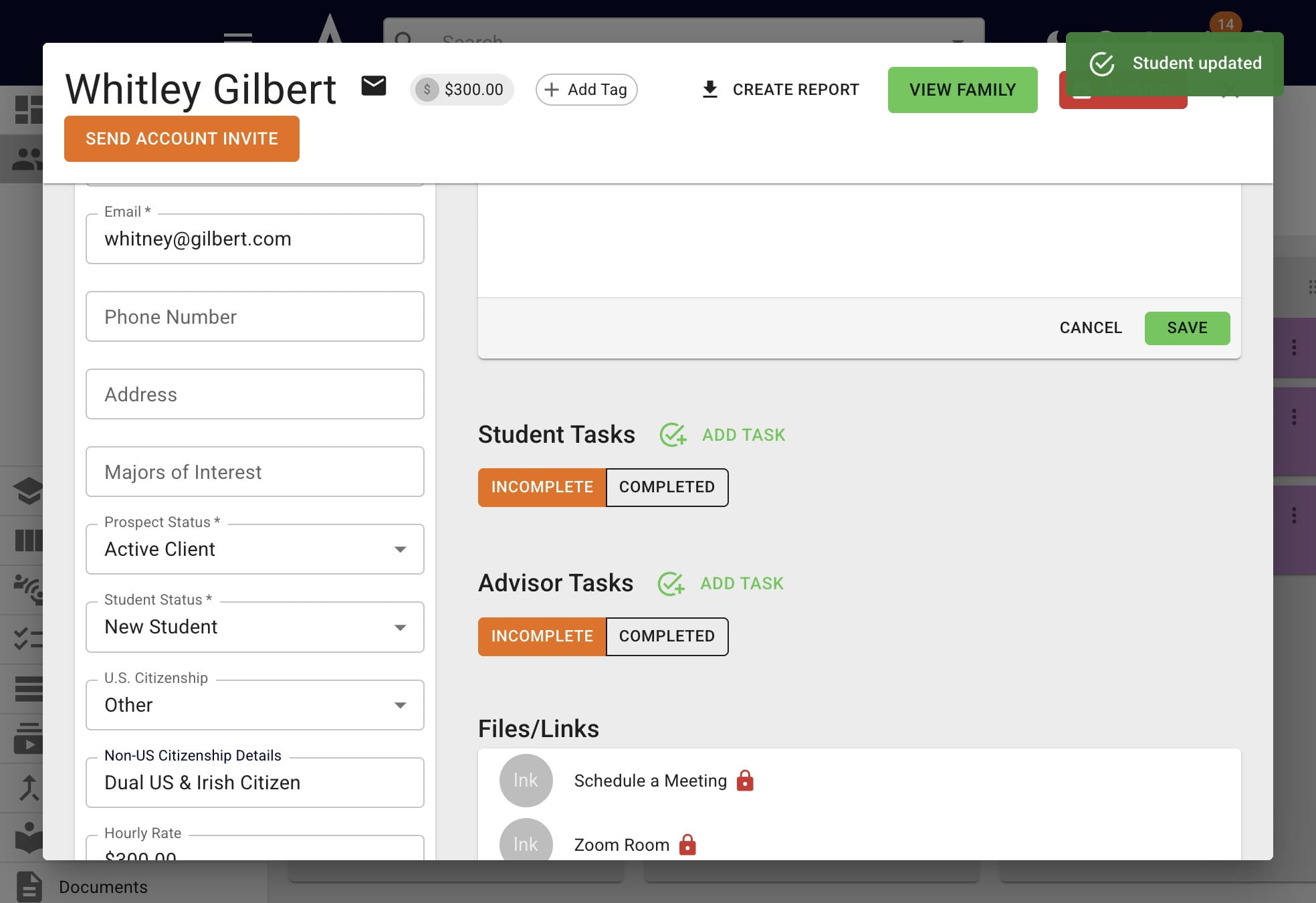
You'll then see the custom field in the applicable profile and can use it just like you would a built-in field!
6
Done 🚀