
Essays to Read Trigger
This guide explains how the Essays to Read automation works: when a task containing the word 'essay' is completed, an advisor task is automatically created to read the document, and it appears in the Essays to Read queue in the Task section for review.
May 05, 2026●
1
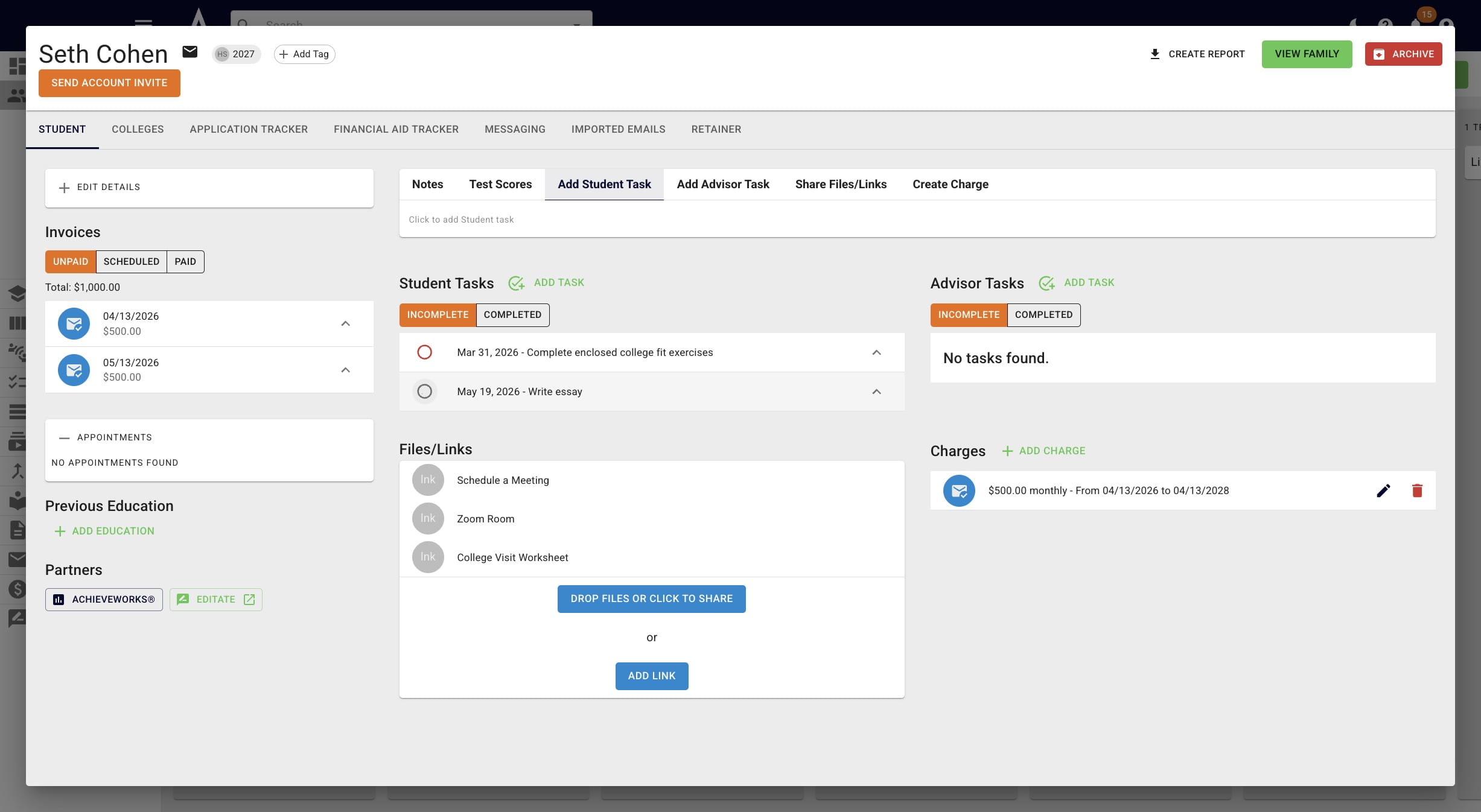
Click this icon
2
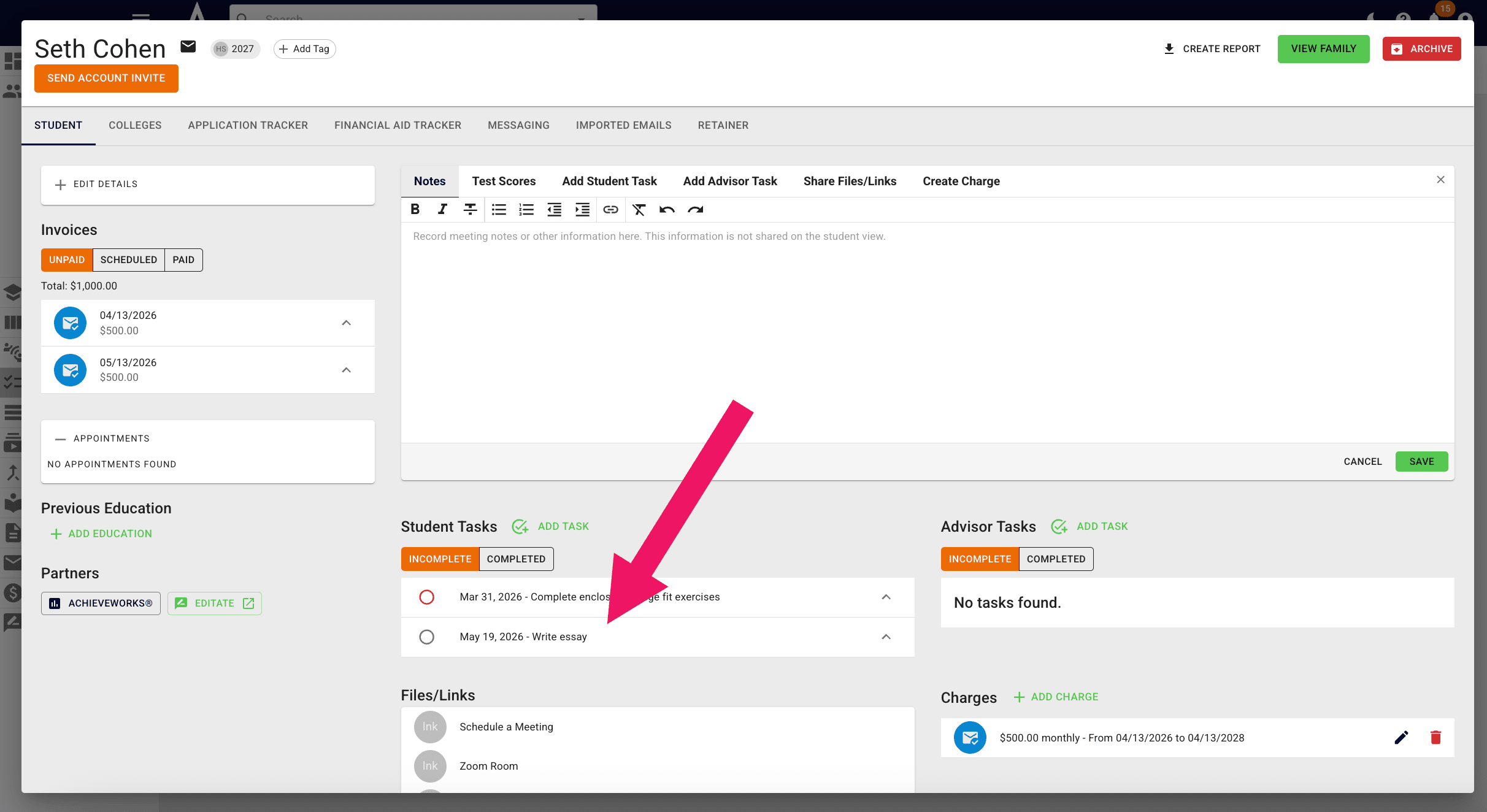
Achieve automations are set up so that any task with the word "essay" in it will automatically create an advisor task for you to read the document when it's marked as complete.
3
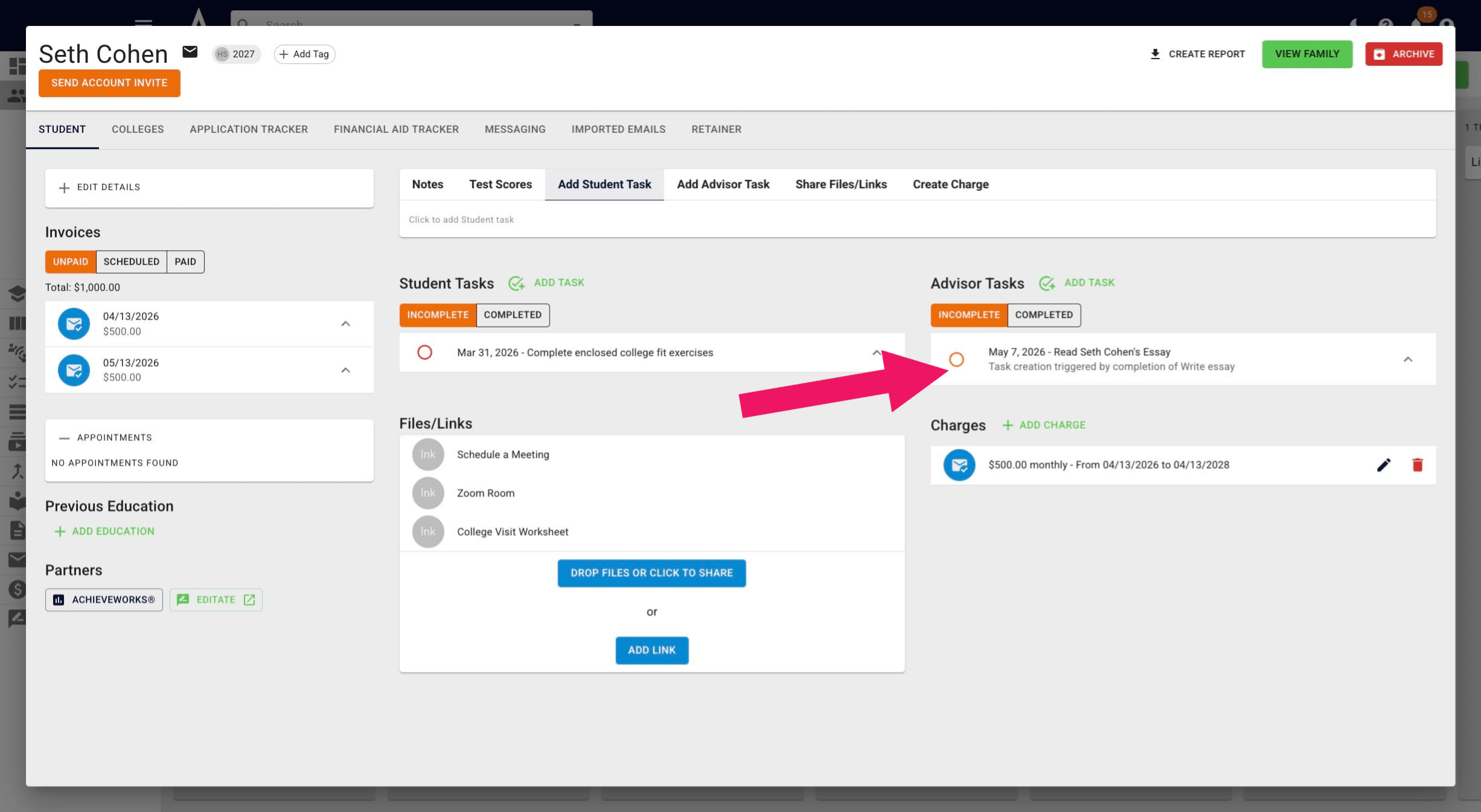
You can see in the below image that once Seth marked the essay-related task as complete it made a task for his advisor to read that essay.
4
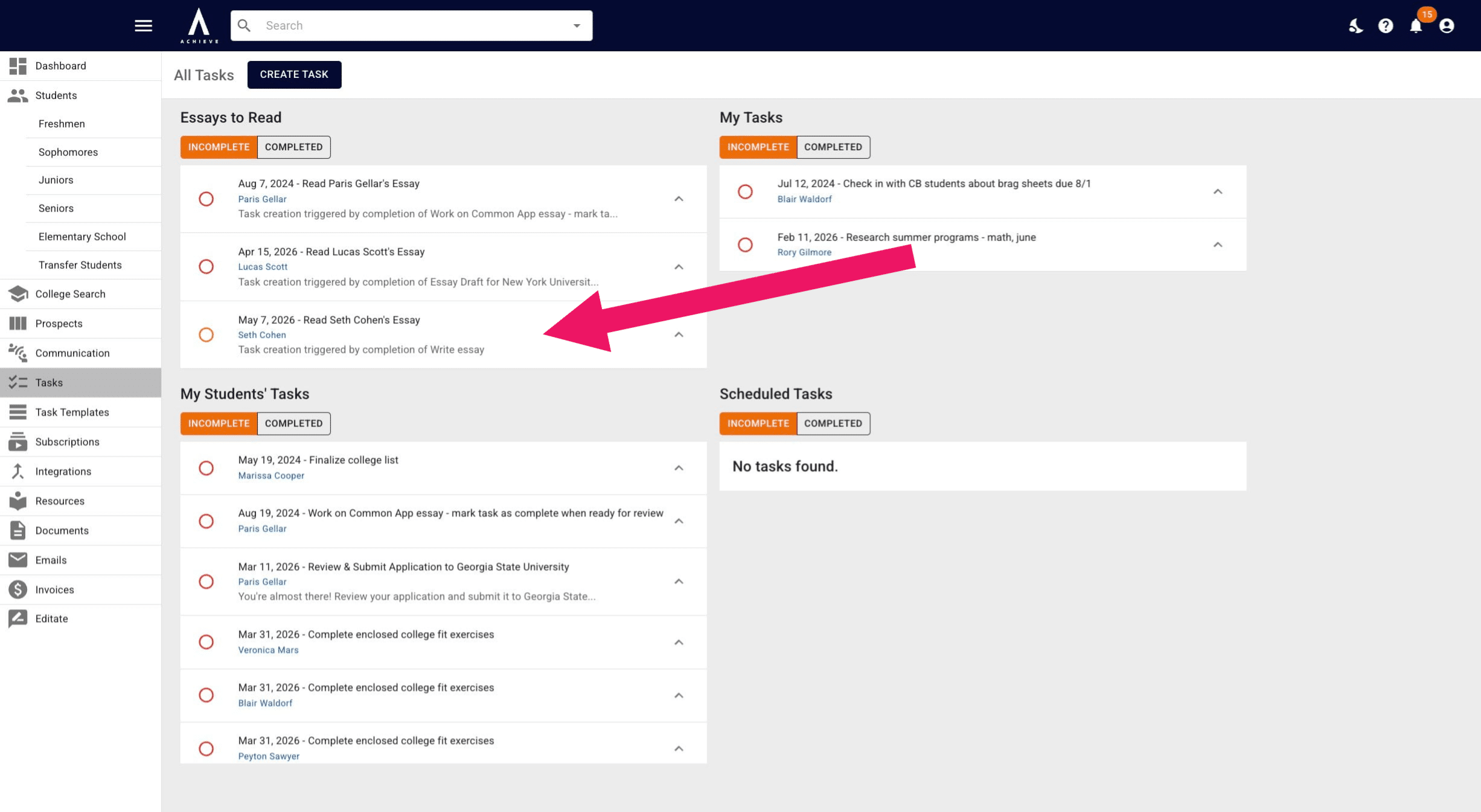
Additionally, the advisor task to read Seth's essay will show up under the Essays to Read queue in the Task section.
5
Done 🚀