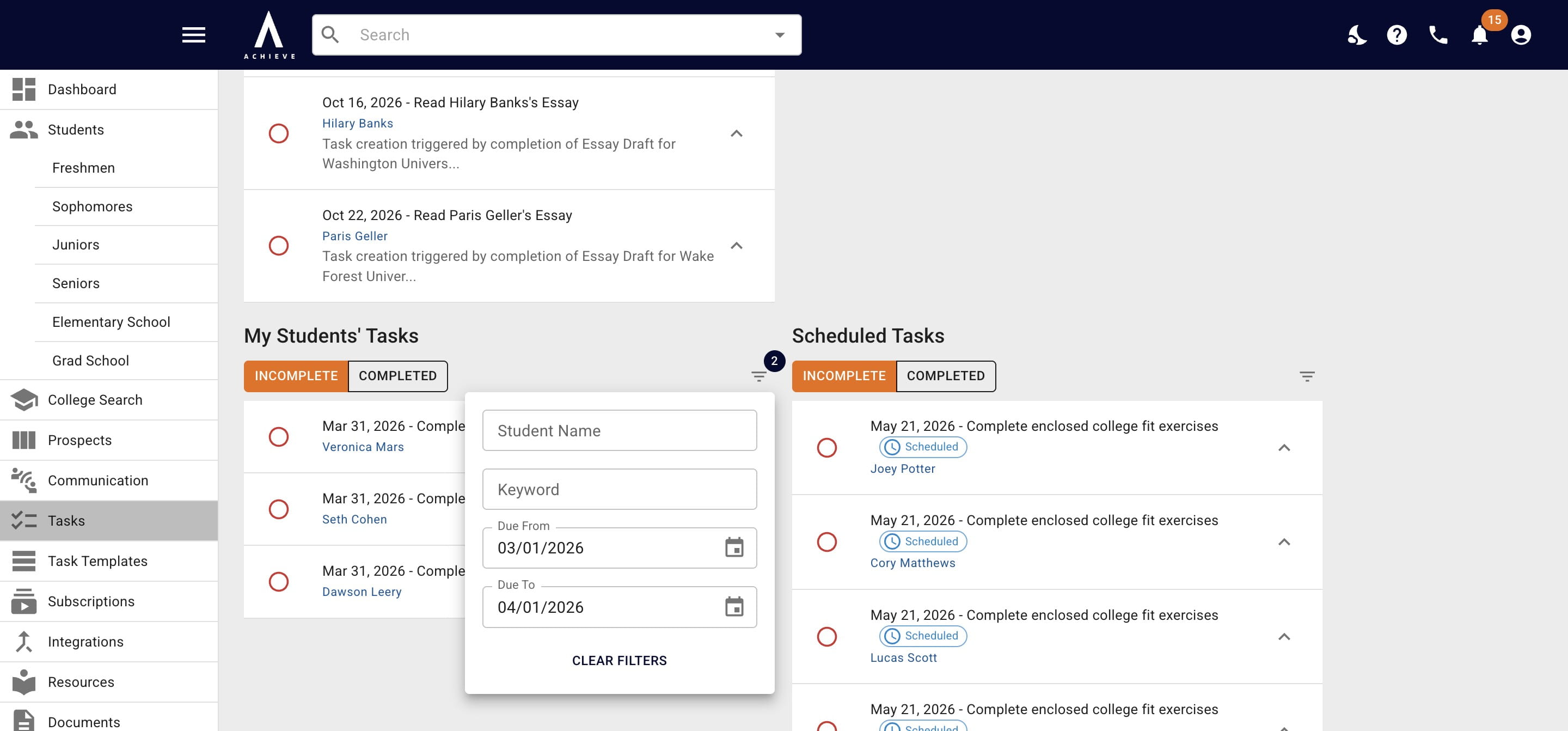
Filter Tasks
Narrow a task list to the tasks you need by filtering on name, keyword, or due date.
Oct 28, 2026●
1
Navigate to https://app.achieveiec.com/tasks
2
Navigate to the section you're looking to filter within that page
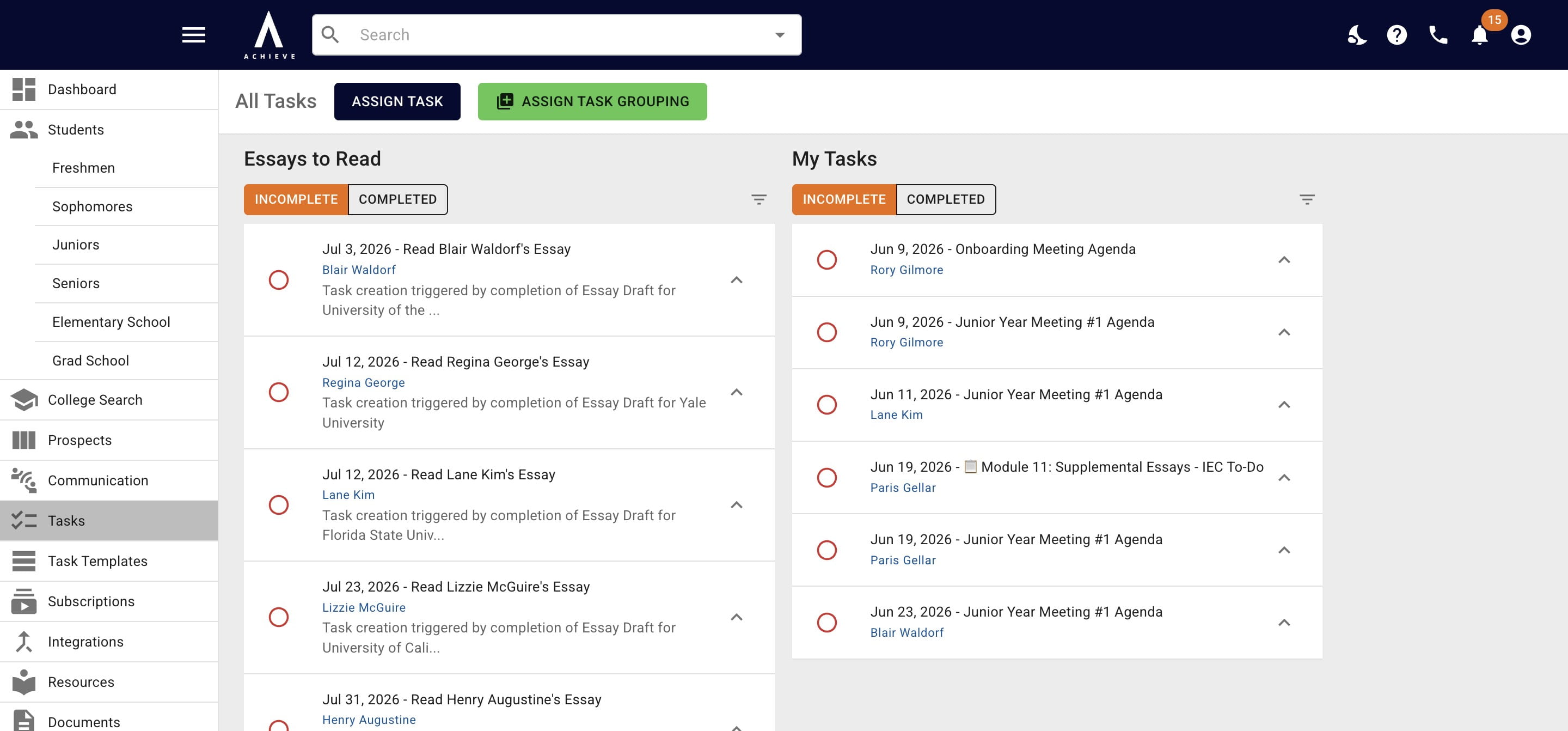
3
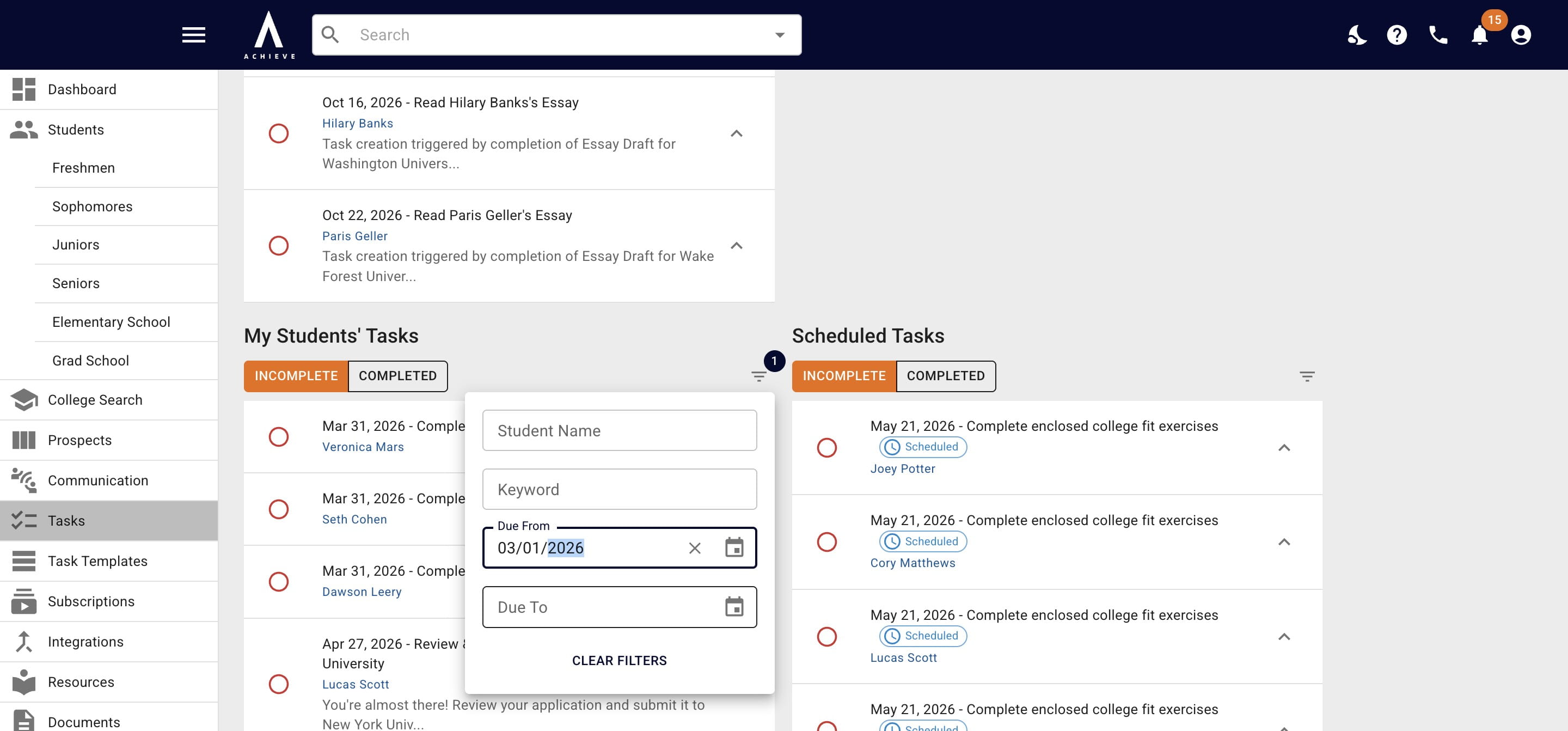
Click the filter icon
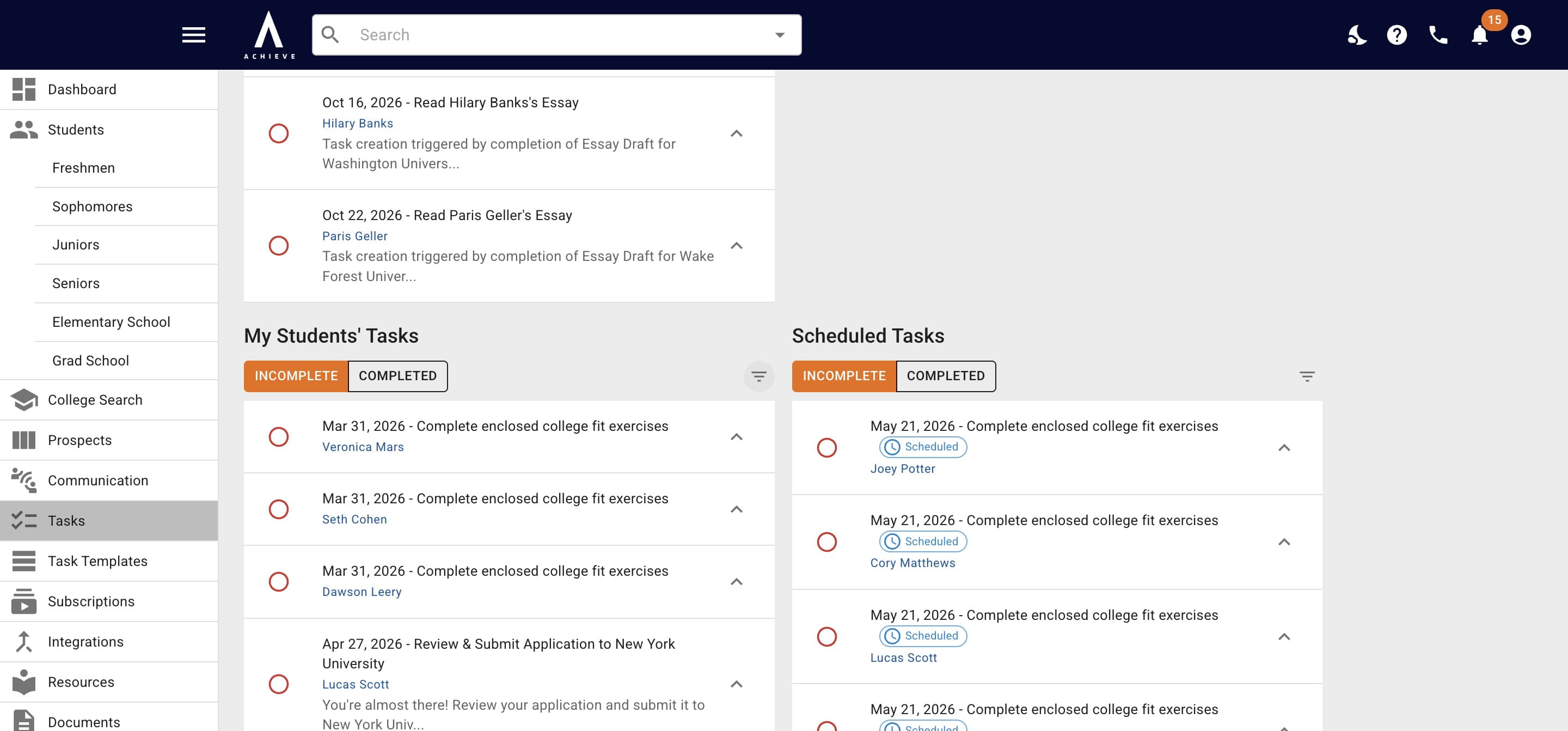
4
Choose the field you want to filter by (Name, Keyword, or Due Date)
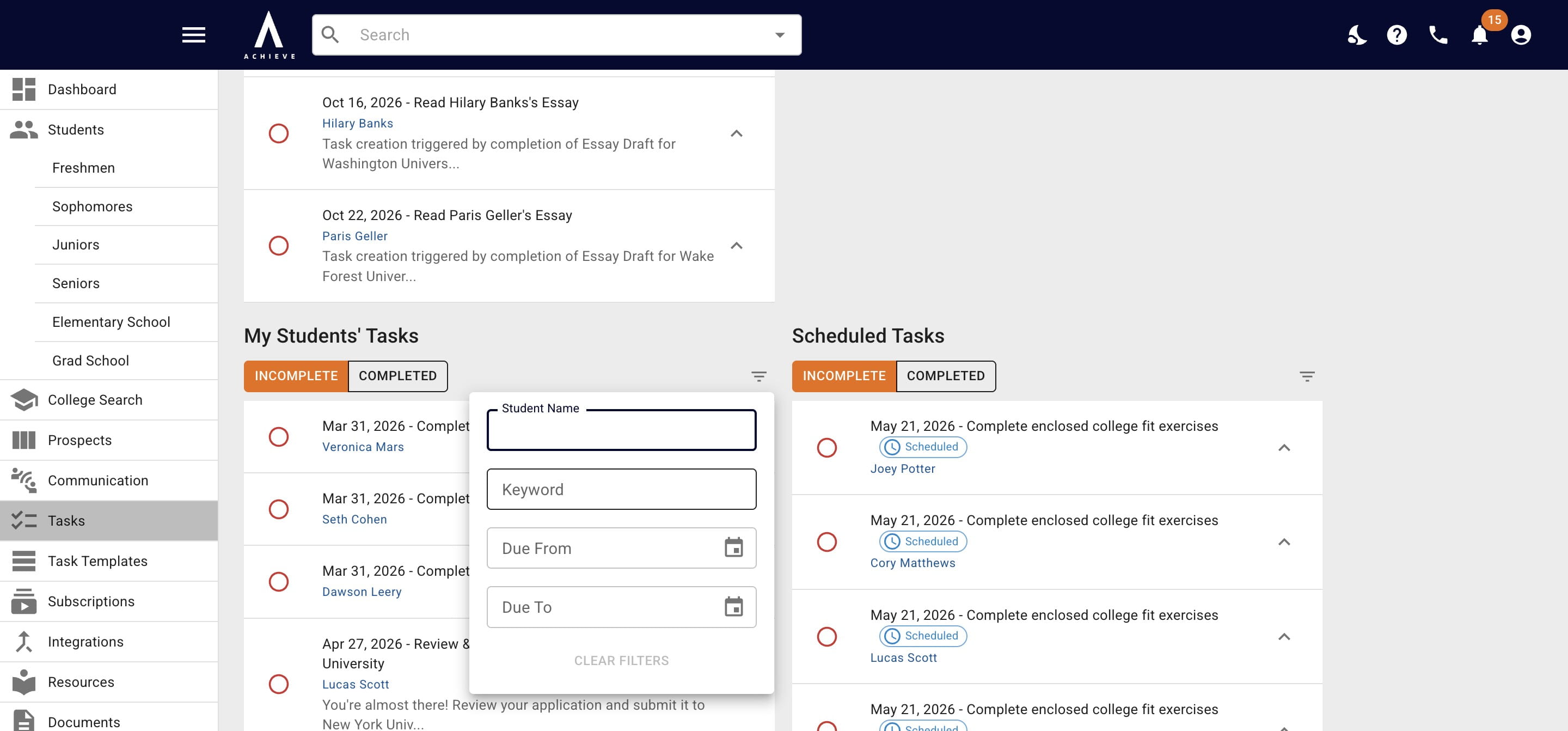
5
As you complete the fields, you'll see the task list change accordingly
6
Done 🚀