
Financial Aid Tracker
Learn how to utilize Achieve's financial aid tracker to compare net costs between colleges.
May 08, 2026●
1
Within a student's profile, click on Financial Aid Tracker.
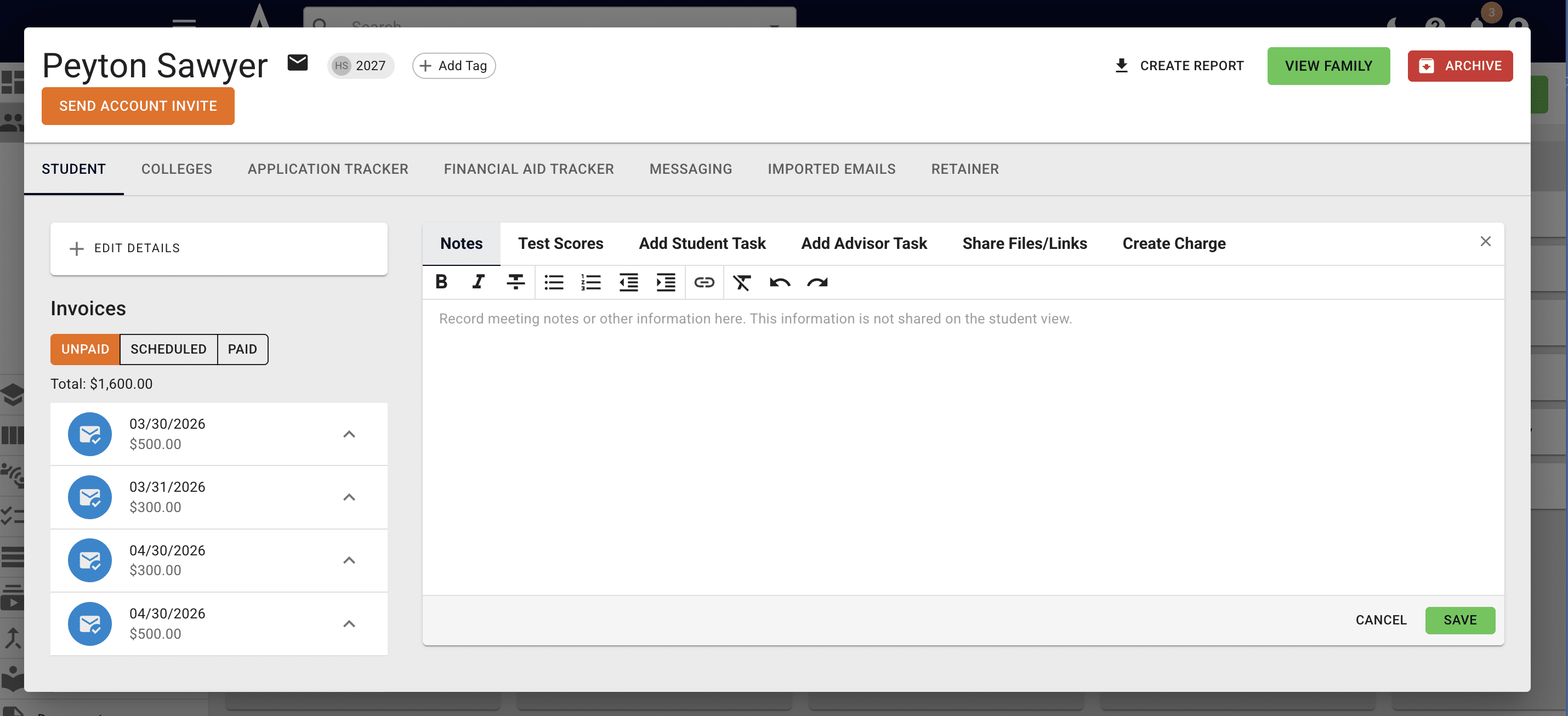
2
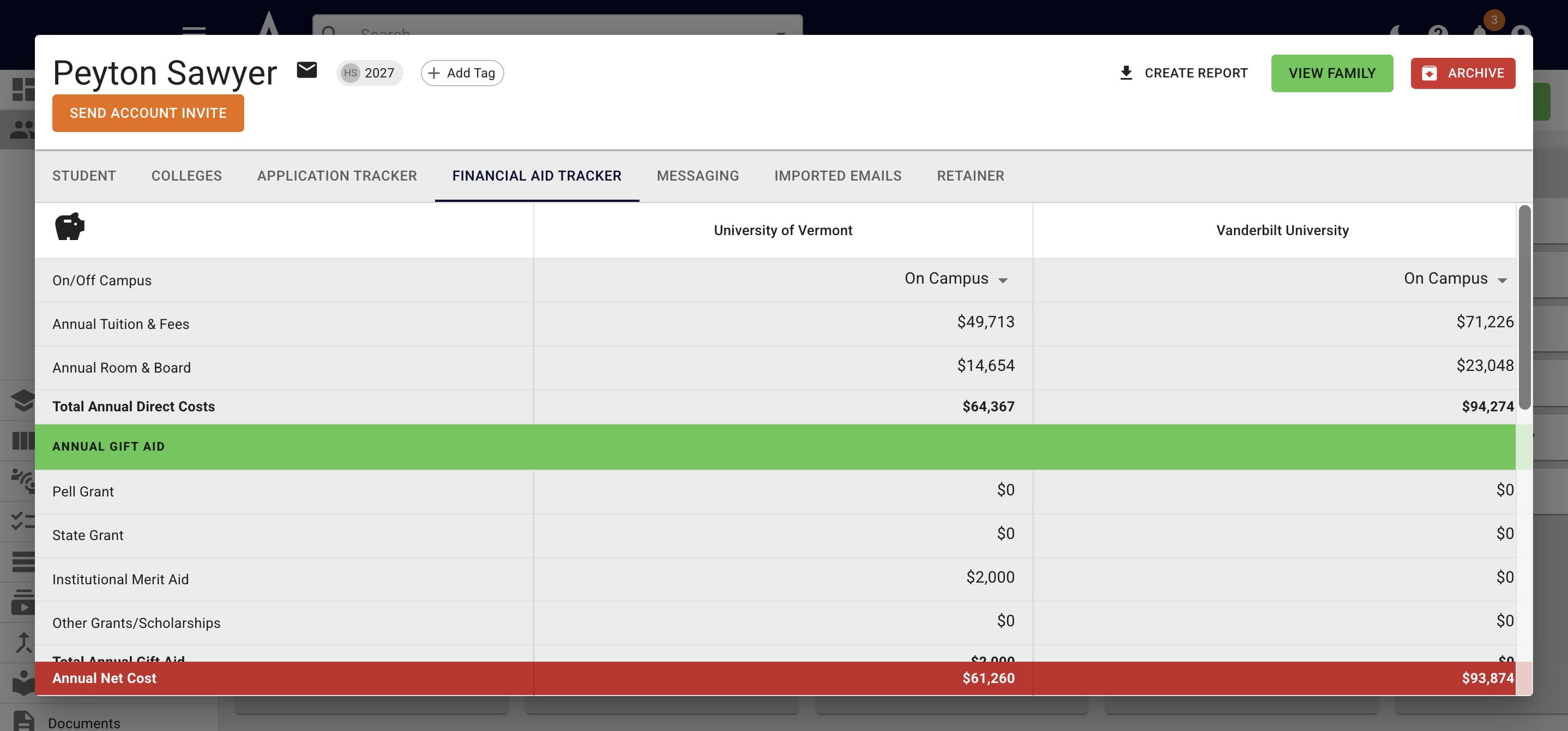
You'll then see all of the colleges the student was admitted to and any applicable reported merit aid. Click here to learn how to record admission decisions in Achieve.
](https://assets.guidejar.com/uploads/QMkShyw2slQ0imDIOrU8/pCjSrW6u3CRcEKYWdNFi0r5jIXy2/b3d6ffc5-fb6b-4174-96a7-6383b45ede9e/1778247759532.jpeg)
3
Direct expenses will soon be automatically filled in. For now, you can grab the information from the college's website, the student's financial aid letter, or ask your dedicated CSM to fill in the information for you.
4
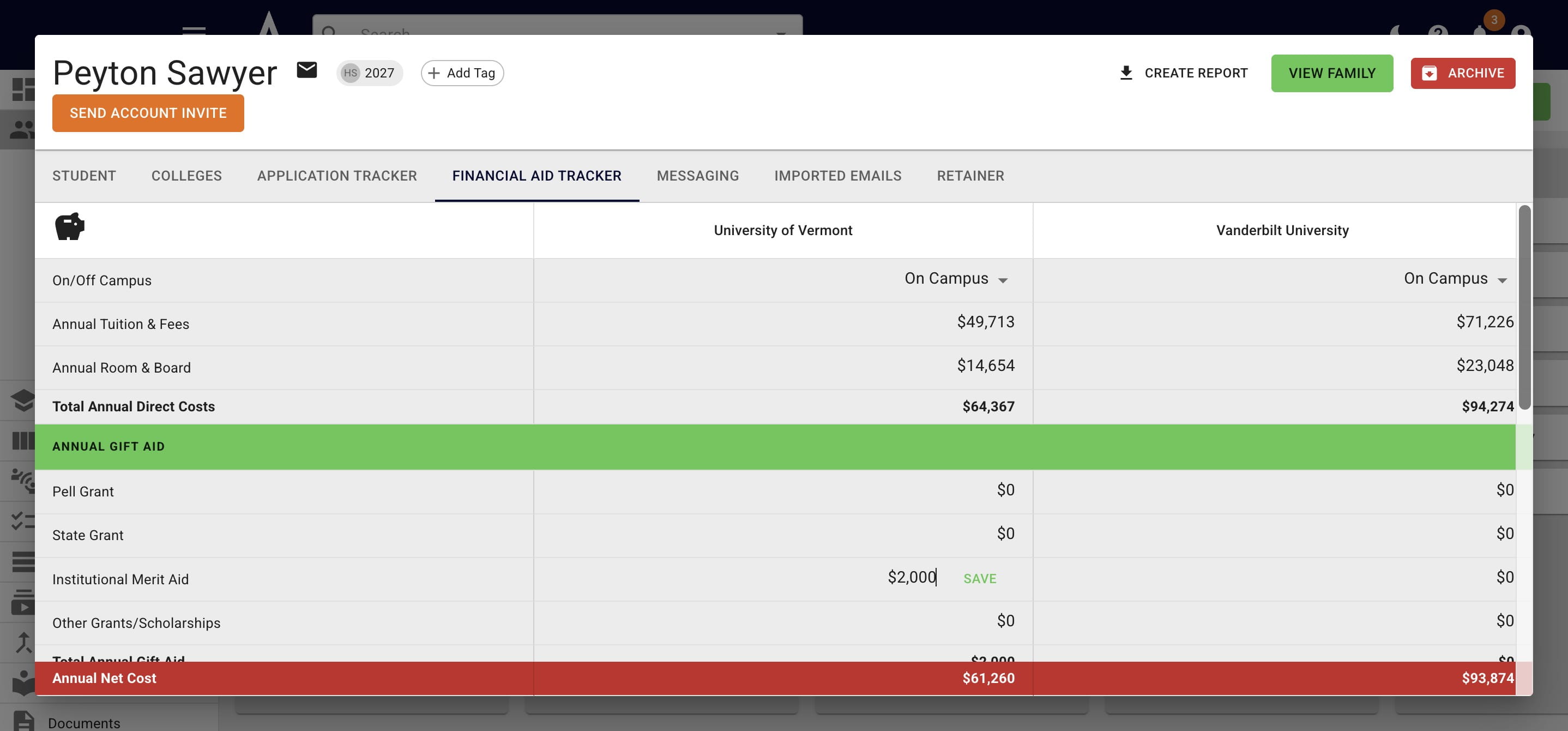
You can also override numbers as needed by clicking into the cell.
5
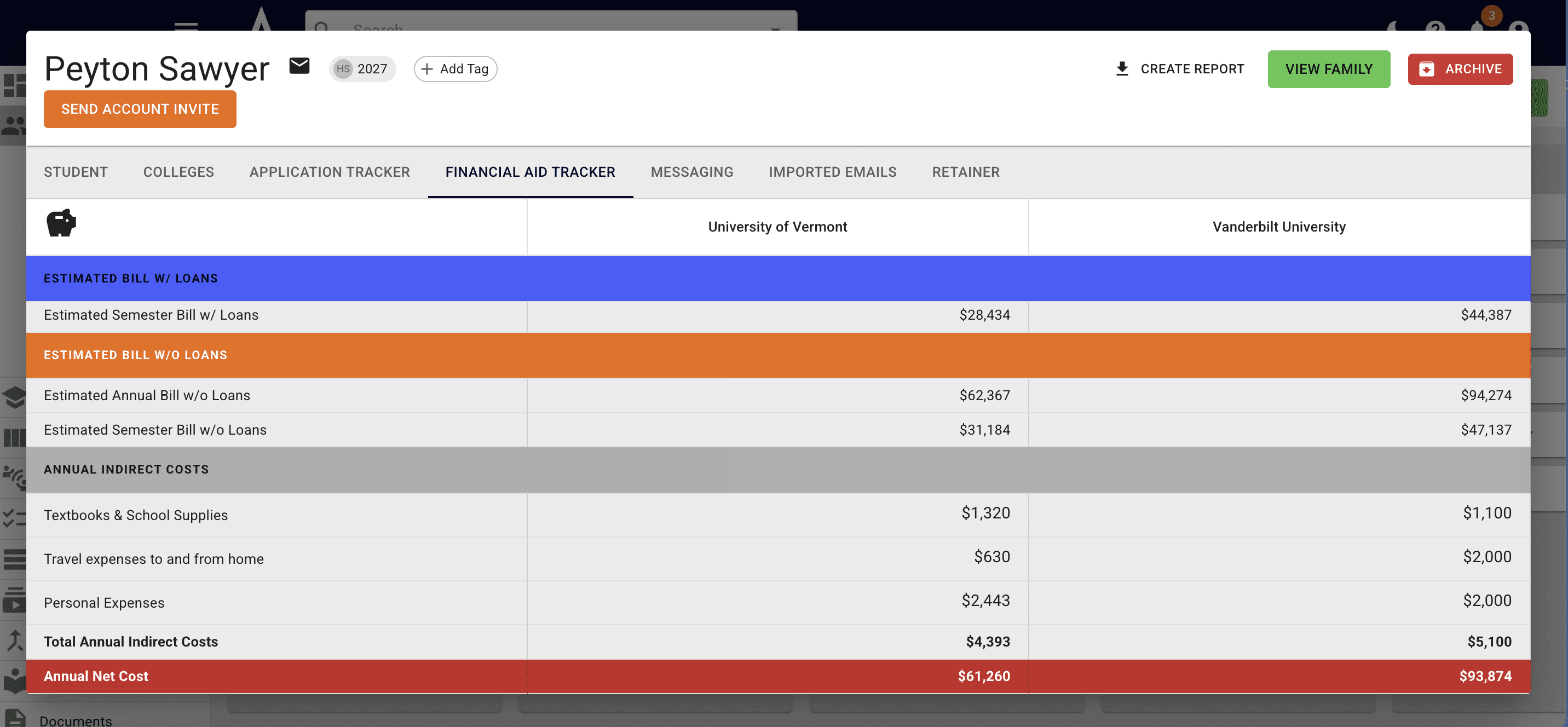
Once you've added all the necessary information, but you and your student can compare net costs for each school.
6
Done 🚀