
Managing Your Achieve Subscription
Learn how to manage your Achieve subscription, including cancelling and adjusting your plan.
May 08, 2026●
1
Navigate to https://app.achieveiec.com/
2
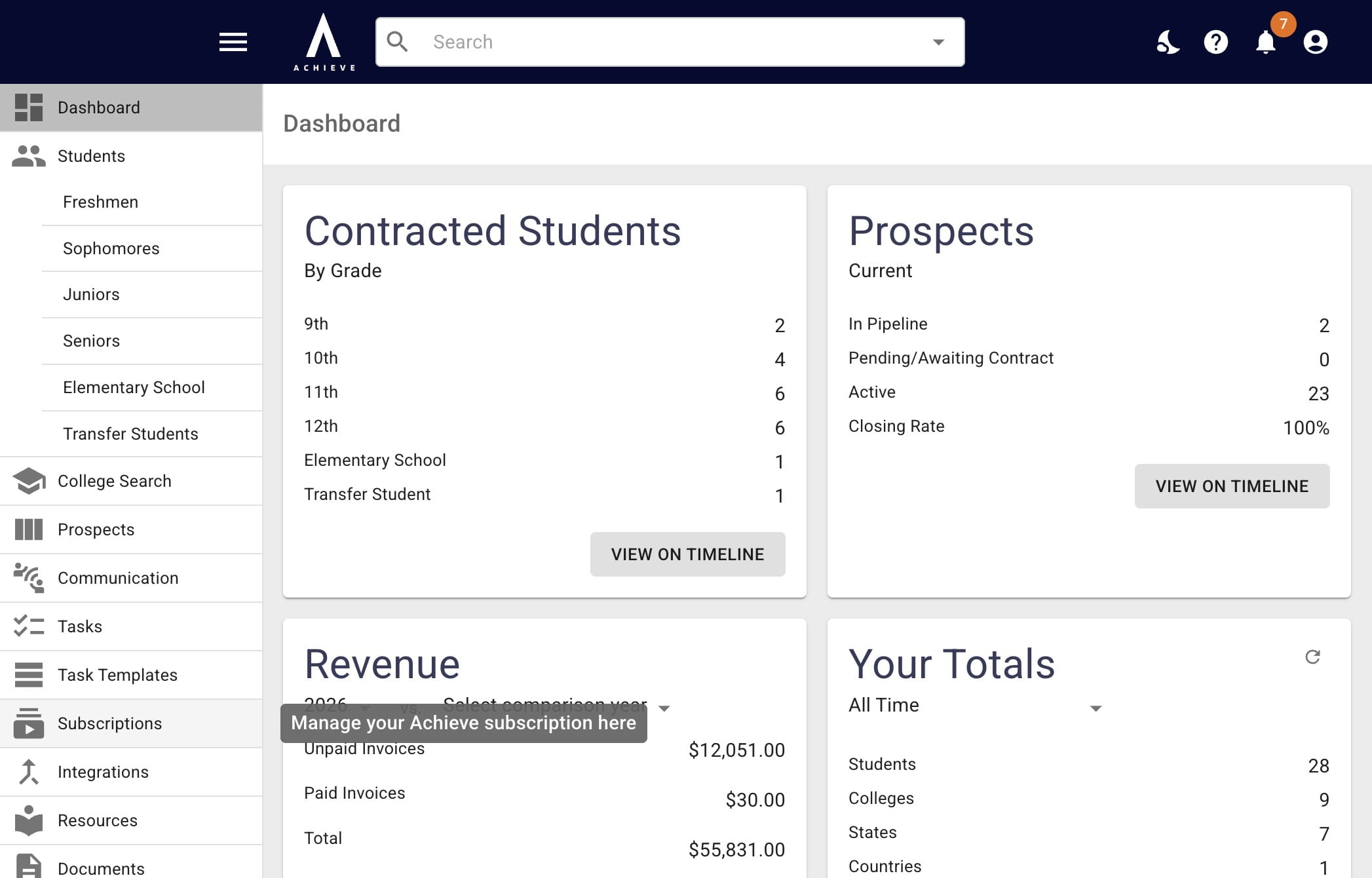
Click Subscriptions on the left-hand side.
3
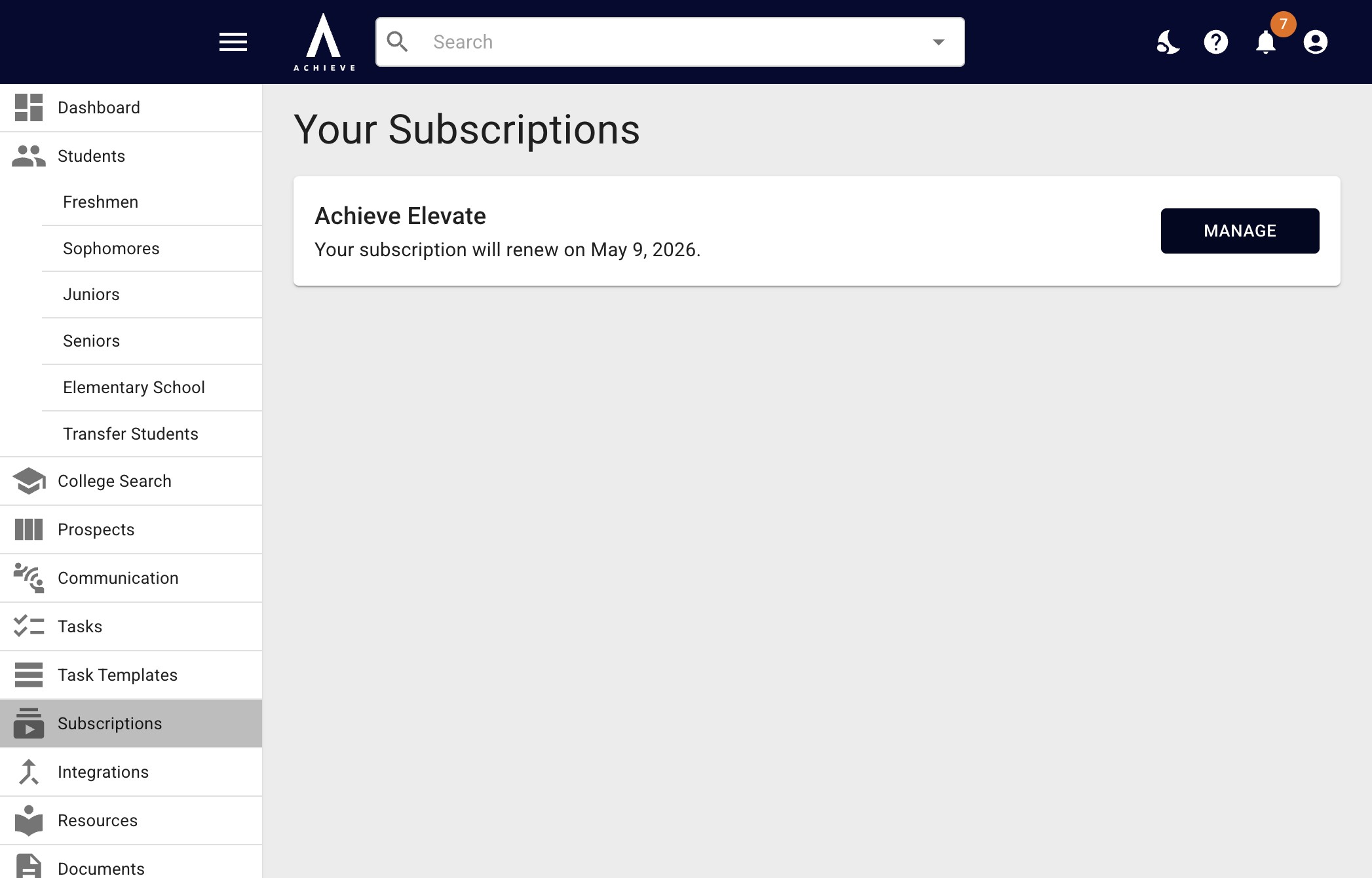
Click on Manage.
4
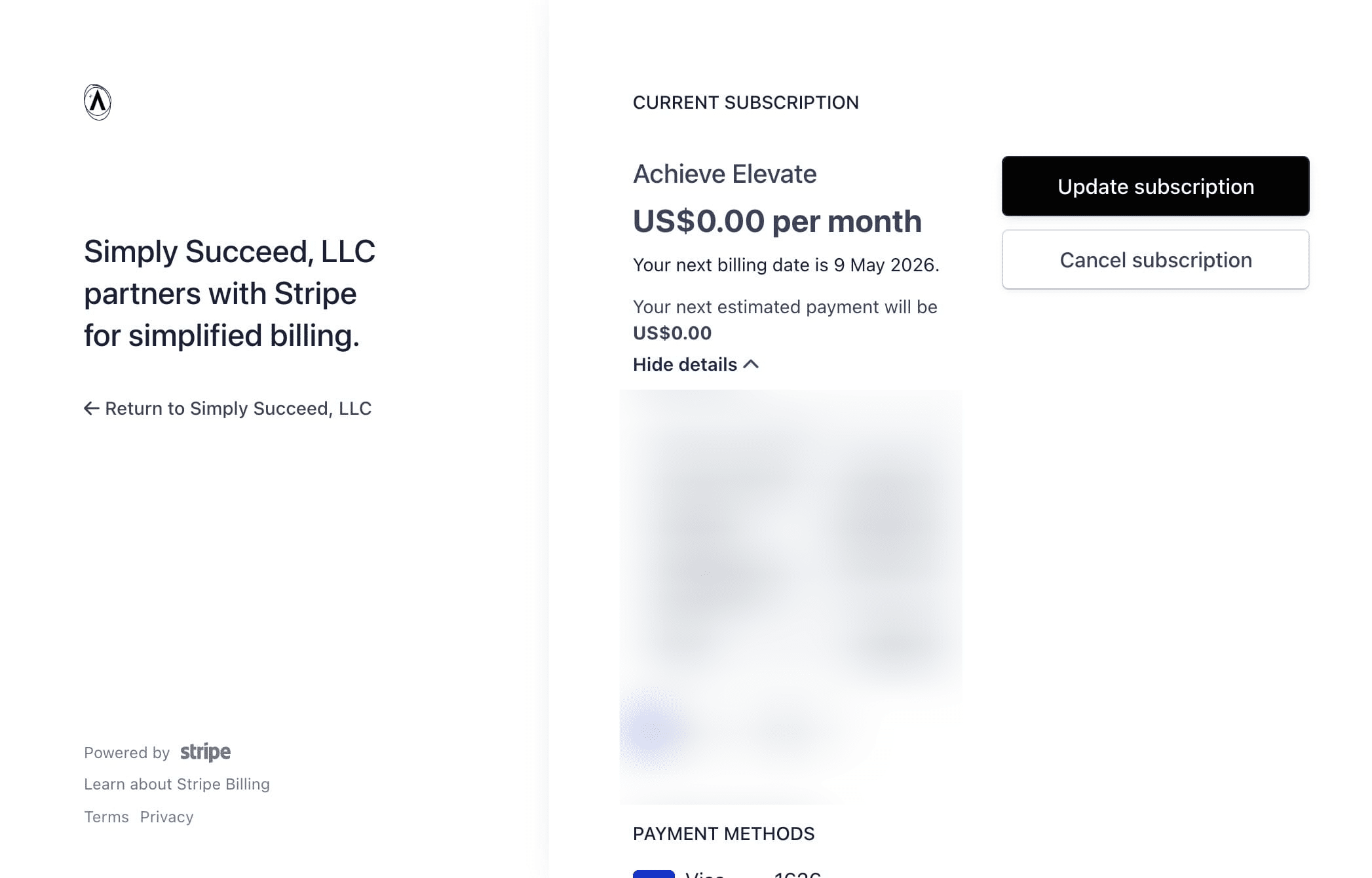
To cancel your Achieve subscription, press Cancel Subscription.
5
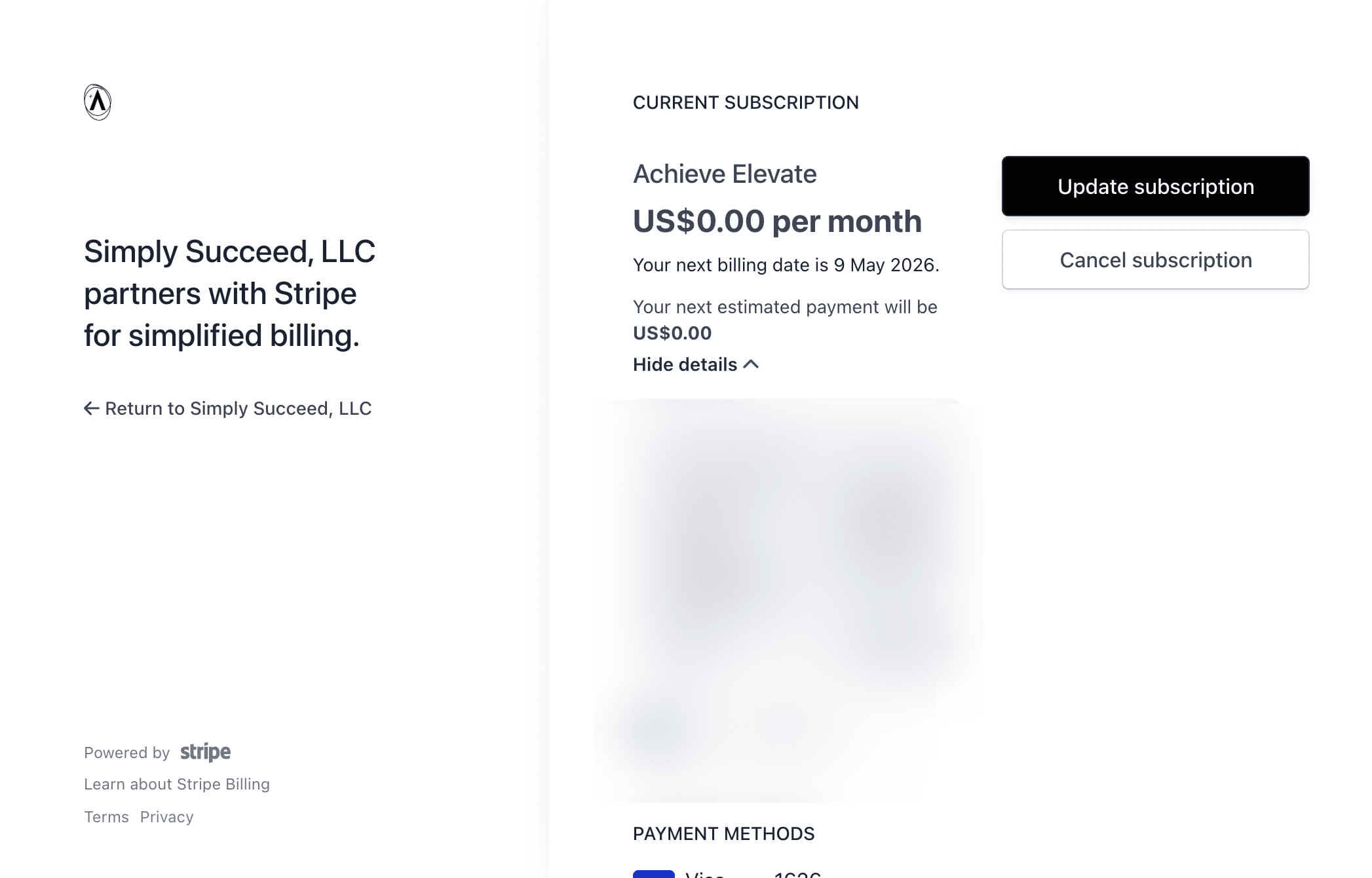
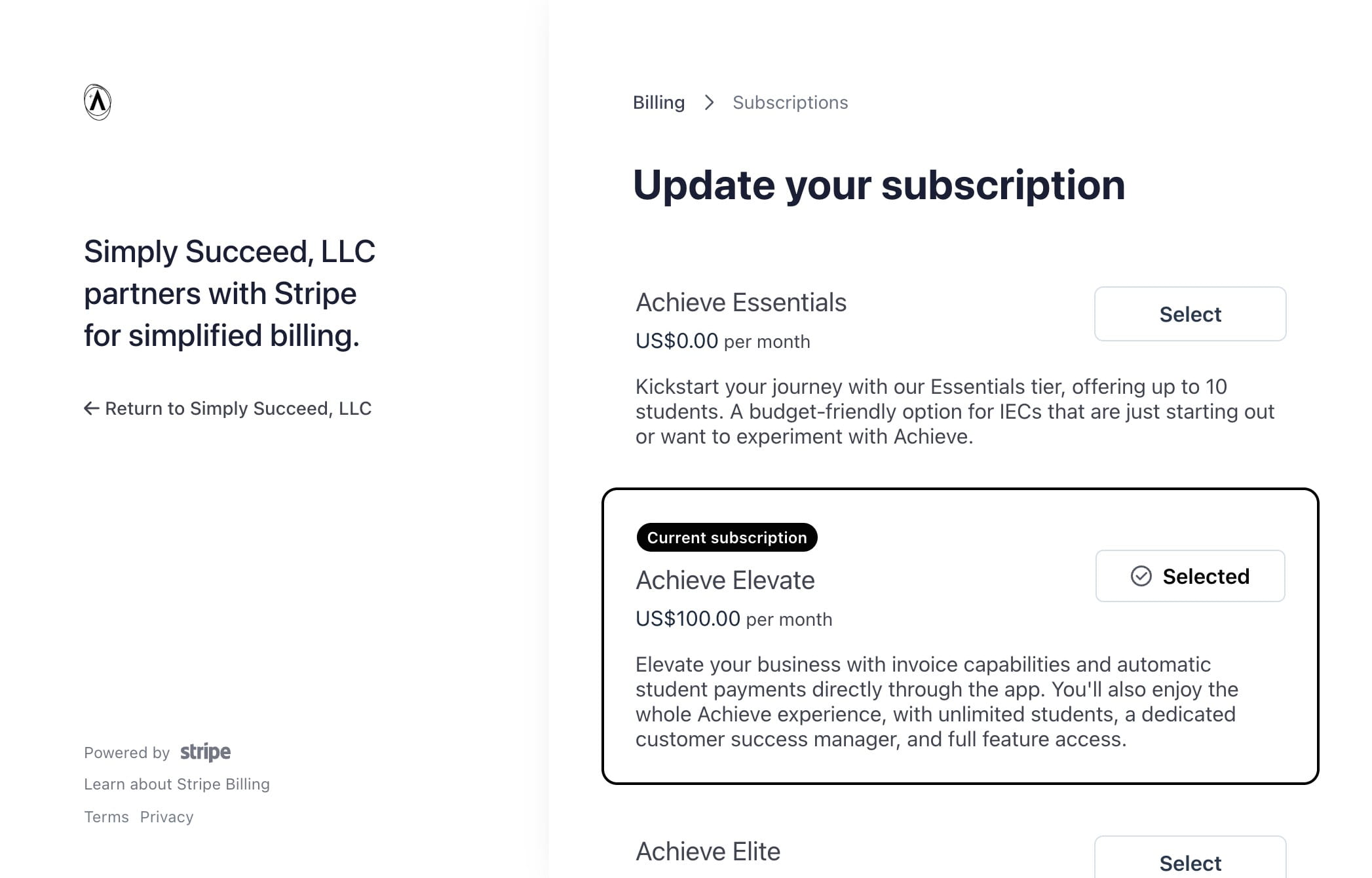
To update your subscription tier (i.e. moving from Elevate to Elite or vice versa), click Update Subscription.
6
Then click Select to the right of your new subscription tier.
7
Done 🚀