
Prospect Pipeline
Learn how to organize and track prospects using Achieve's prospect pipeline.
Jun 01, 2026●
1
Navigate to https://app.achieveiec.com/prospects
2
Drag and drop prospects into different columns as they progress through your pipeline.
0:00 / 0:02
3
When it's time to mark the prospect as an active student or cold/delayed prospect drag and drop them into the applicable heading and then choose an applicable status based on the drop-down options.
0:00 / 0:08
4
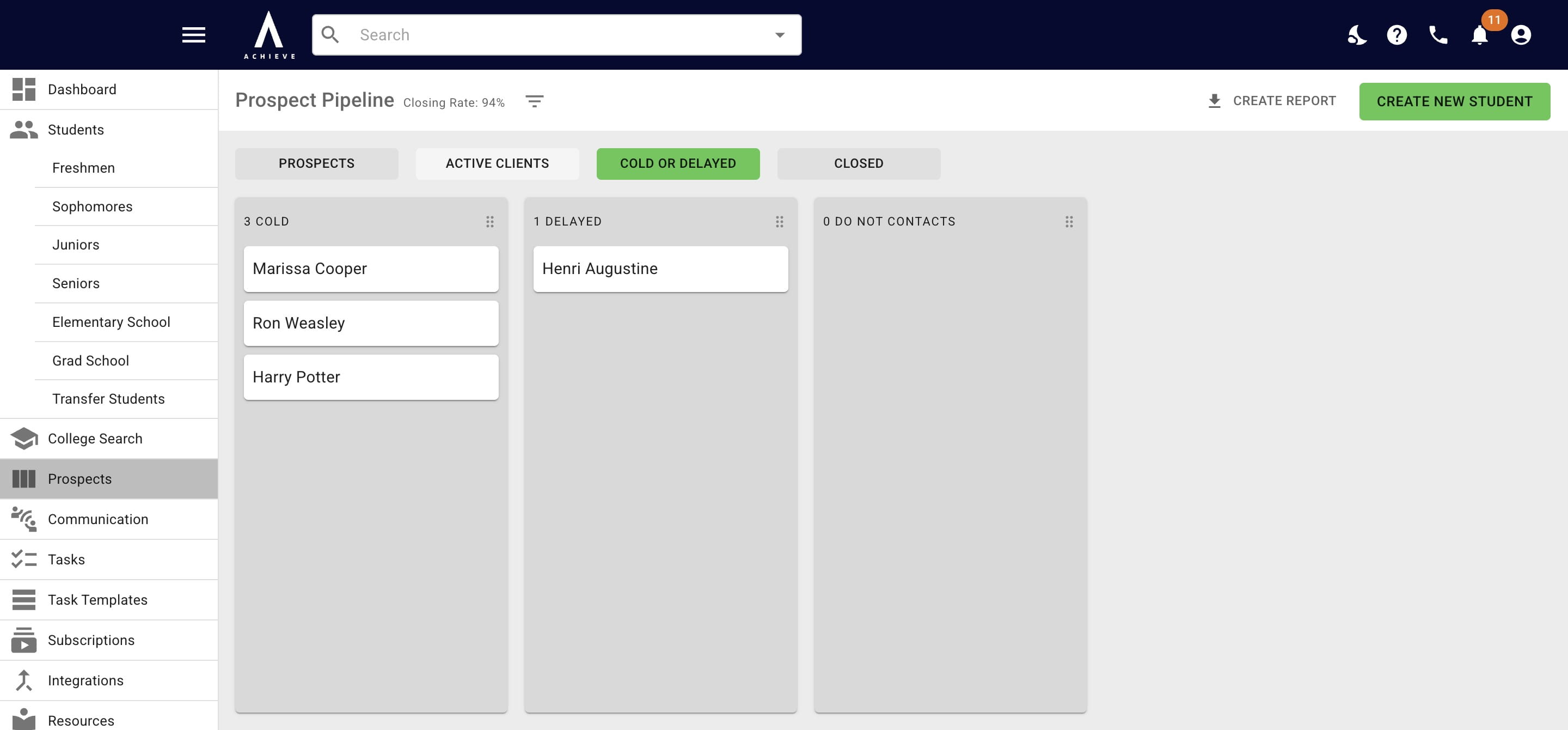
Click on Cold or Delayed to see who is in those categories.
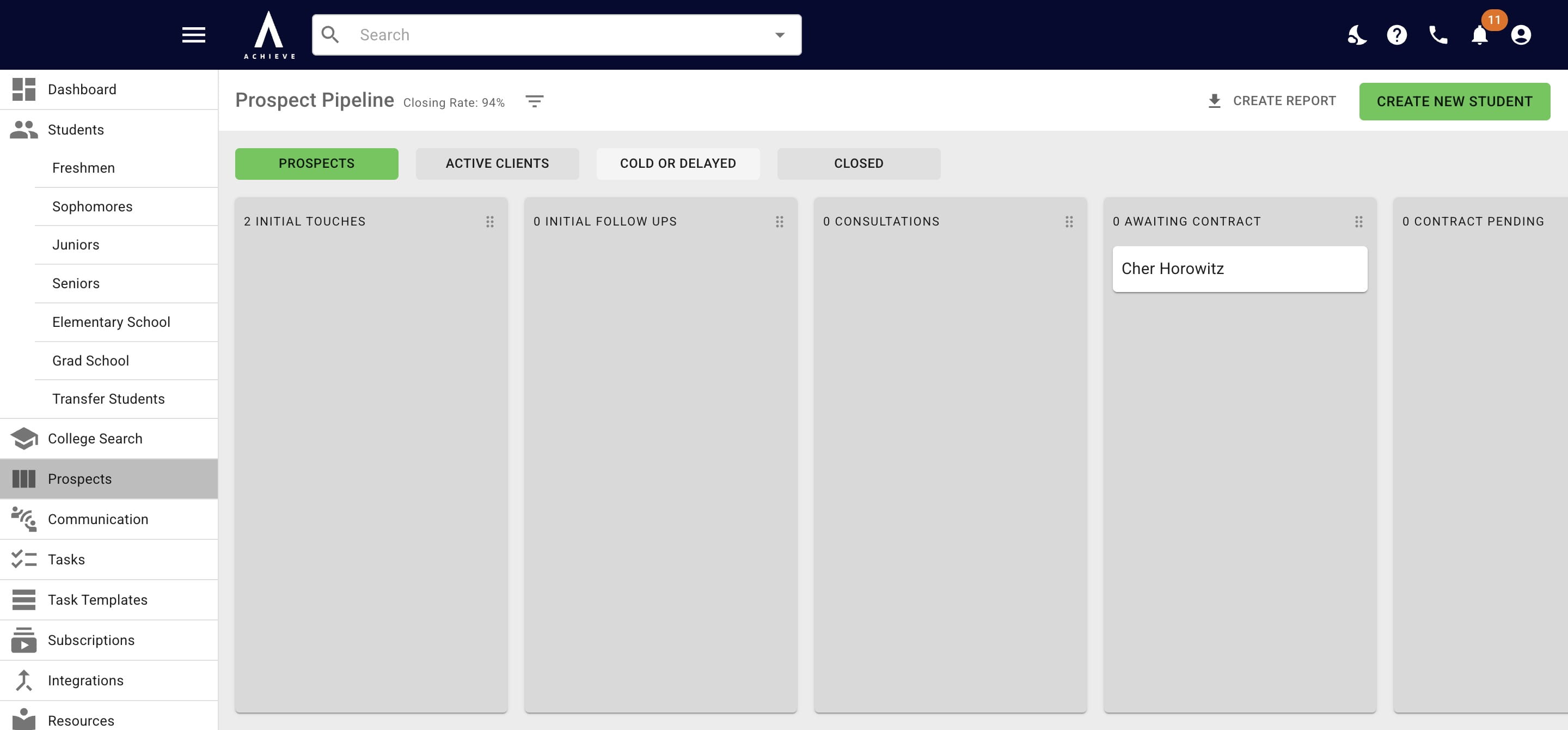
5
Click on Active Clients to see the Student Pipeline.
6
Done 🚀
Frequently asked questions
- What do the different categories mean?
- Initial touches: The first point of contact with a potential client, such as an inquiry, email, phone call, or website form submission.
- Initial follow ups: The stage where you reconnect with a lead after the first interaction. This may include simply dripping on them, sending additional information, or answering questions. The goal is typically to schedule a consultation.
- Consultation: A scheduled meeting or call with a prospective client to discuss their needs and the services offered and determine whether there's a good fit for both sides. Depending on your process, this could be paid or unpaid.
- Awaiting contract: This typically happens after a consultation. The ball is in your court to send over the contract. This column is typically used only for short periods of time or completely skipped.
- Contract pending: At this point, the contract has been sent but has not yet been signed by the client. Follow-ups may be needed to ensure completion.