
Prospect Pipeline Reminders
Learn how to enable and tailor prospect reminder alerts in Achieve to ensure timely follow-ups and consistent engagement with prospects.
May 09, 2026●
1
Navigate to https://app.achieveiec.com/settings
2
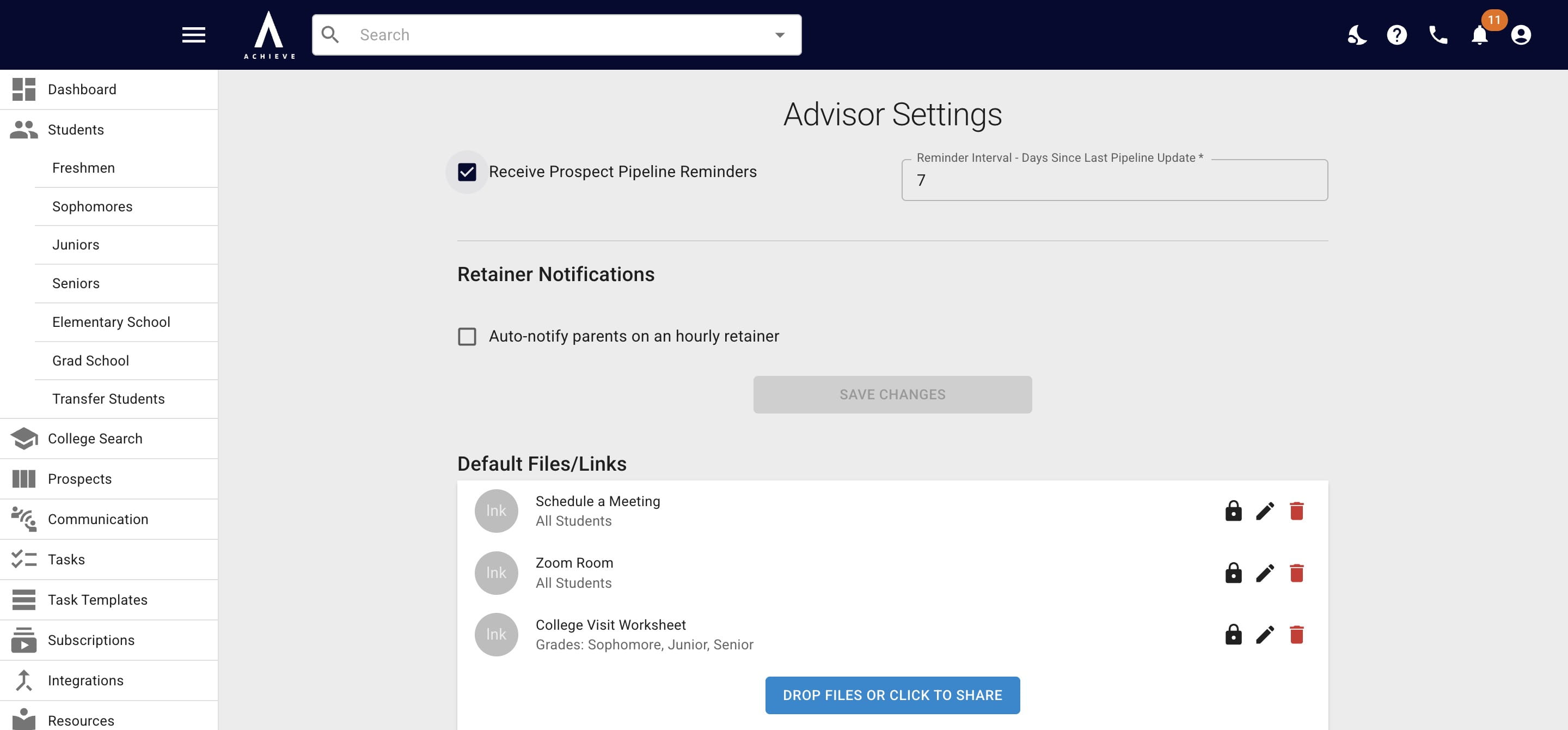
If you no longer want to receive reminders when you have prospects in the pipeline, uncheck the Receive Prospect Pipeline Reminders box.
3
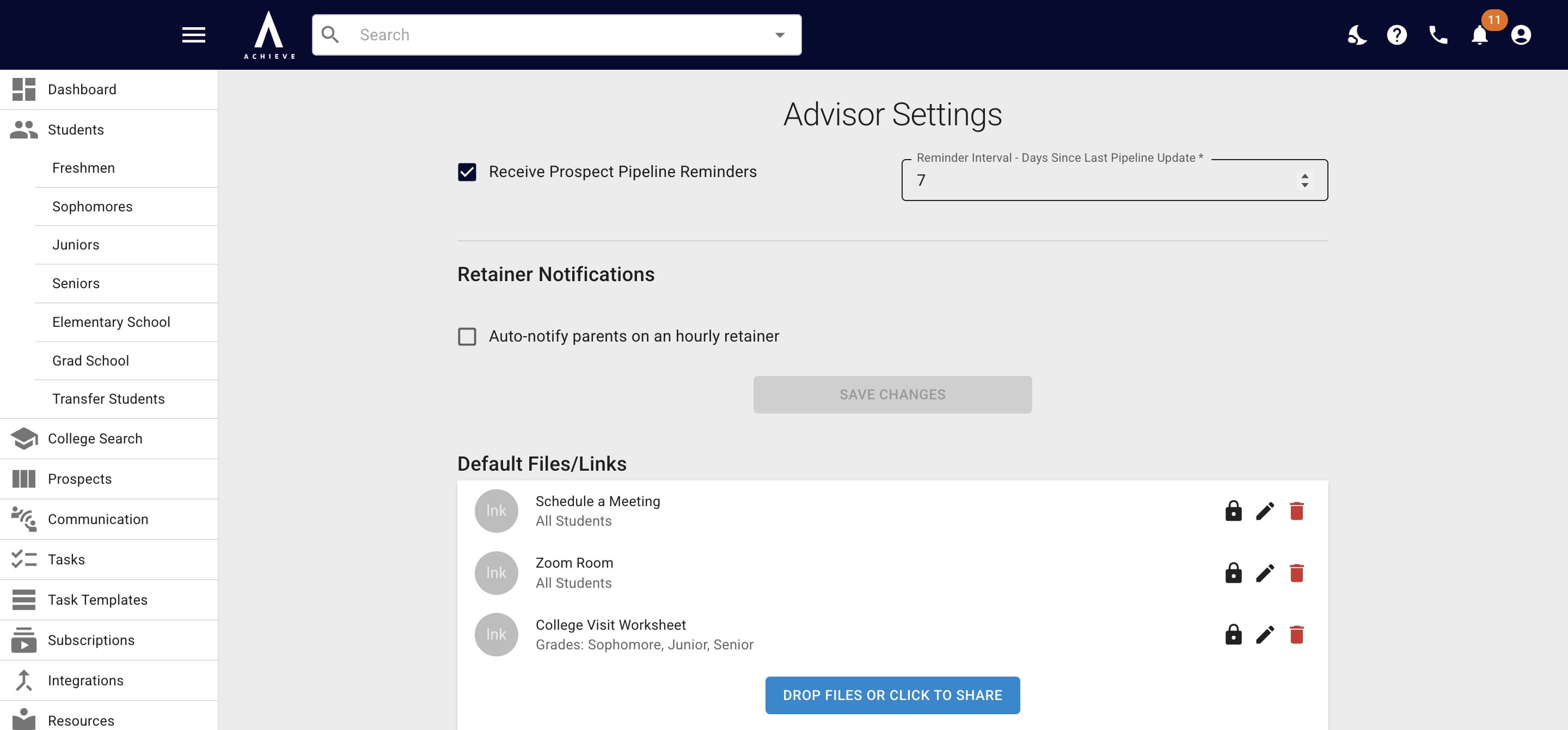
If you want to change the frequency of the reminders, change the number in the Reminder Interval field.
4
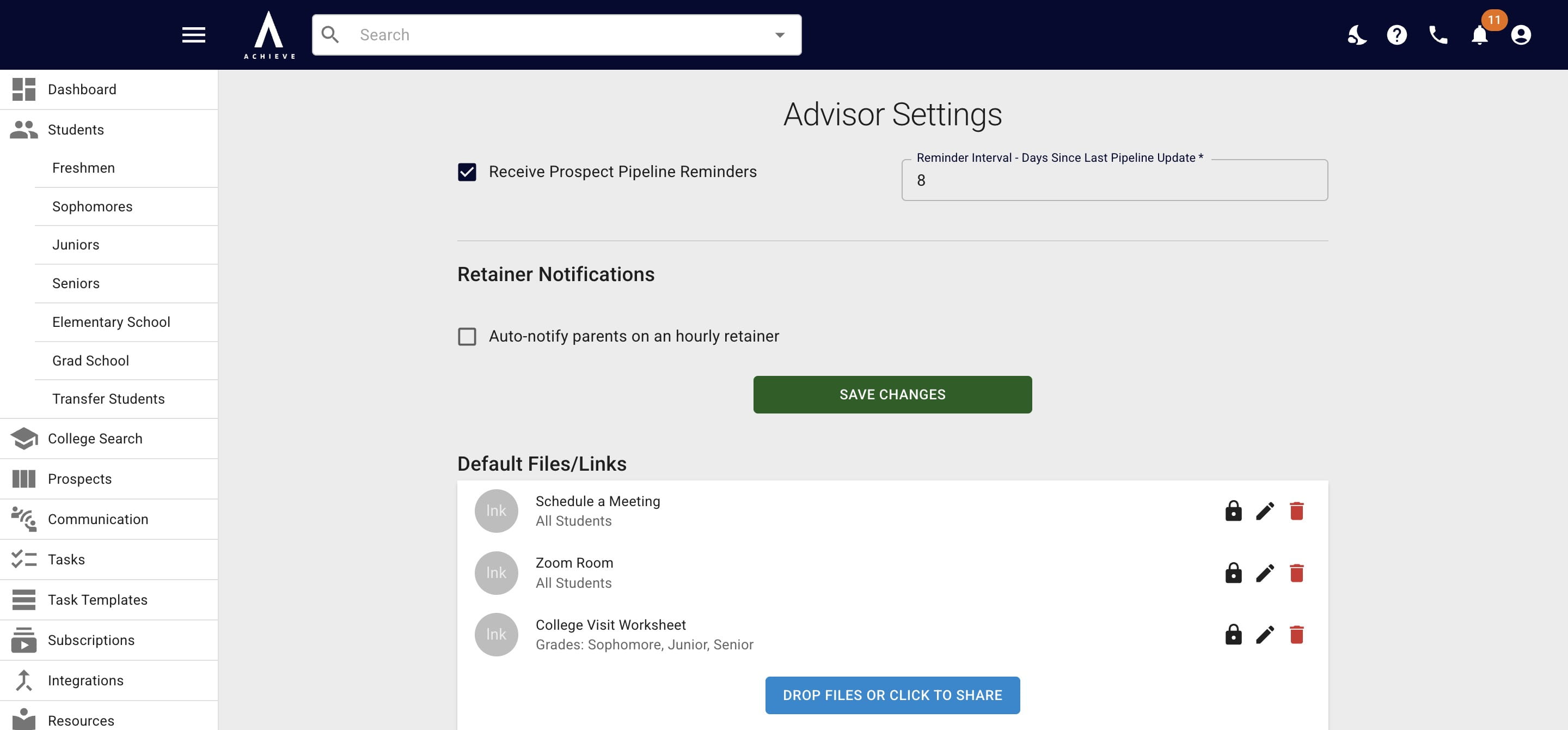
Click on Save Changes when complete.
5
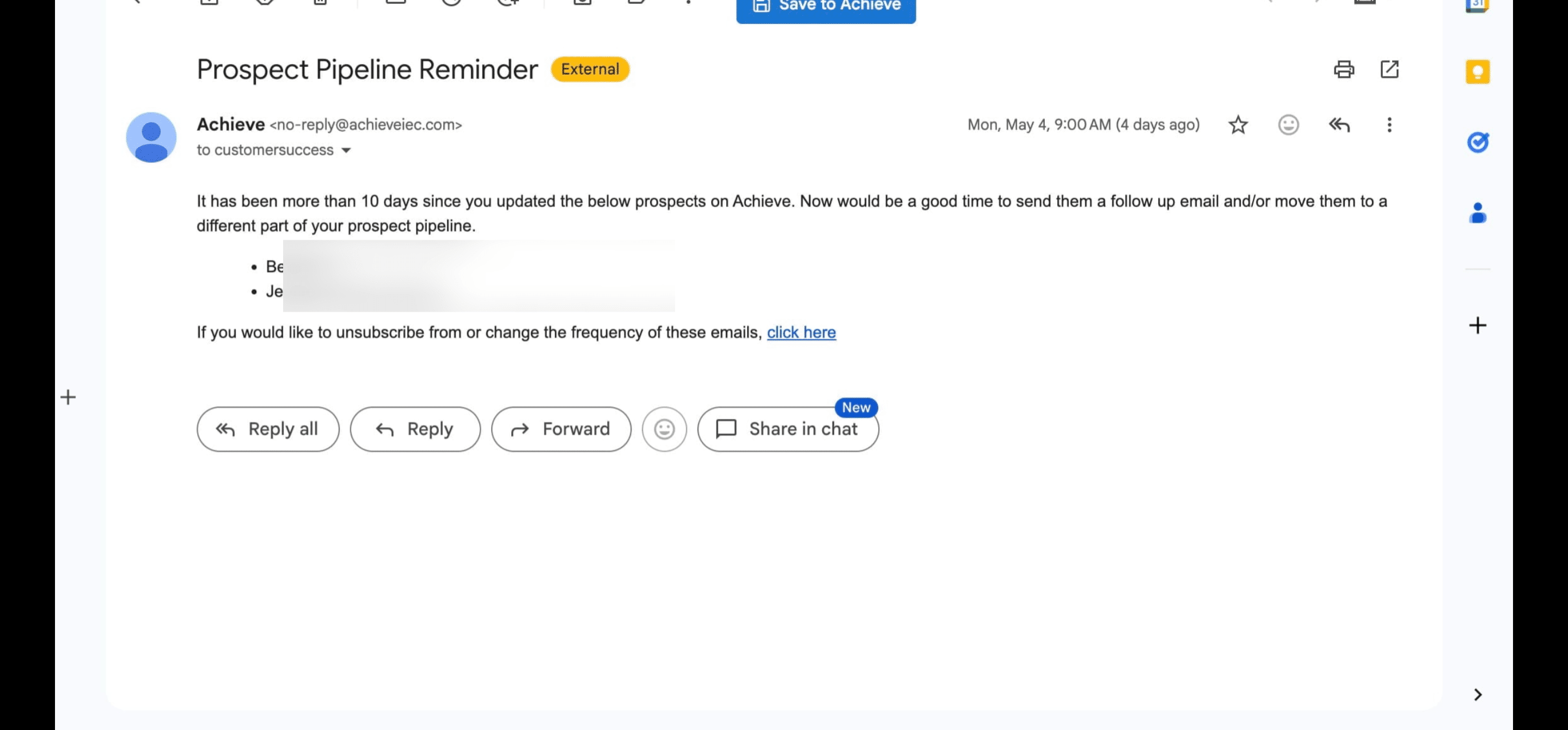
Below is an example of the pipeline reminder email you'll receive. Press Click Here to be taken back to Achieve.
6
Done 🚀