
Resetting Your Achieve Password
A concise guide to resetting your Achieve password.
May 08, 2026●
1
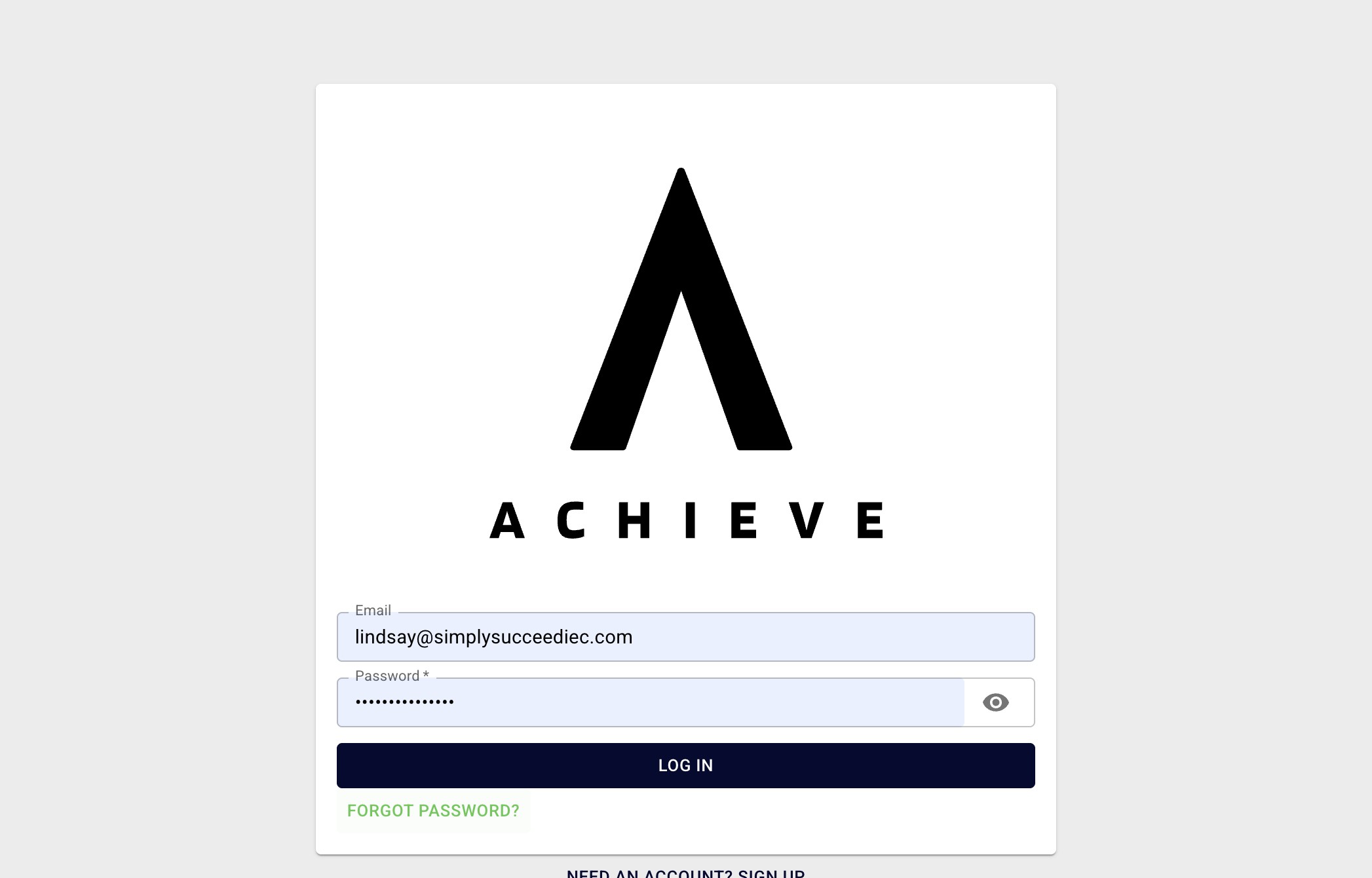
Navigate to https://app.achieveiec.com/login
2
Click on Forgot password?
3
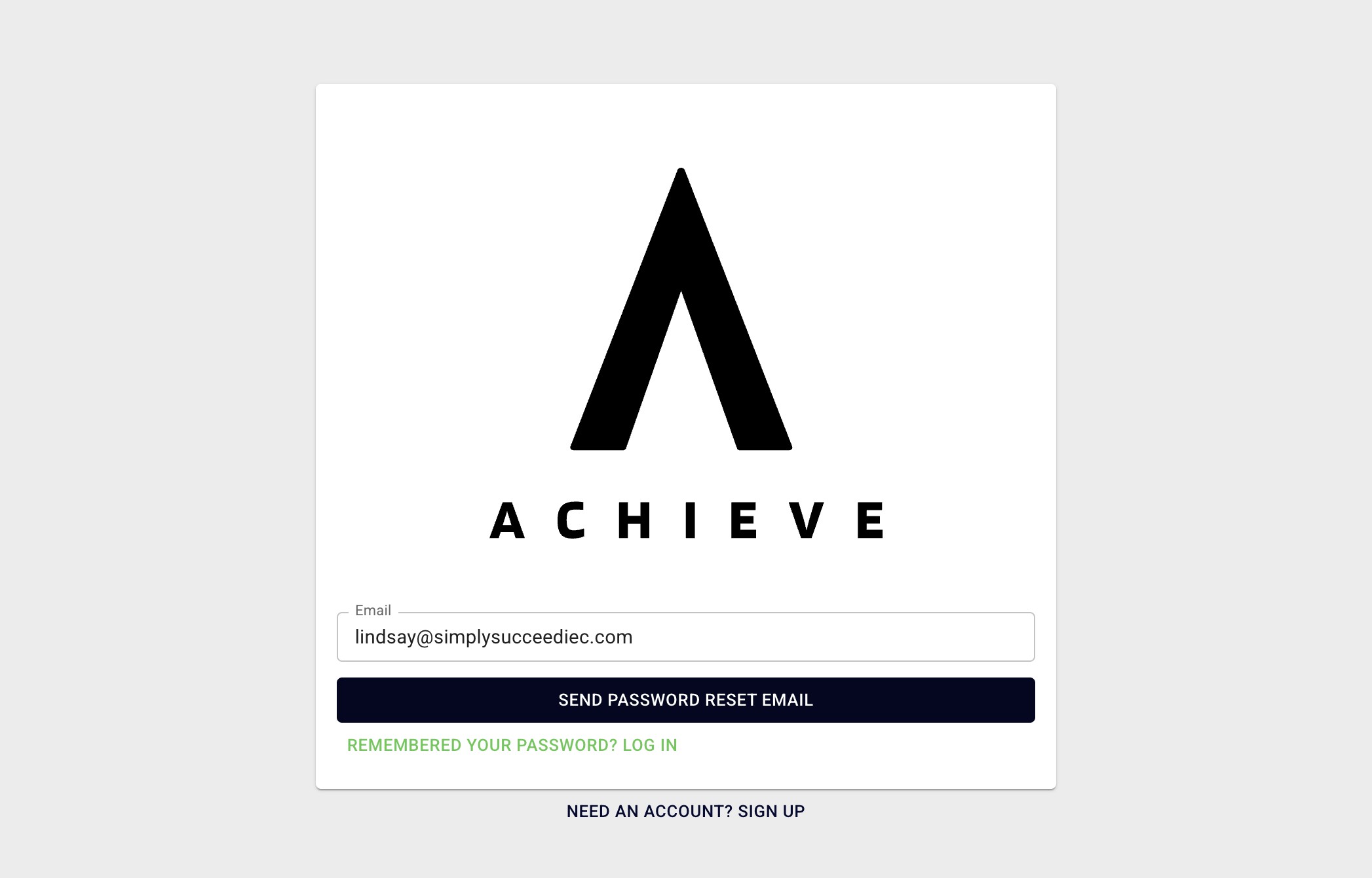
Click on Send Password Reset Email.
4
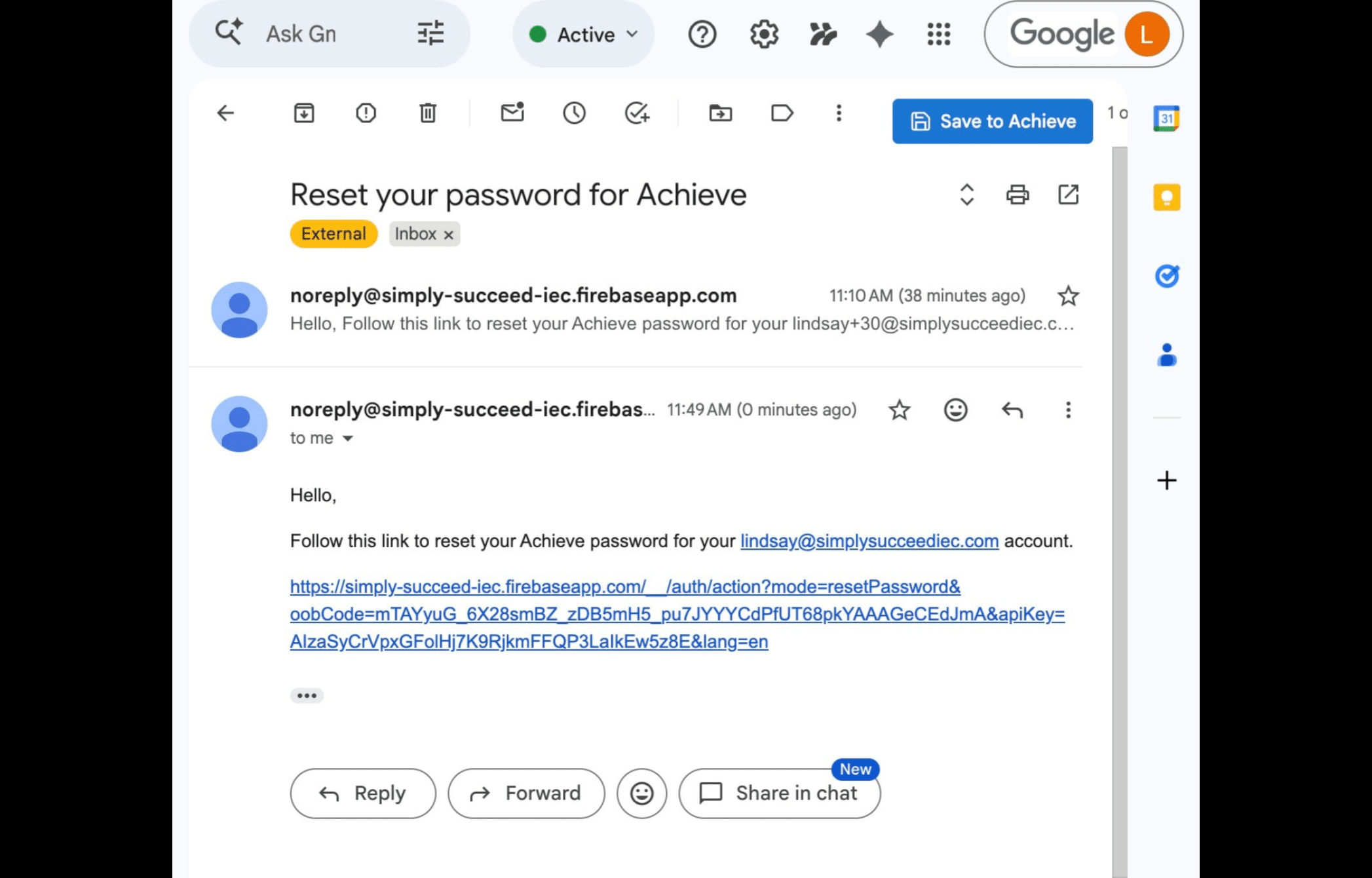
You'll then receive an email titled Reset your password for Achieve. Click on the link in that email.
5
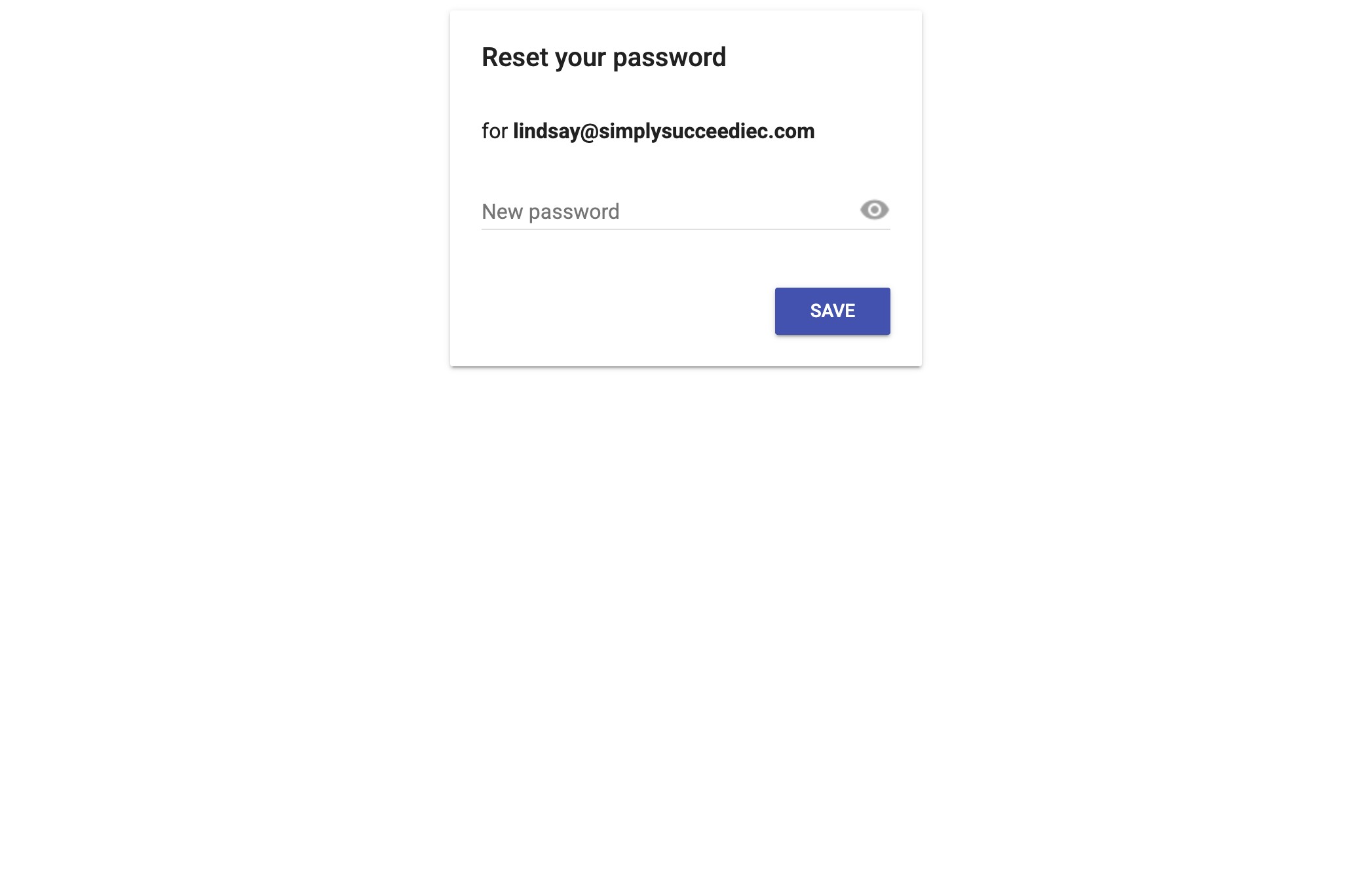
When this screen pops up, type in your new password and press Save.
6
Done 🚀