
Resetting Your Password | Achieve for Students
Learn how to reset your password for the student version of Achieve.
May 08, 2026●
1
Navigate to https://student.achieveiec.com/login
2
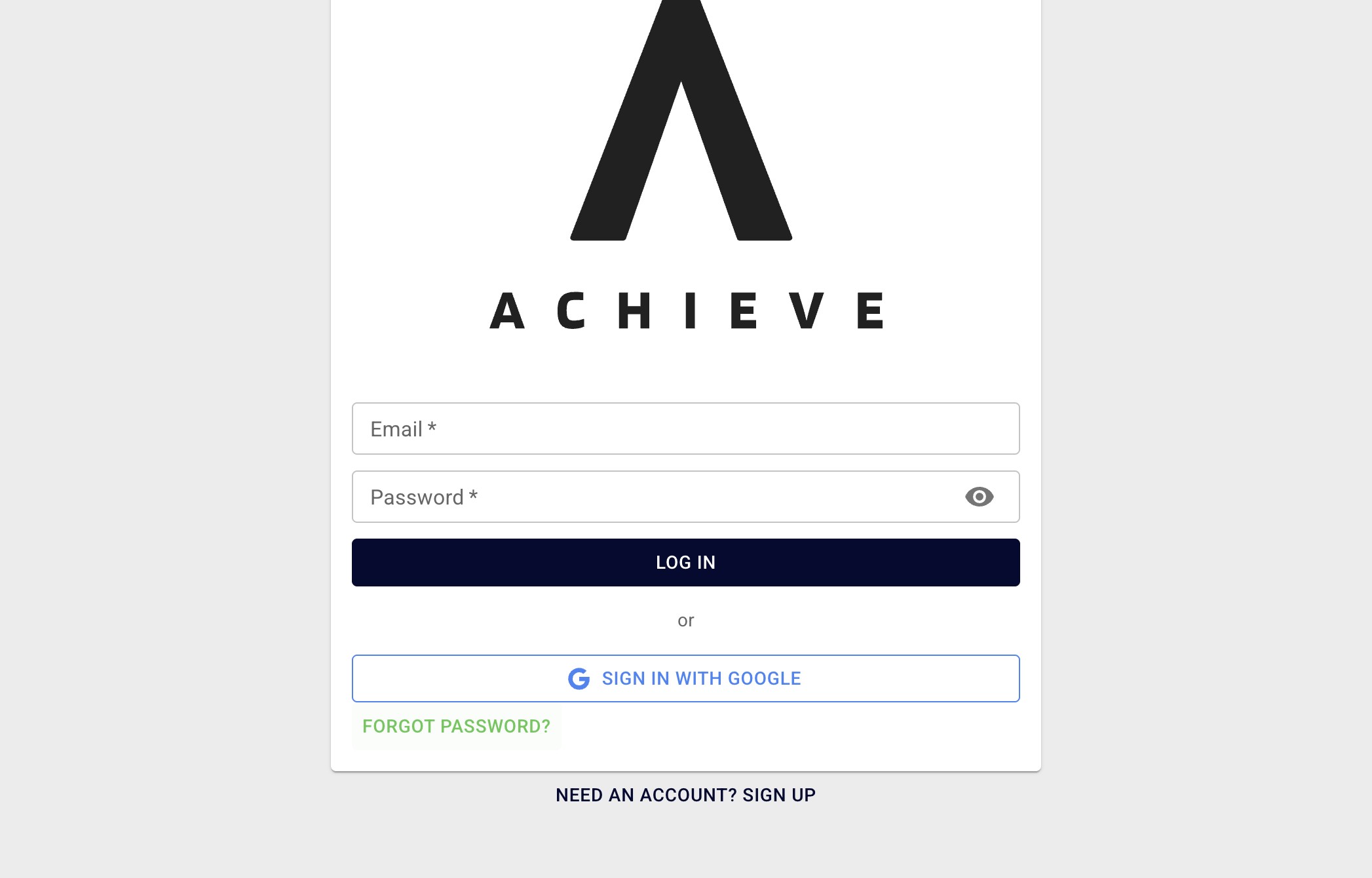
Click on Forgot password?
3
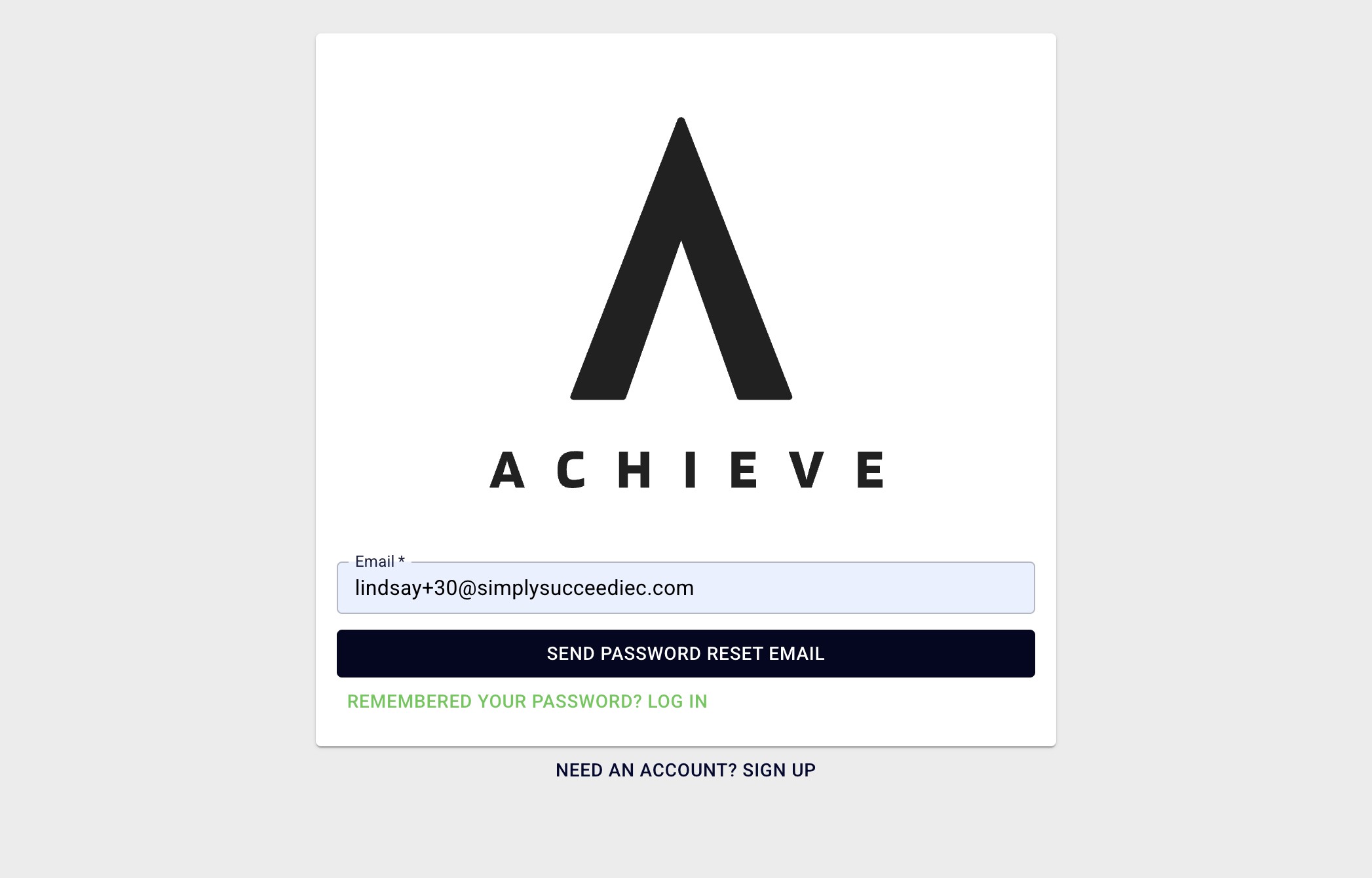
Type in your email and press Send Password Reset Email.
4
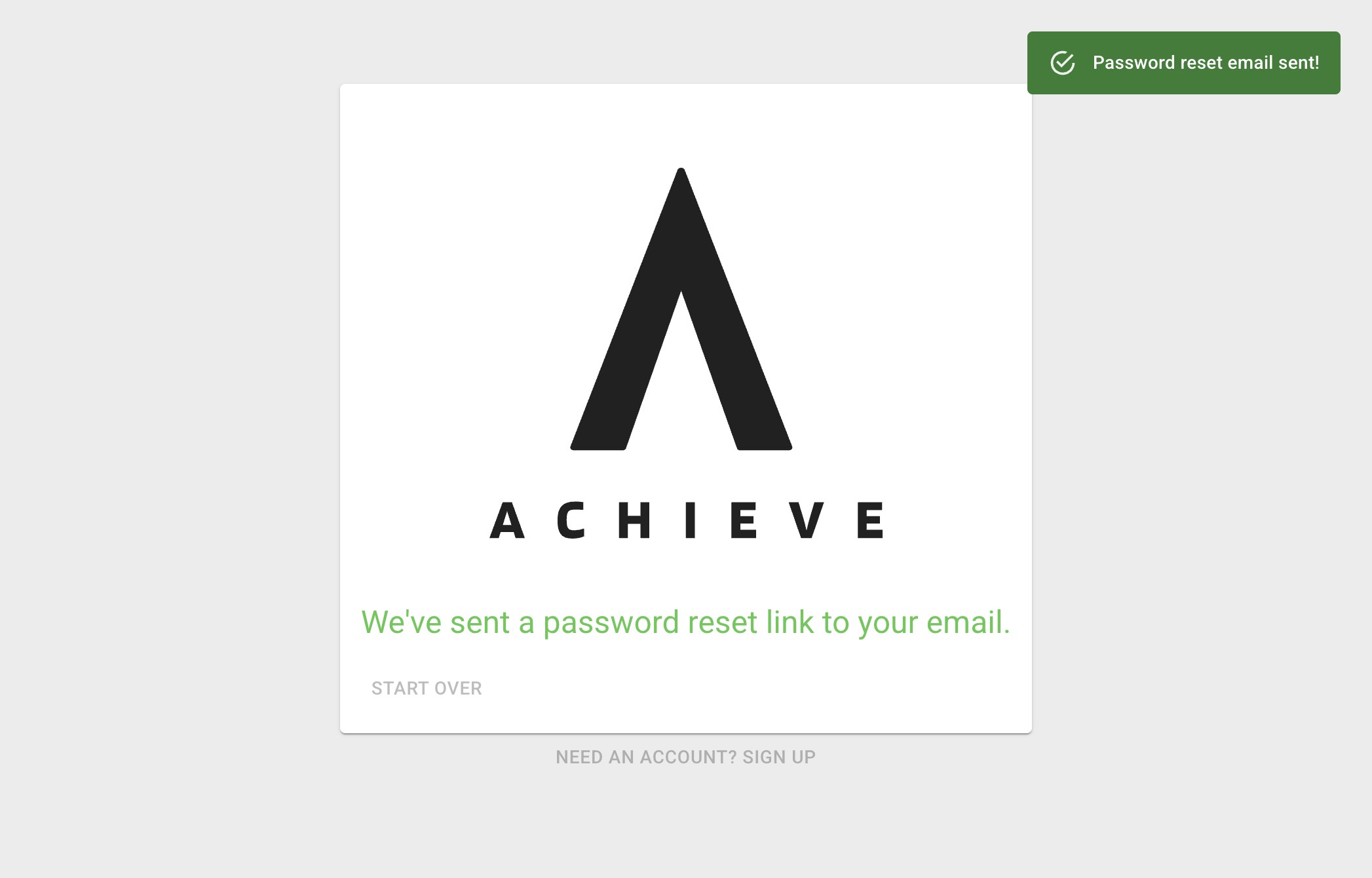
If successful, you'll see the Password reset email sent! notification.
5
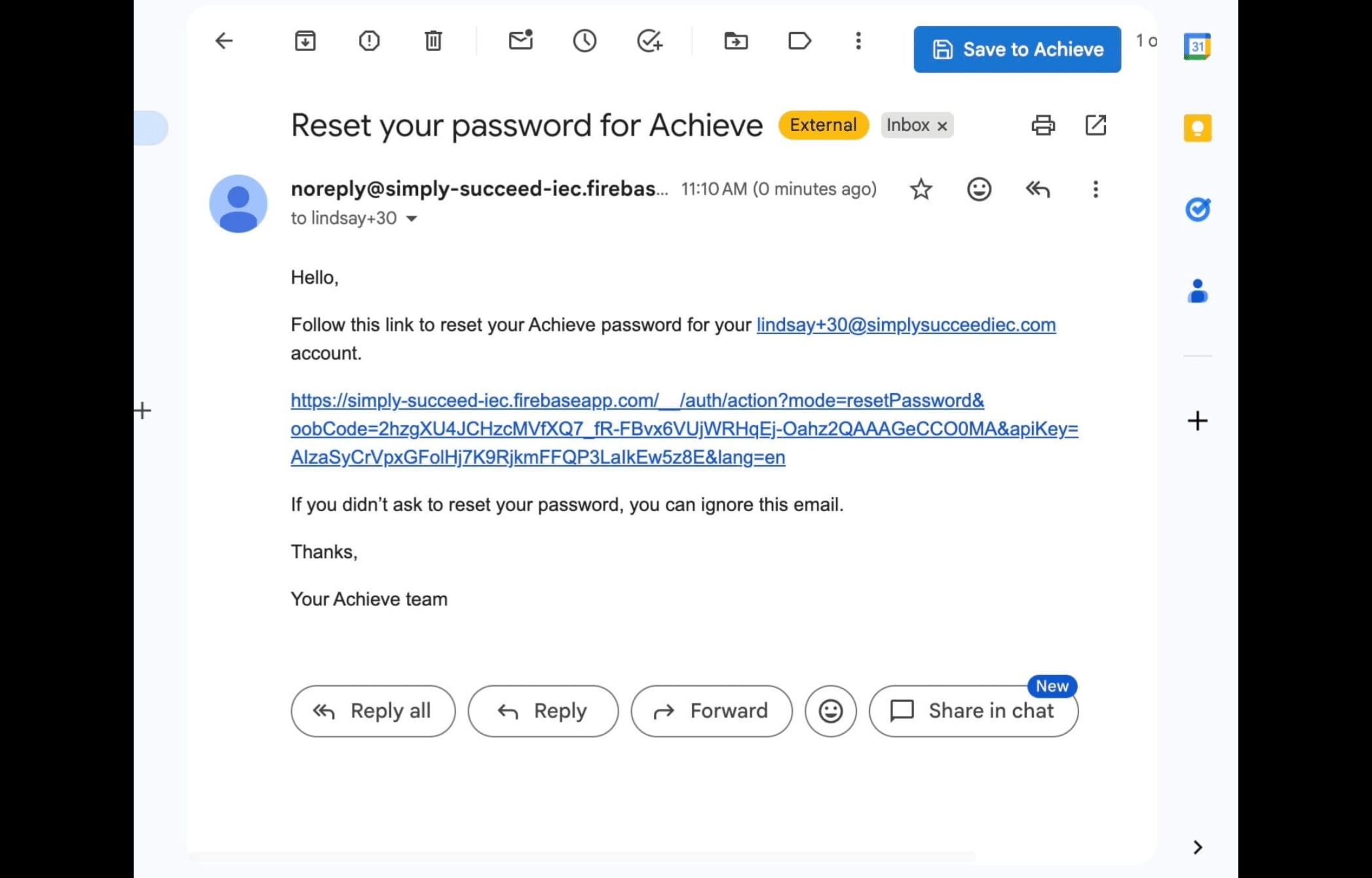
You'll then receive an email with the subject line, Reset your password for Achieve. Click on the link in that email.
6
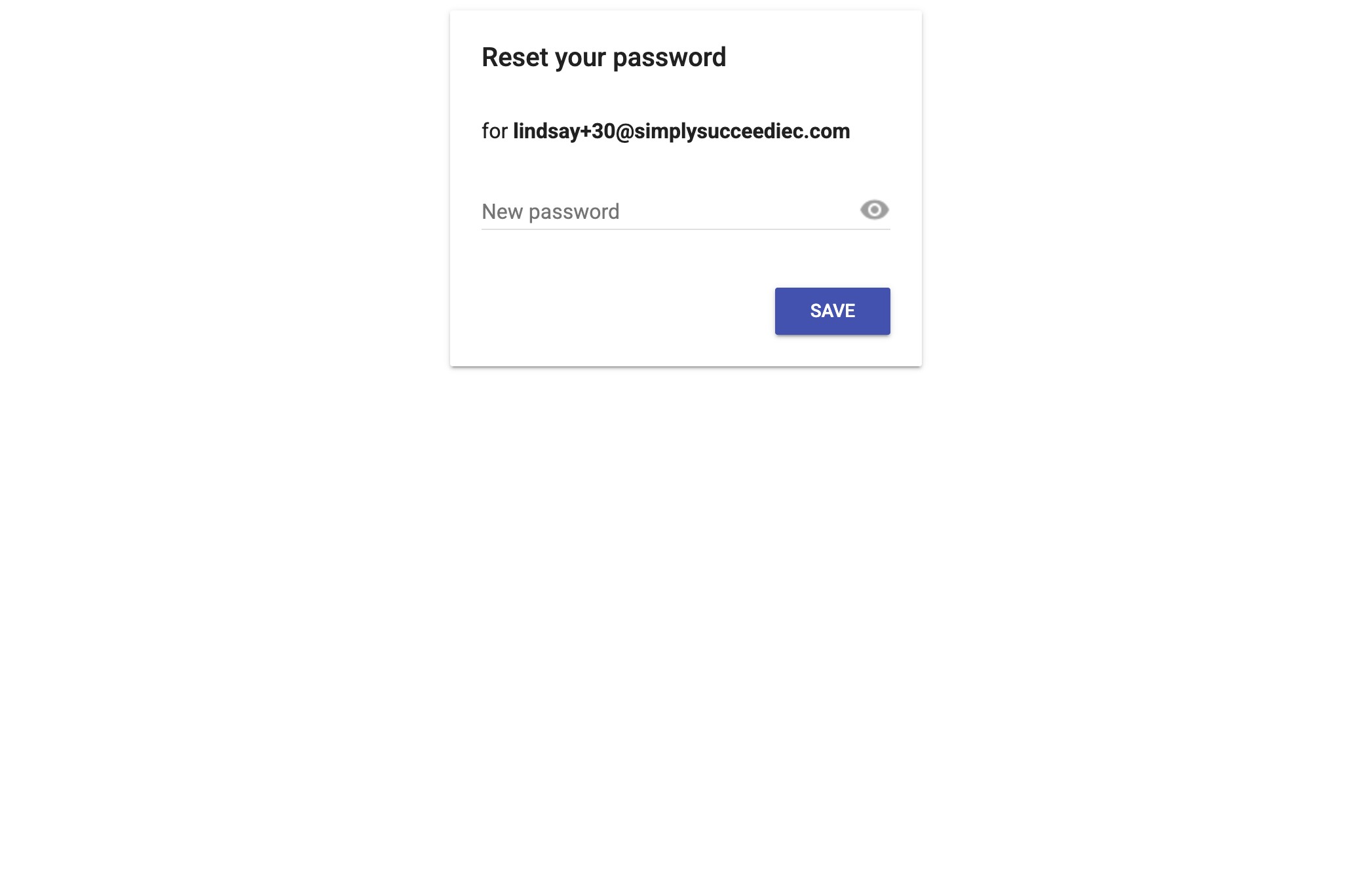
Add in your new password and press Save.
7
Done 🚀