
Revoking a Contract
This guide explains how to revoke a contract or other documents within Achieve.
May 06, 2026●
1
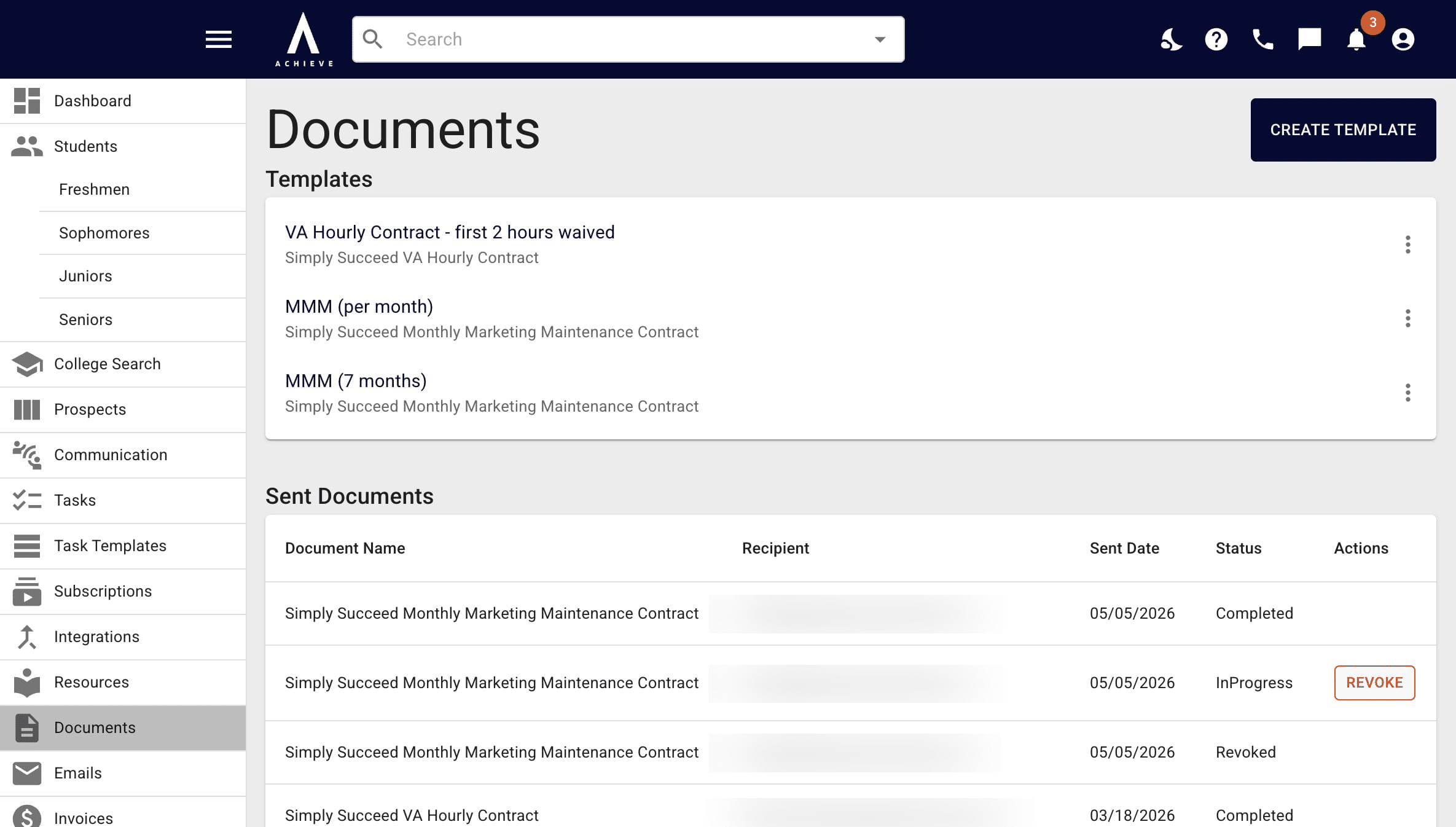
Navigate to https://app.achieveiec.com/documents
2
Click on Revoke to the right of the document. You and the recipient will then be notified that the document's been revoked.
3
Done 🚀