
Setting Up BoldSign Integration
A concise guide to integrating BoldSign with Achieve.
May 09, 2026●
1
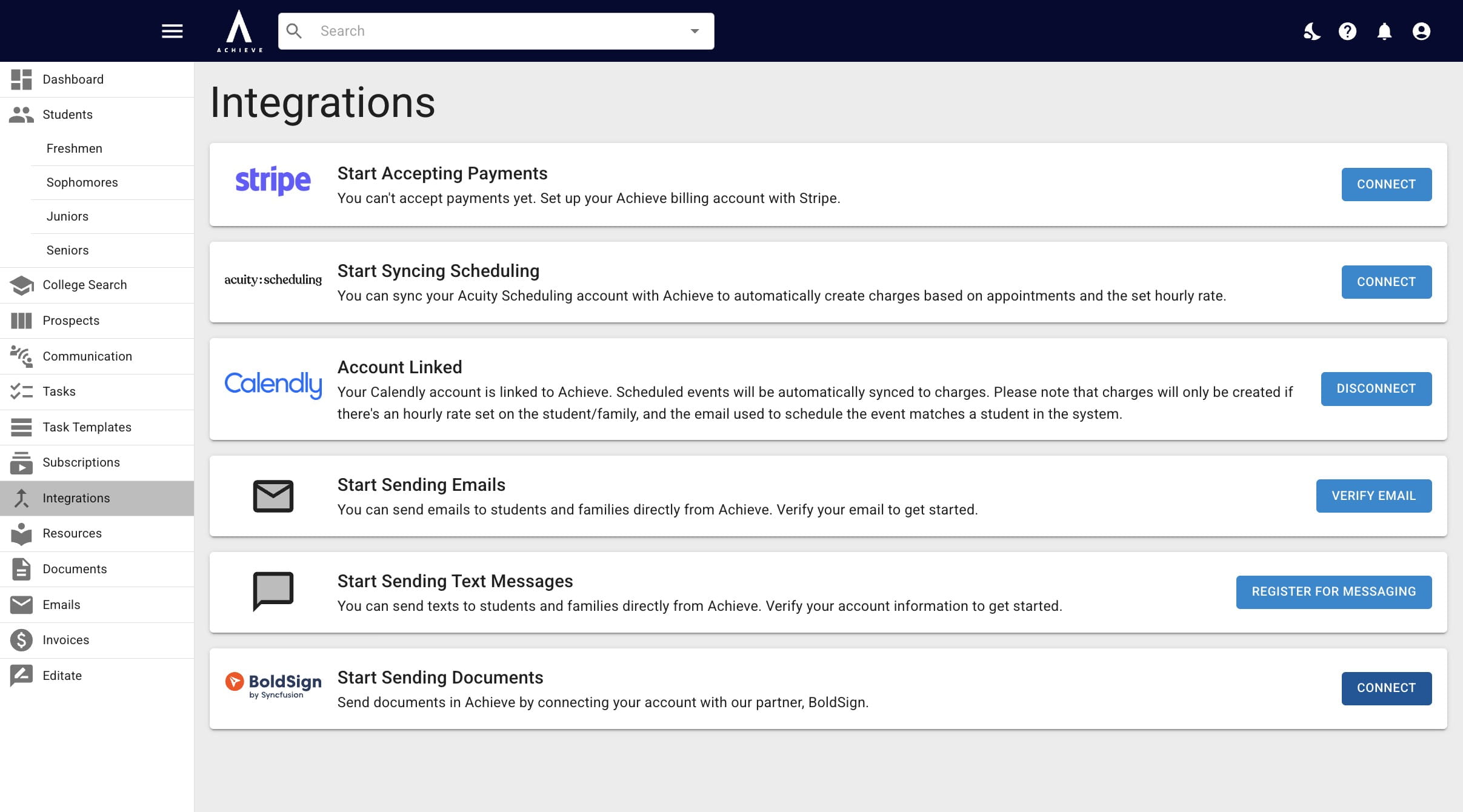
Navigate to https://app.achieveiec.com/integrations
2
Click on Connect to the right of BoldSign.
3
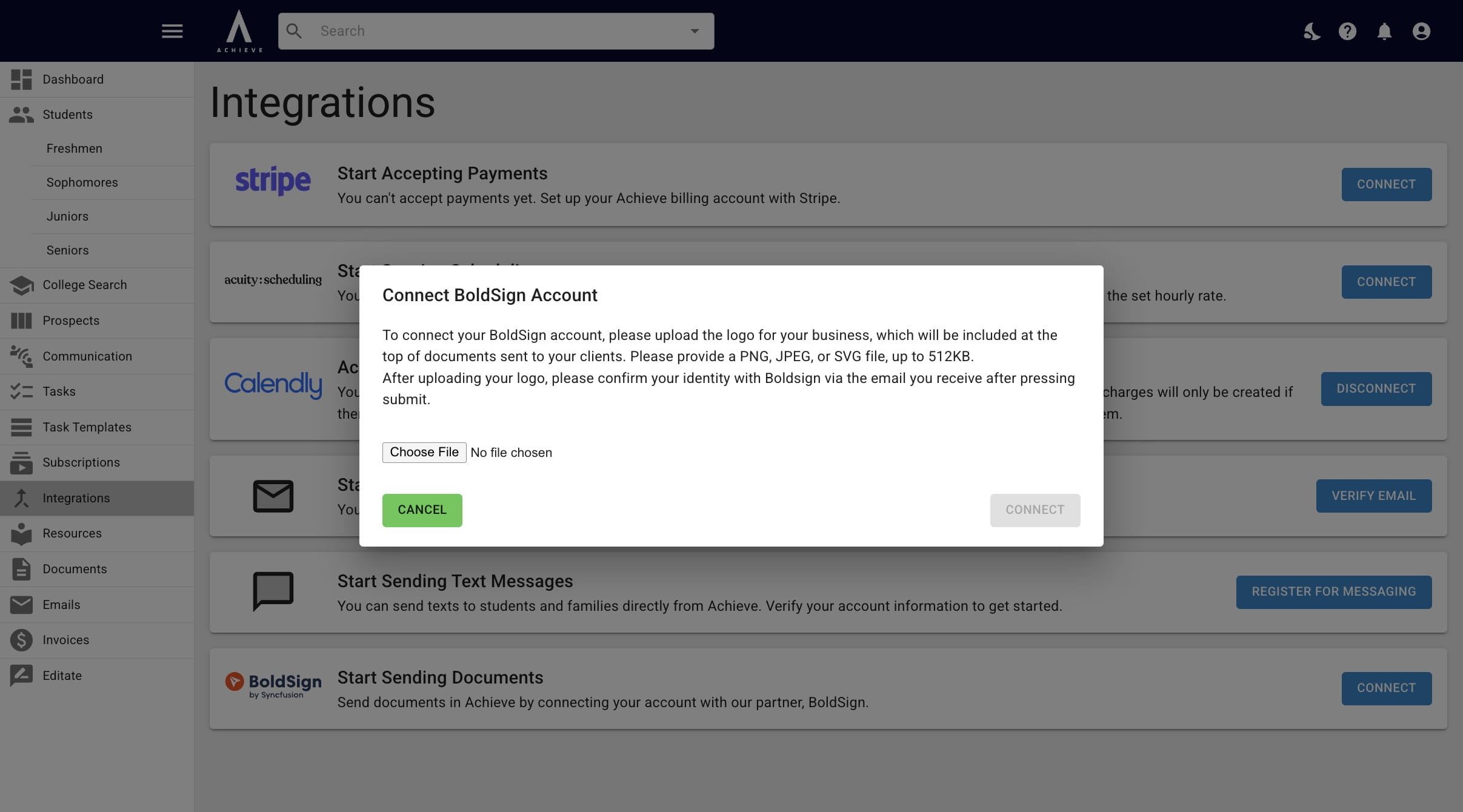
Click Choose File to upload the logo you want connected to the documents you send through Achieve.
4
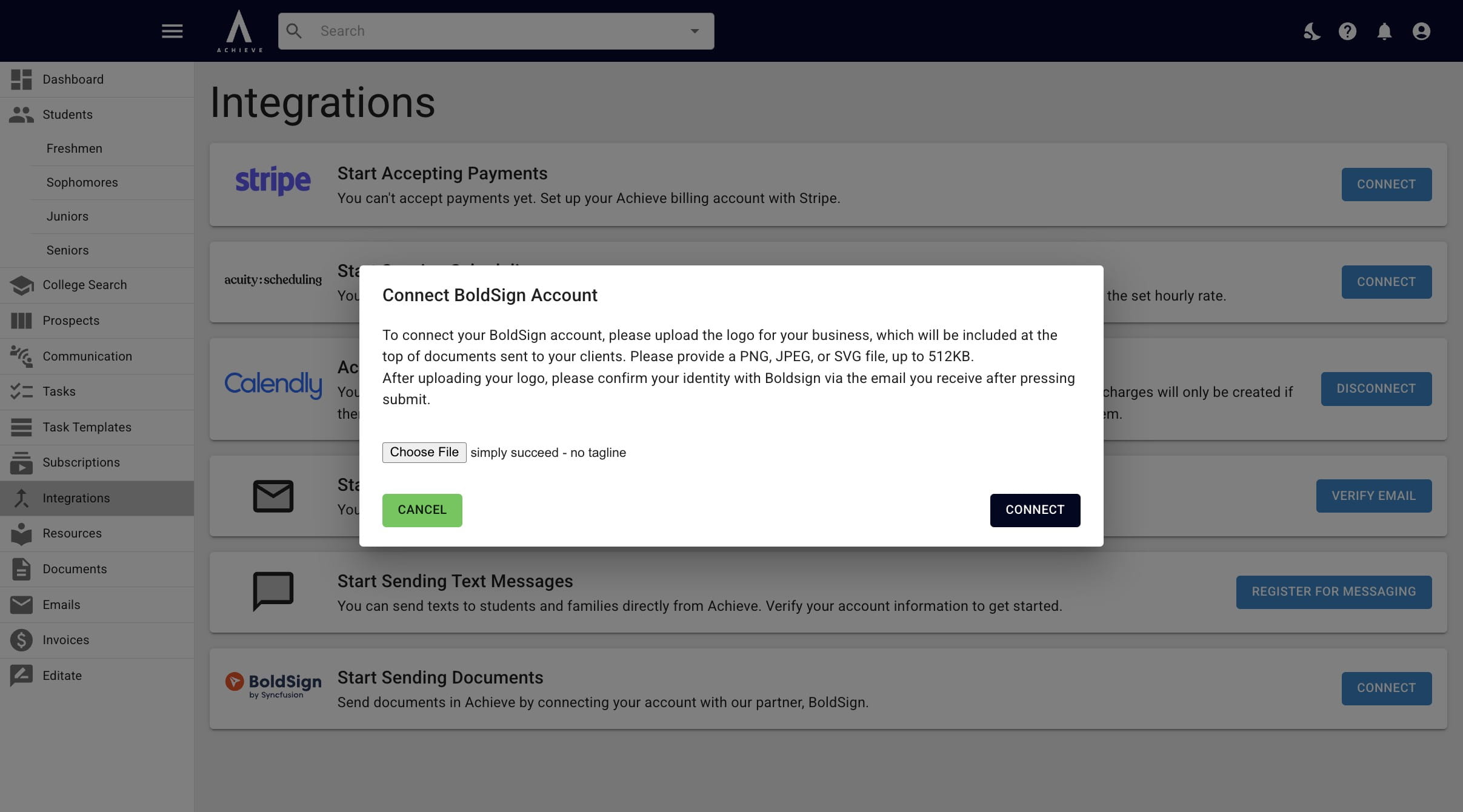
Once it's uploaded, click on Connect.
5
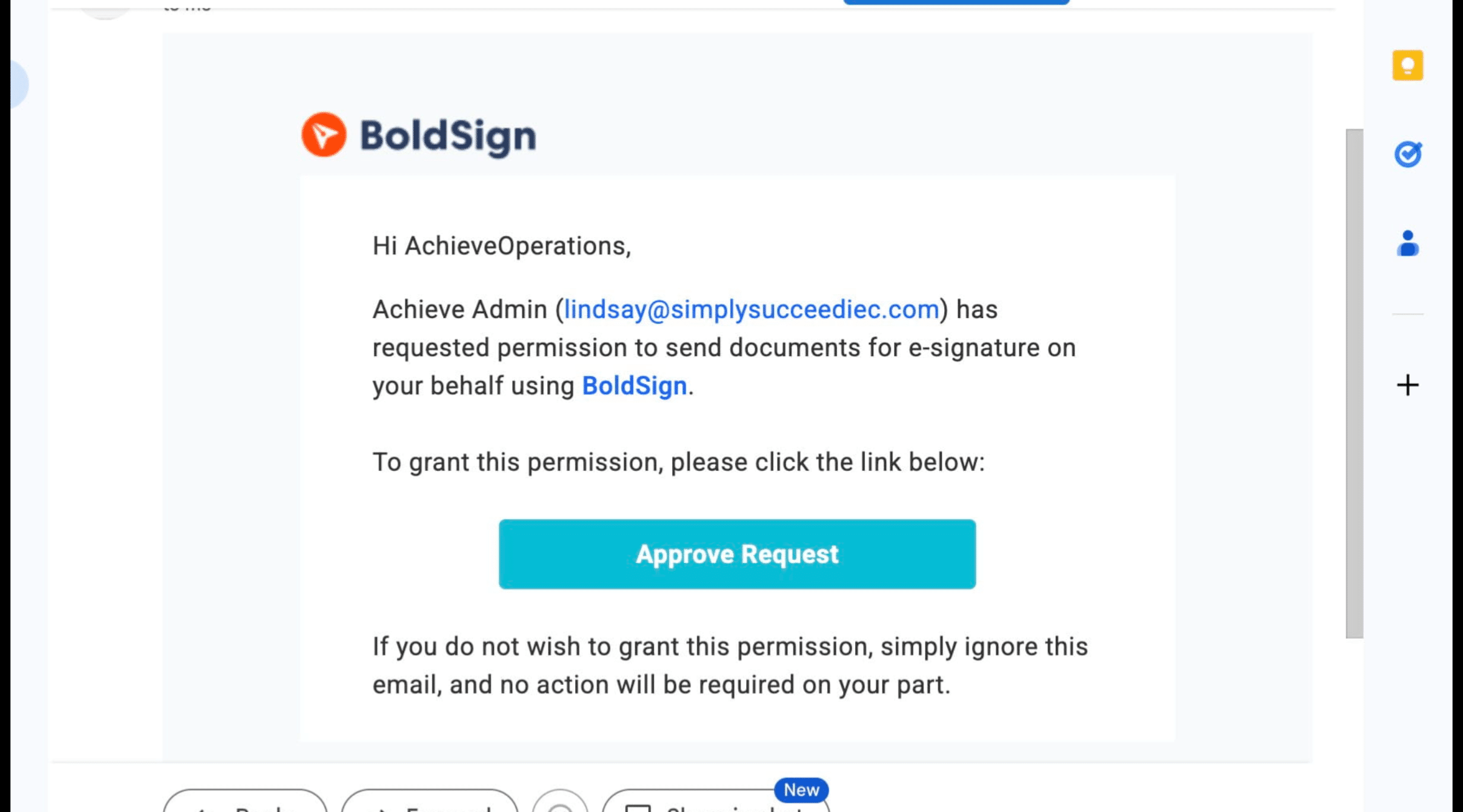
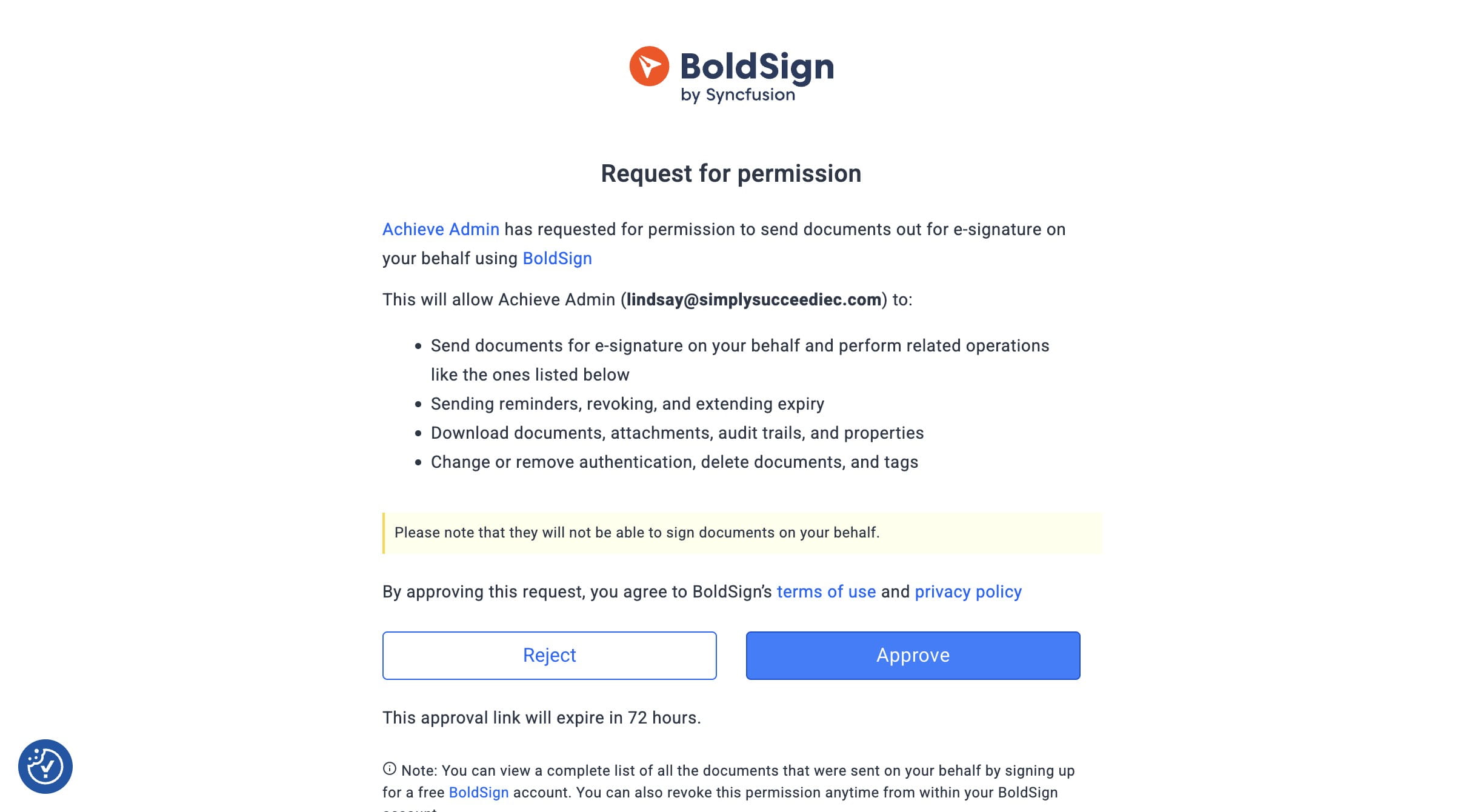
You will then receive an email like the one below. Click Approve Request to finish the verification process.
6
Click on Approve.
7
Done 🚀