
Setting Up Stripe Integration
A concise guide to connecting Stripe with Achieve.
May 09, 2026●
1
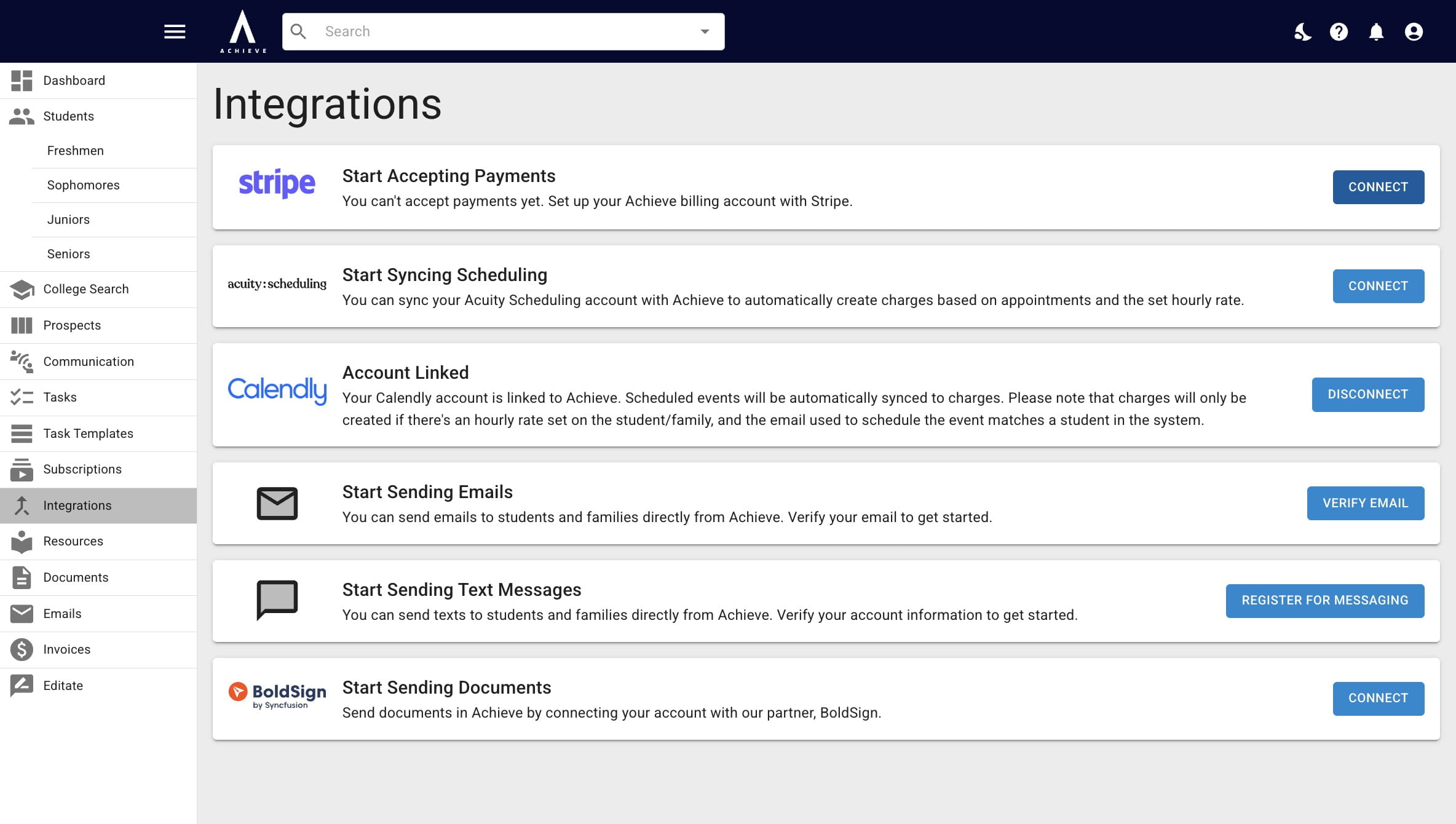
Navigate to https://app.achieveiec.com/integrations
2
Click on Connect to the right of Stripe.
3
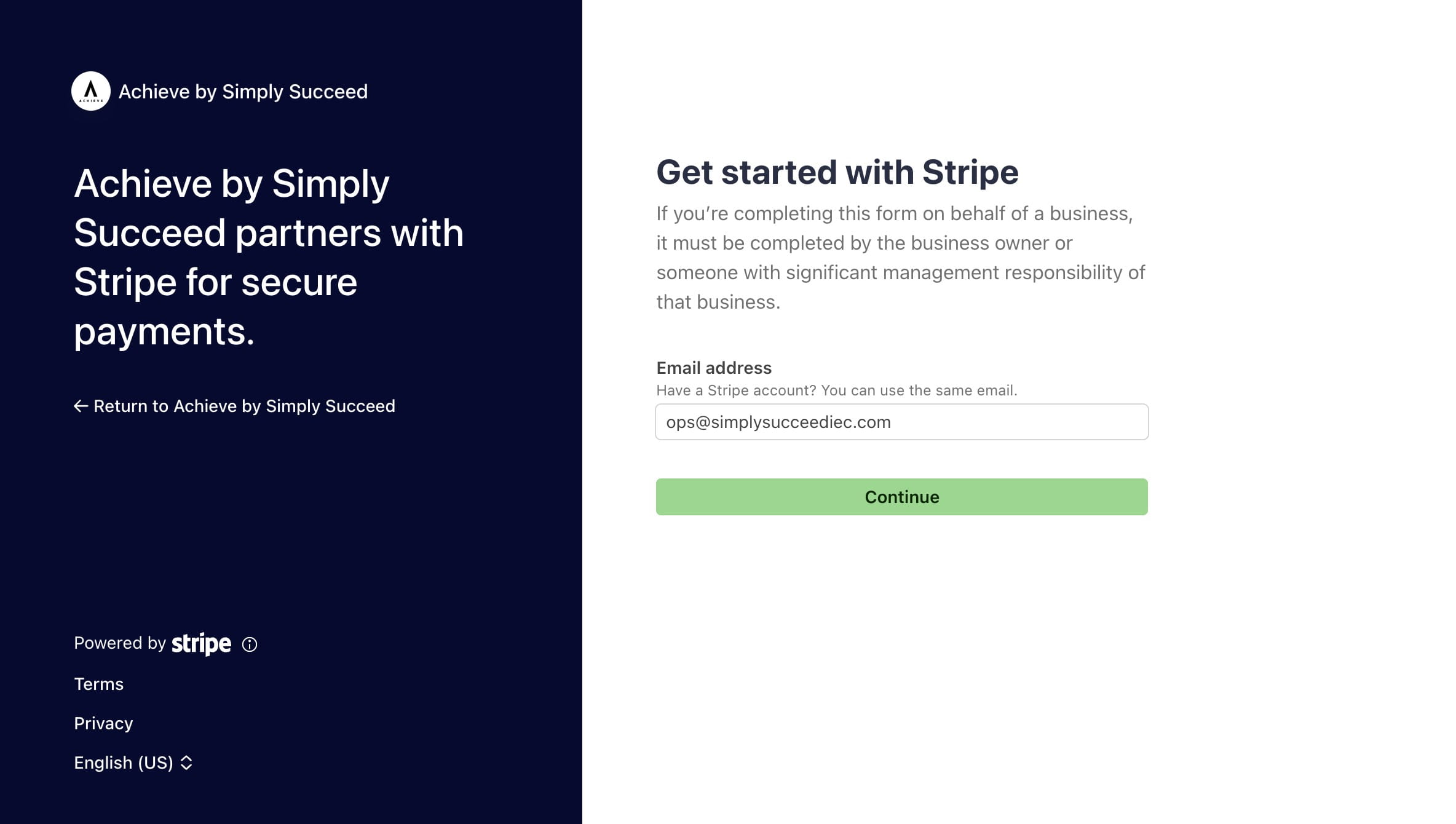
Add in your email and press Continue. If you have an existing Stripe account you would like to use with Achieve, add in that email here (even if it's not the email connected to your Achieve account).
4
Follow the prompts until it brings you back to Achieve. It may take 1-2 business days for Stripe & Achieve to fully connect, especially if you're creating a new Stripe account.
We can customize your Stripe checkout link for you! All you need to do is send your CSM your brand colors & logo.
5
Done 🚀