

Using Achieve College Essay Theme Planner
Create and export a personalized theme map and brainstorming guide for multiple college applications using student activities and notes.
Add in the student's name & your name the way you'd like me to appear on the final reports
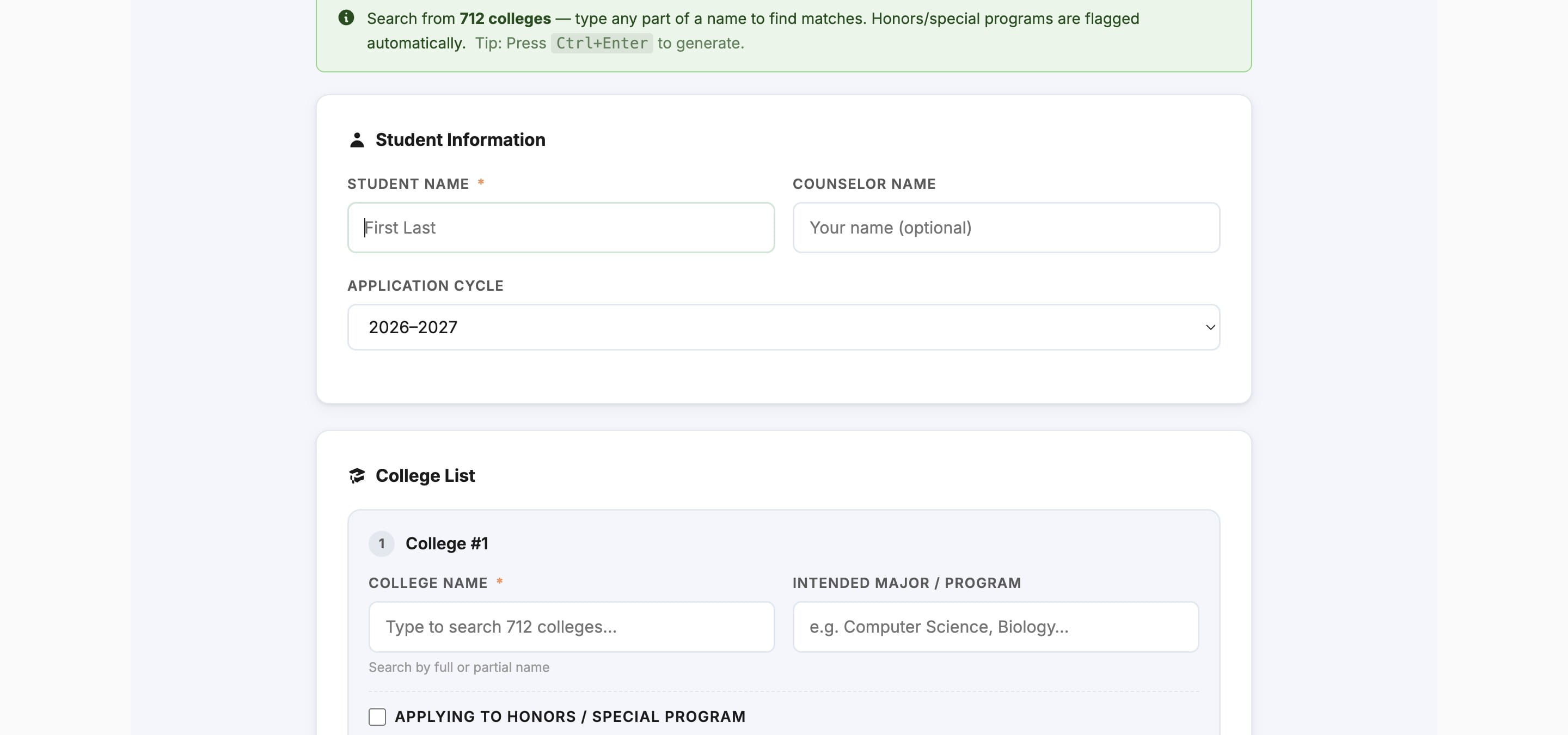
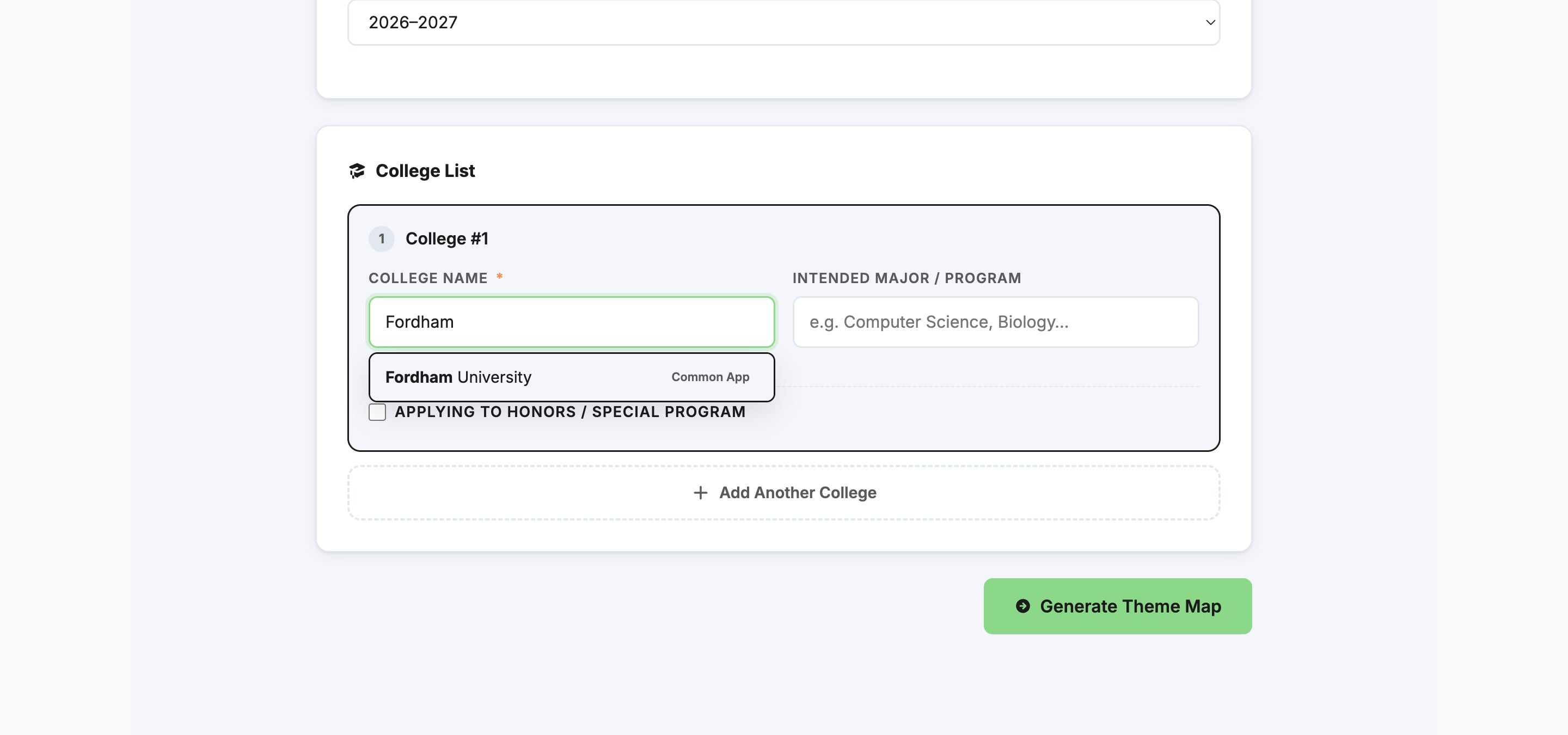
Add the student's college(s)
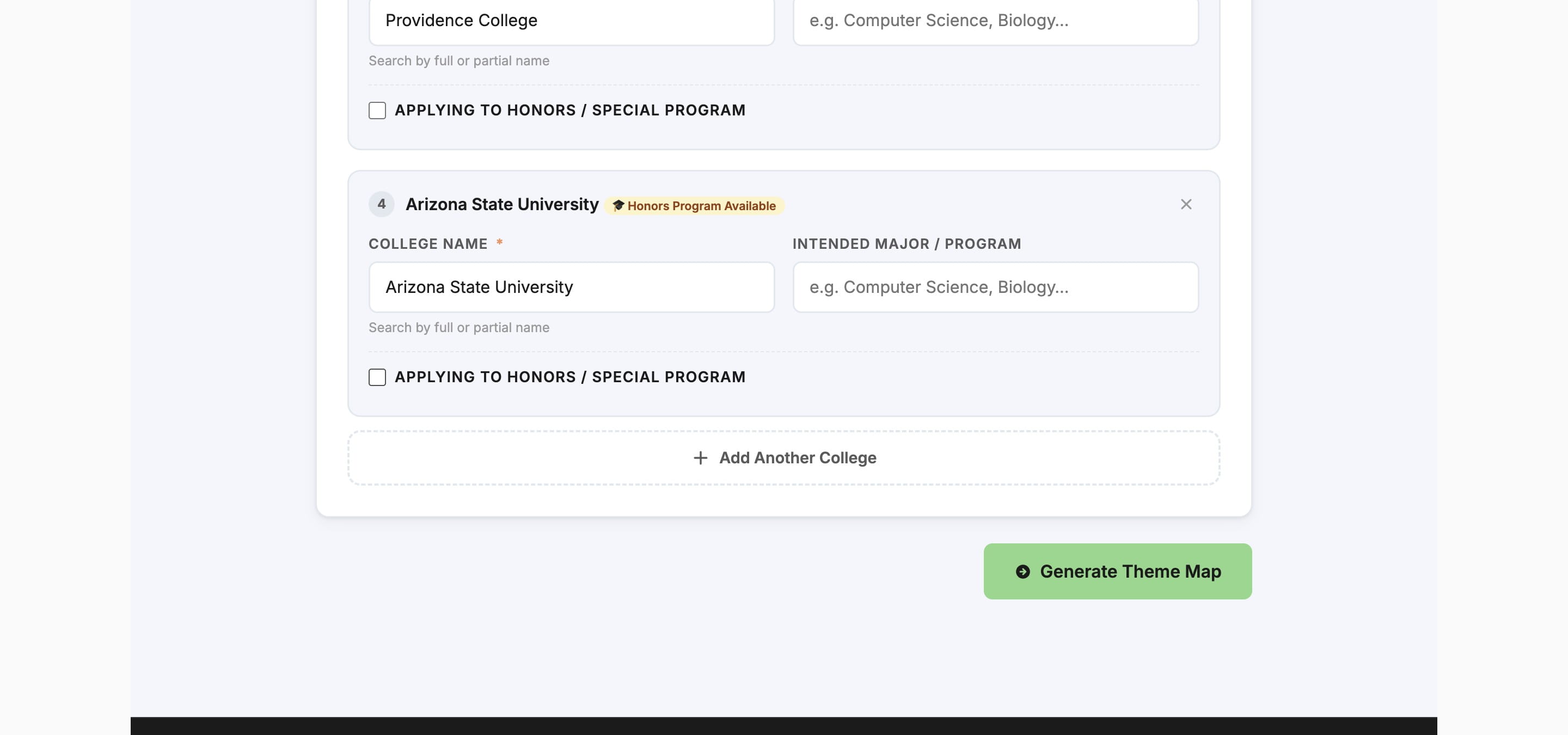
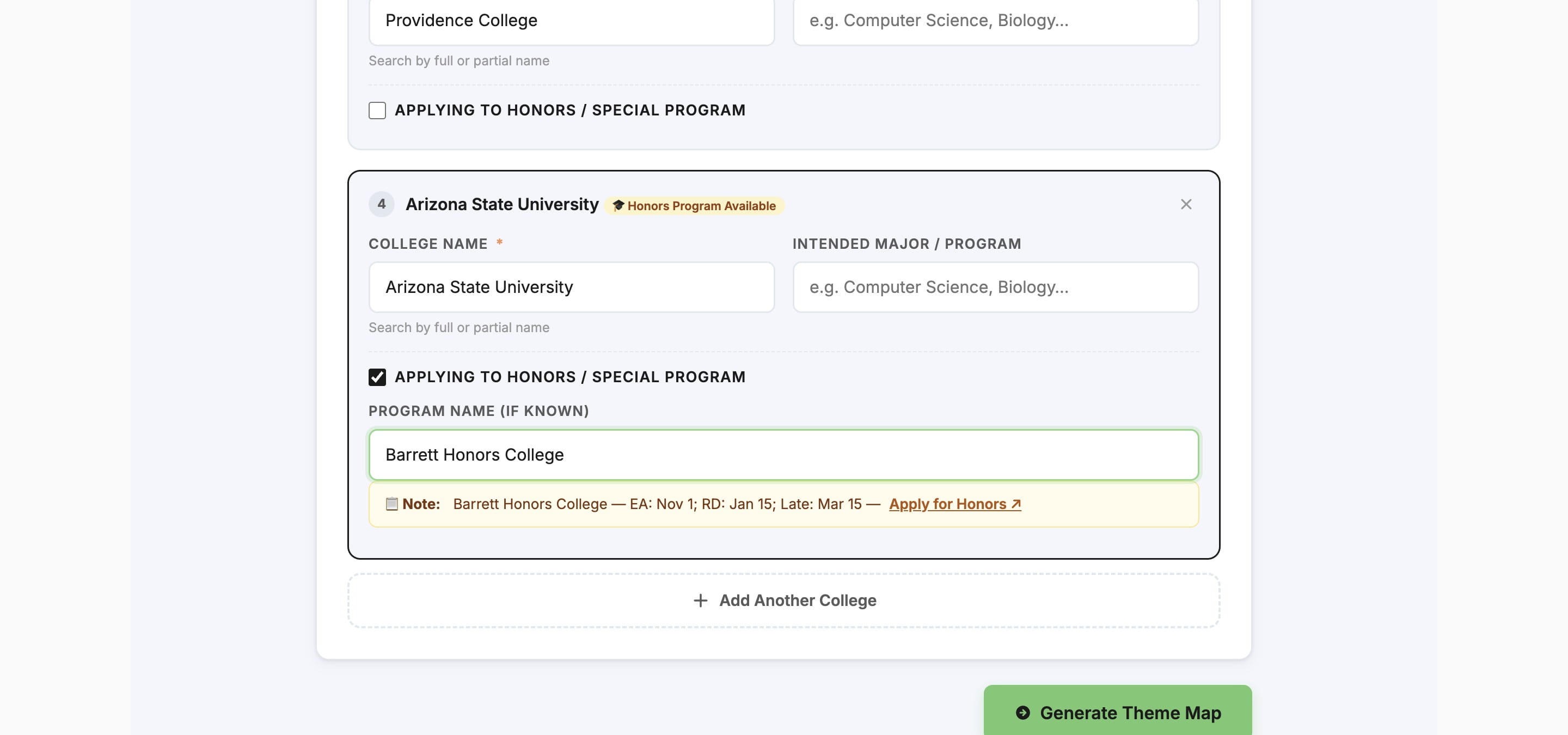
If applicable, click on Applying to Honors / Special Program
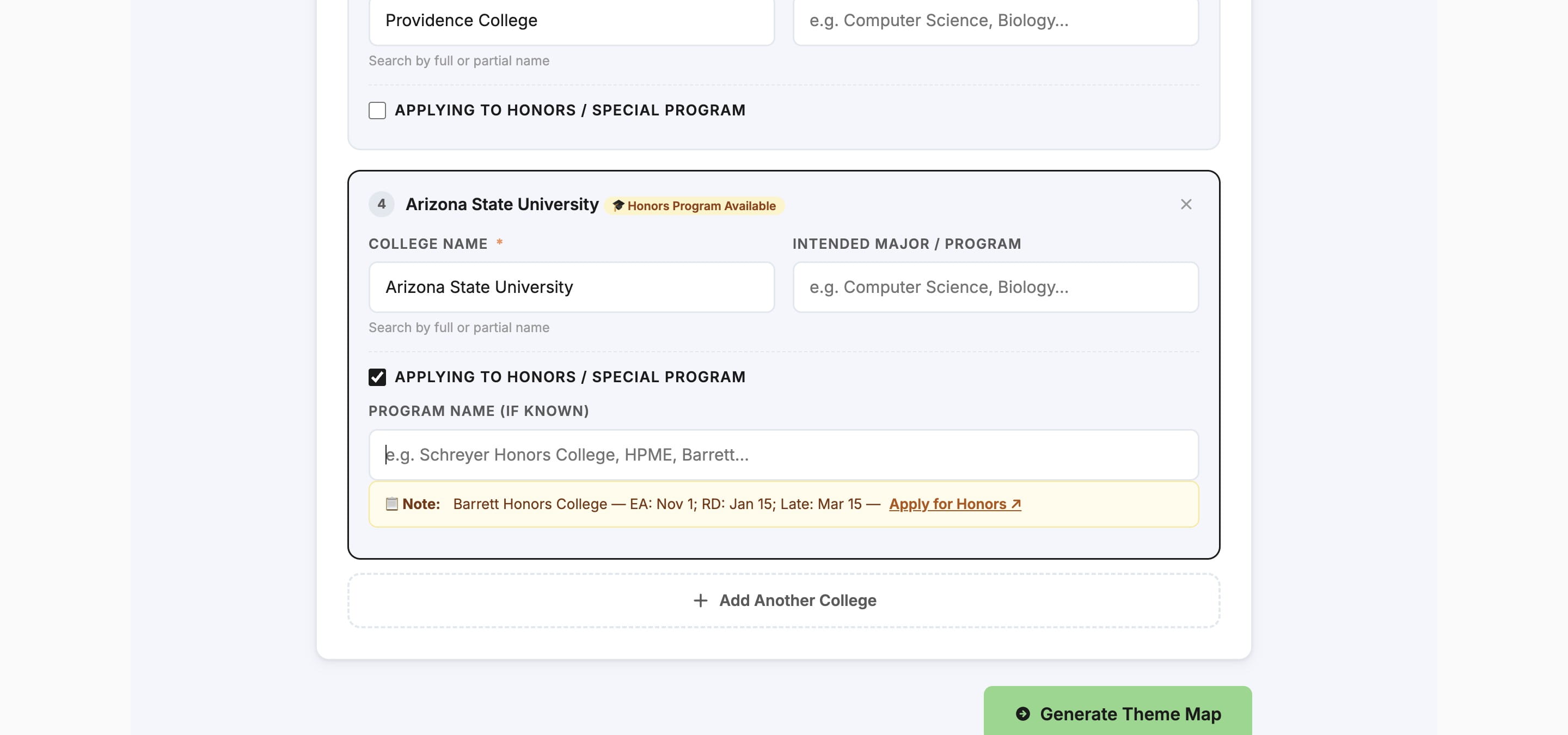
Type in the applicable program name(s)
When you've added all the student's colleges & programs, click Generate Theme Map
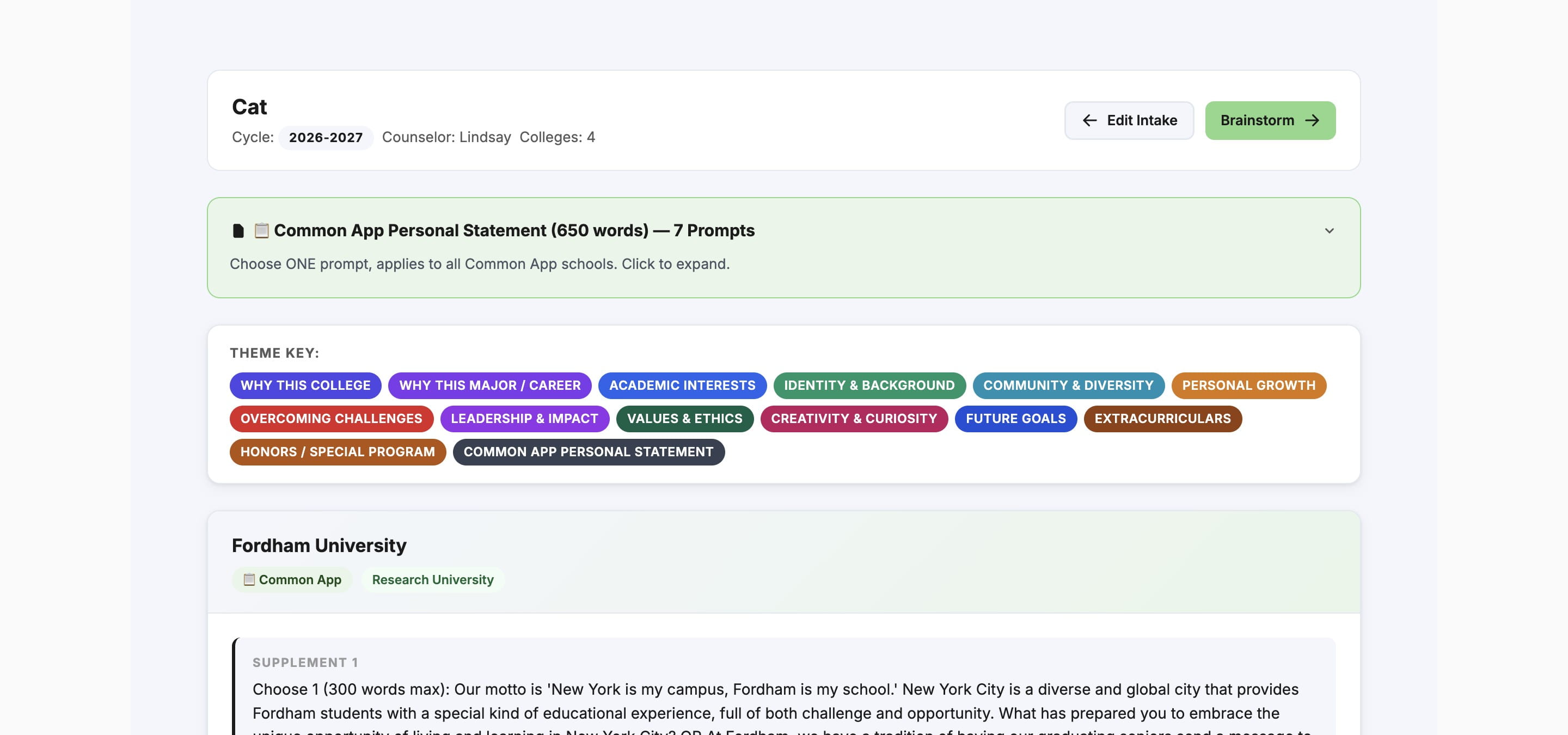
This will take you to all of the applicable prompts, with the applicable theme(s) listed for each prompt
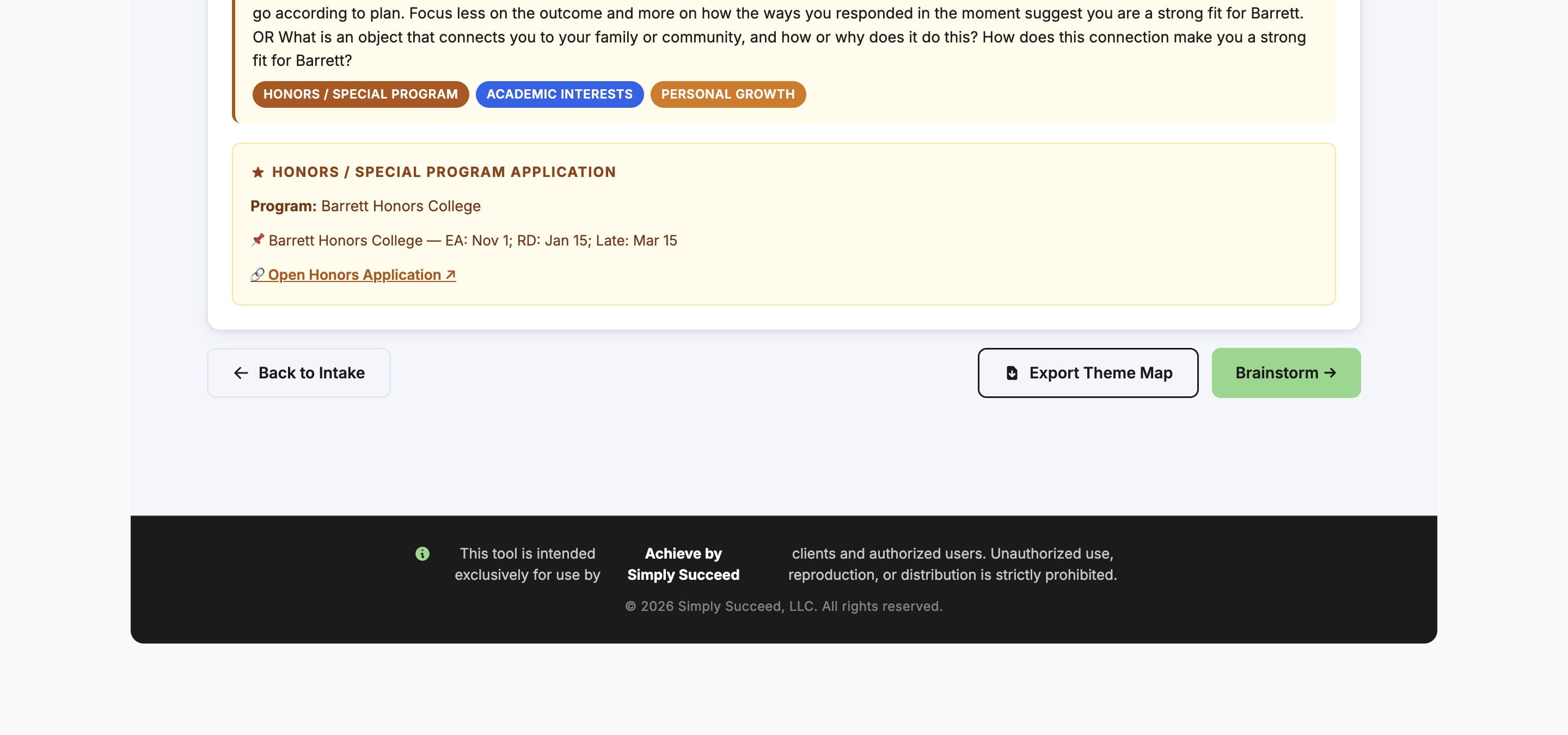
To export this information into a PDF, click Export Theme Map
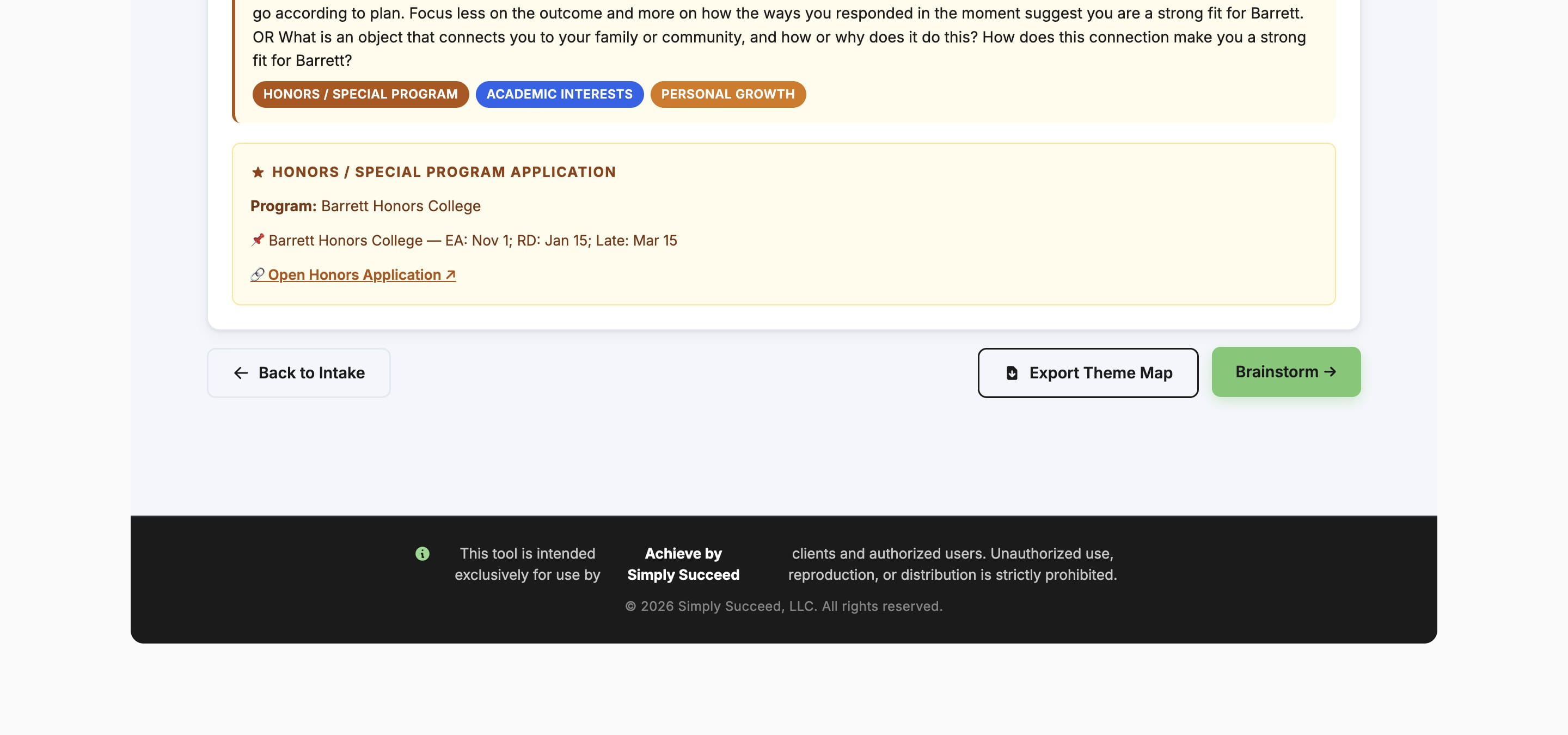
To continue brainstorming for this particular student, click Brainstorm
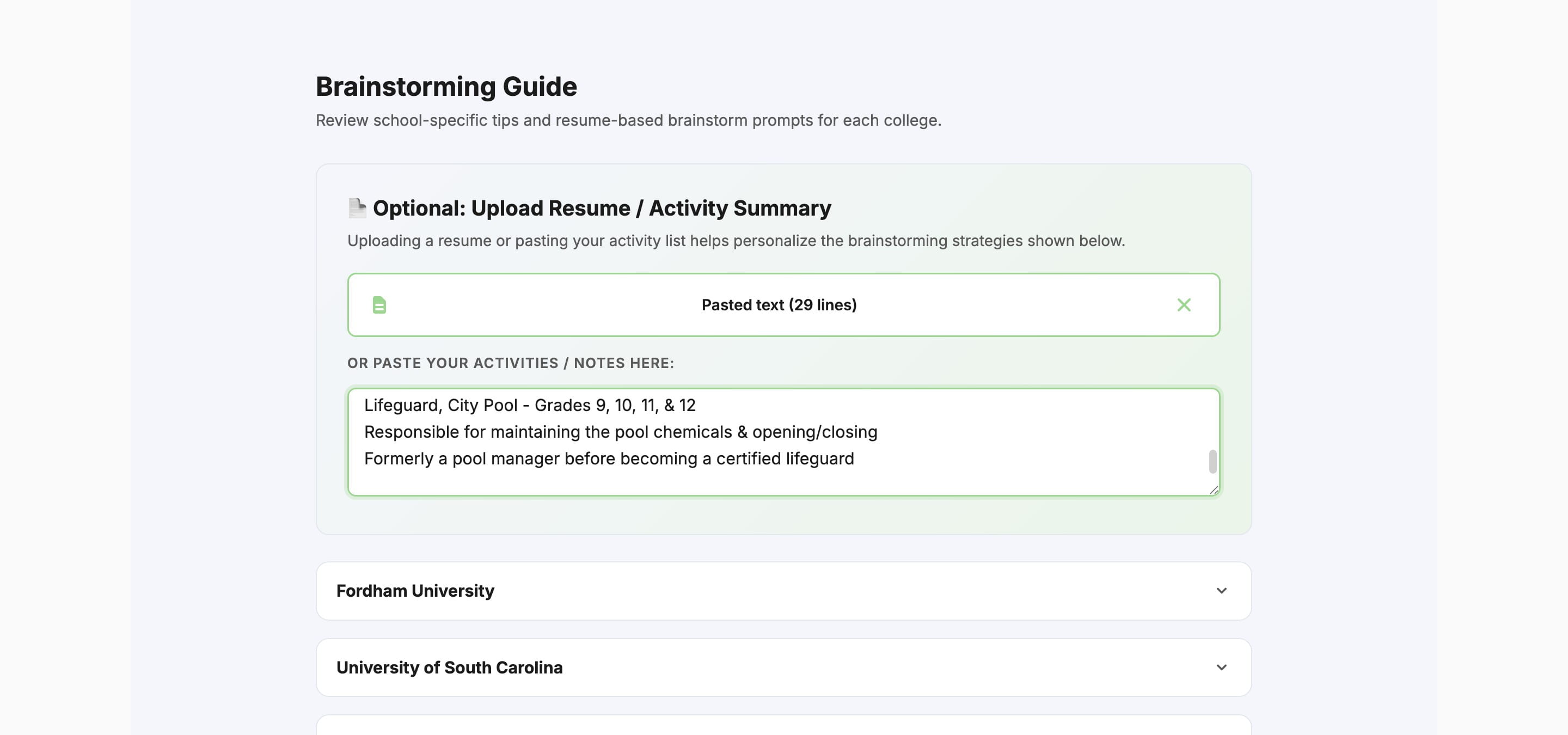
Upload or copy & paste the student's resume, activities, or any other applicable context
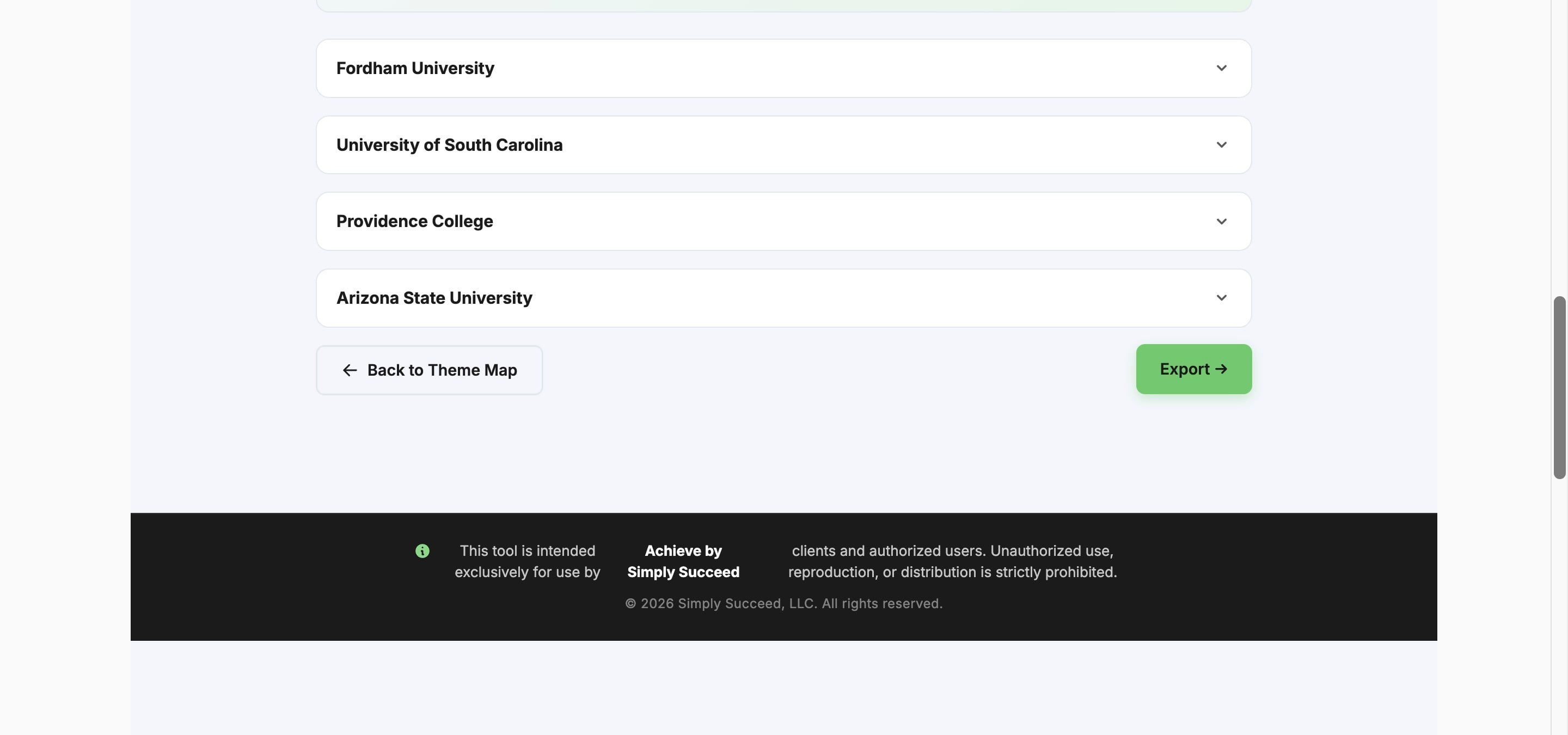
Click Export
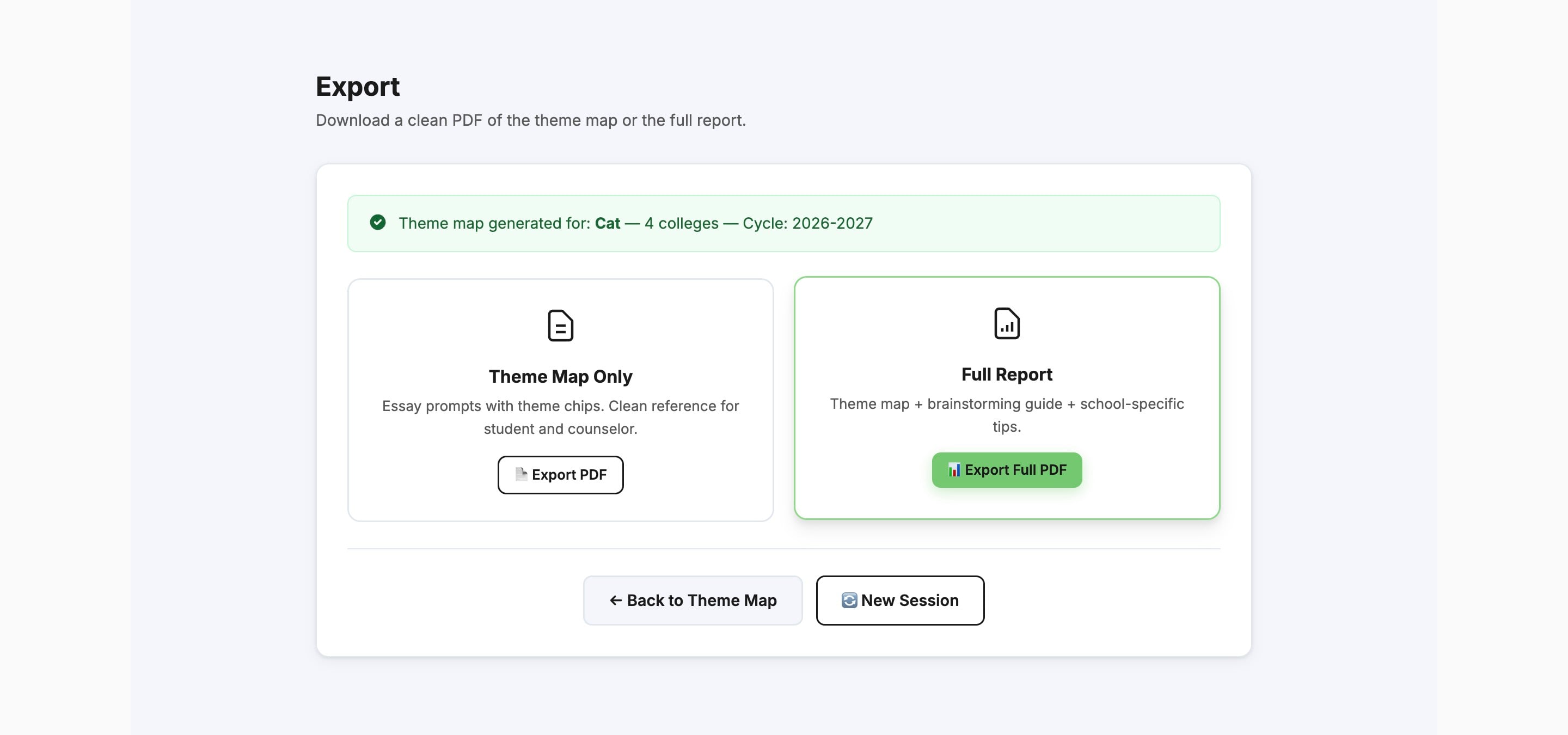
Click Export Full PDF
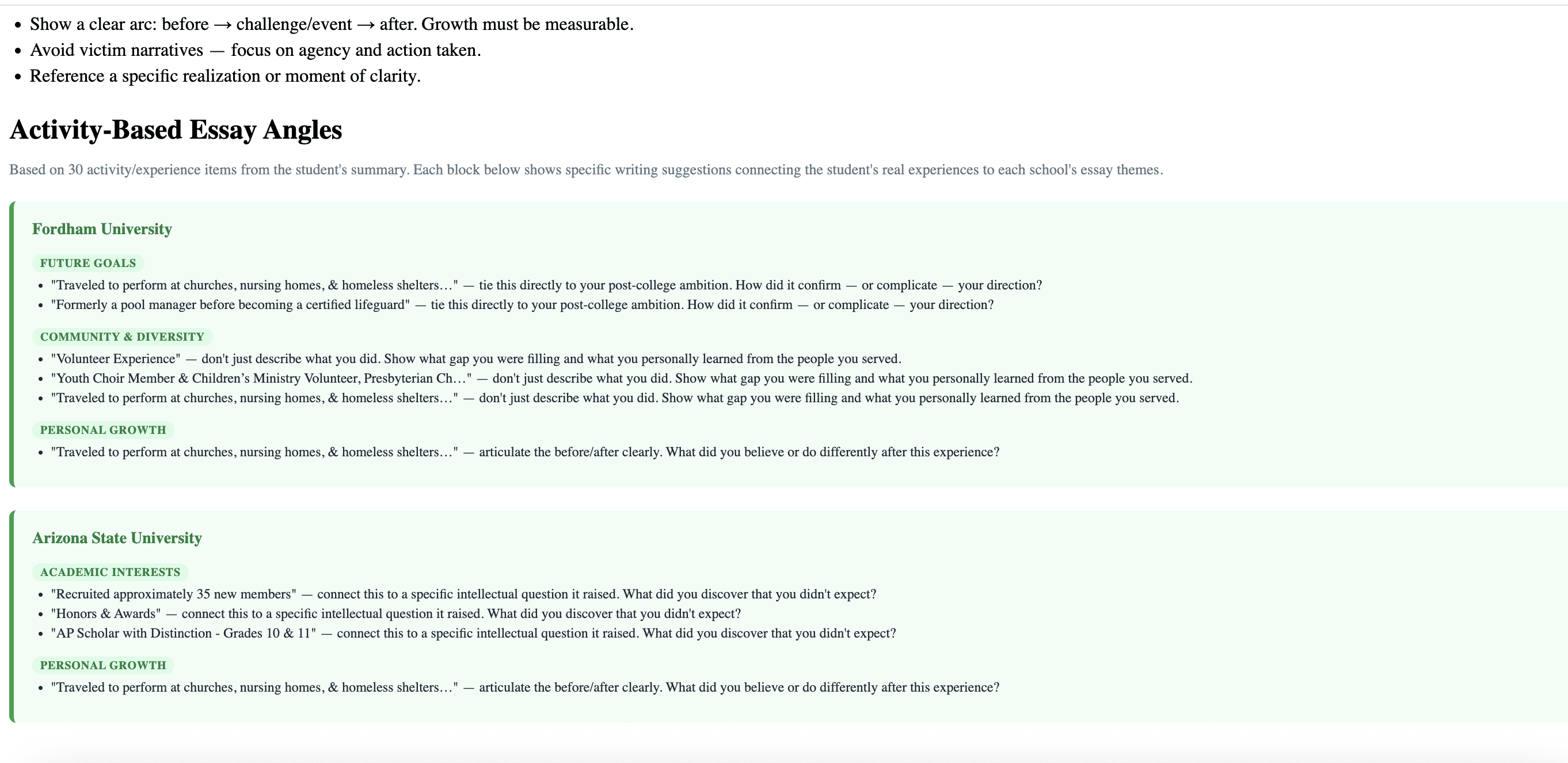
You will then see the Theme Map and a brainstorming guide connecting the specific student's activities/background to the specific school's prompt
Done 🚀