
Task Section Overview
This guide shows how to utilize the Task section of Achieve.
May 05, 2026●
1
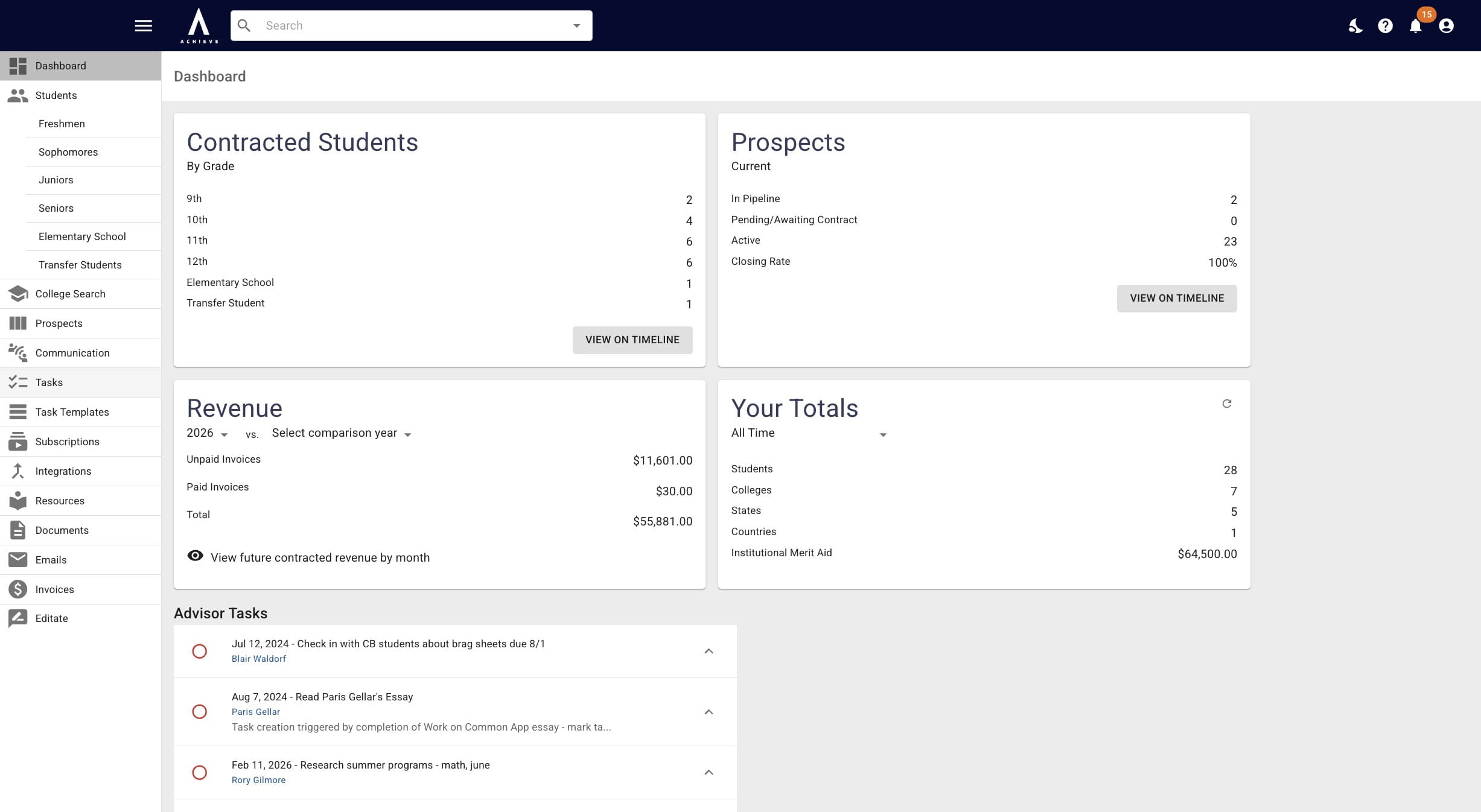
Navigate to https://app.achieveiec.com/tasks
2
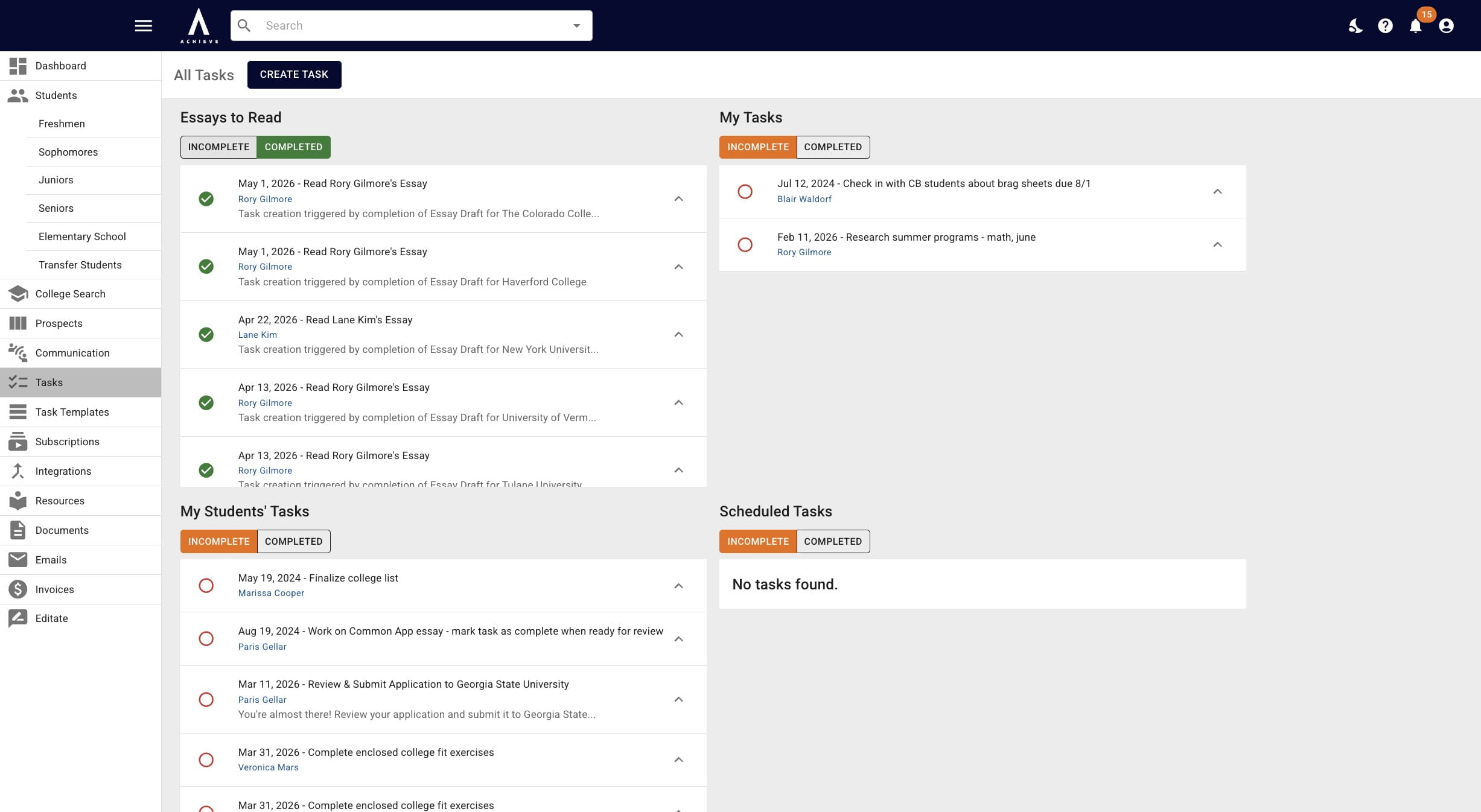
There you'll see 4 different sections. Click here to learn more about how the Essays to Read Queue works.
 to learn more about how the Essays to Read Queue works.](https://assets.guidejar.com/uploads/9b7a814c-4fd1-4bd2-abb9-046fa2d8f5b6/pCjSrW6u3CRcEKYWdNFi0r5jIXy2/ba1f38b6-bc88-447c-a839-26501162aec3/1778016283726.jpeg)
3
Within each of these sections you can click on the Completed heading to view all completed tasks within that category.
4
You can also click on the student's name within each task to bring up the student's Achieve profile.
0:00 / 0:04
5
Done 🚀